36 Print quality calibration
Print quality calibration steps
[1]
Turn the printer ON and load a roll media.
"Loading a roll media" P. 22
[2]
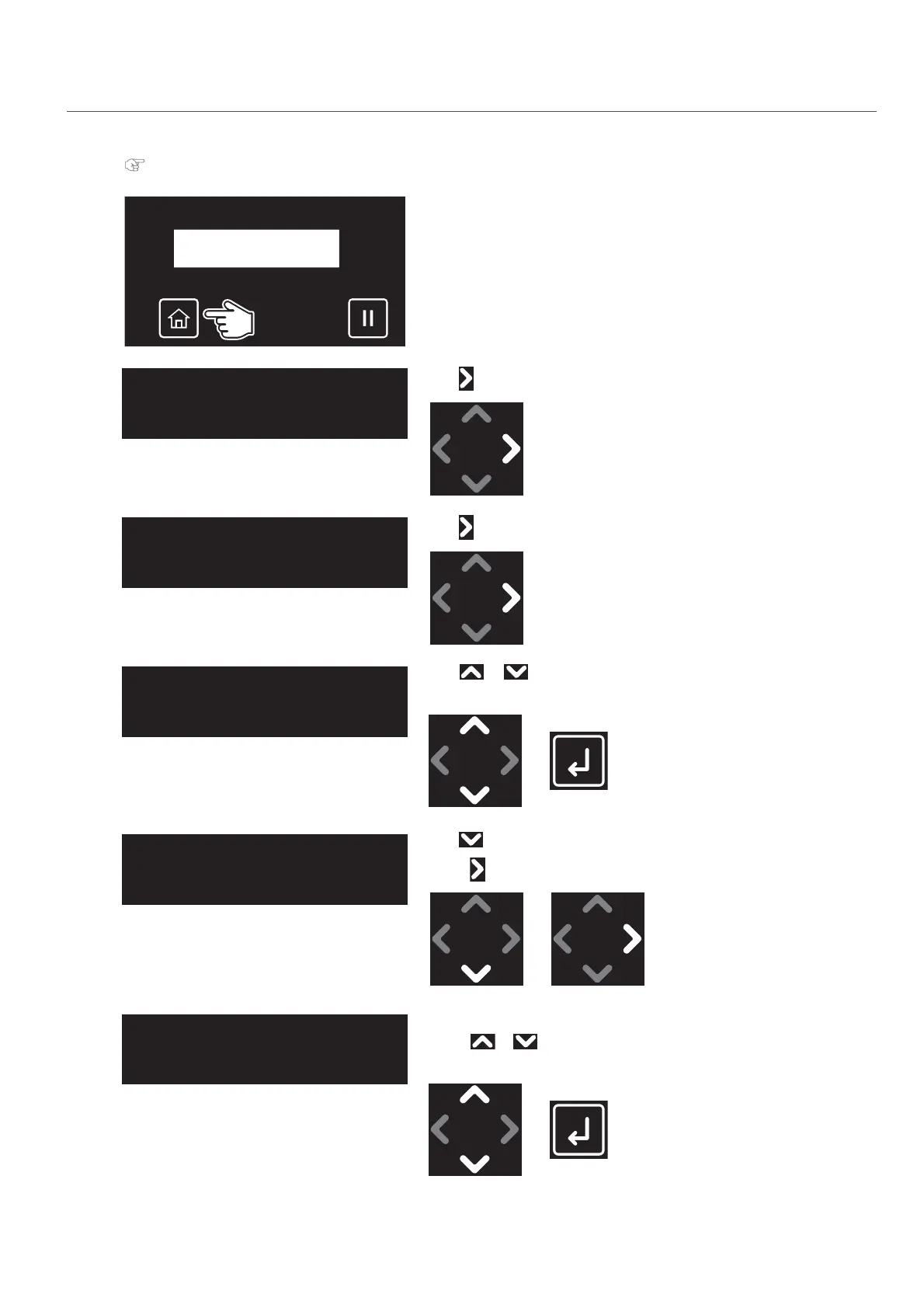
Tap [Home].
[3]
Tap .
[4]
Tap .
[5]
Use or to choose the user type you want to use.
•Tap [Enter].
[6]
Tap until the menu on the left appears.
•Tap .
[7]
Enter the thickness of the media.
• Use or to specify the thickness.
•Tap [Enter].
Thickness:
(80 - 2800) 170 μm



 To Next Page