46 Cutting media
Cutting media
[1]
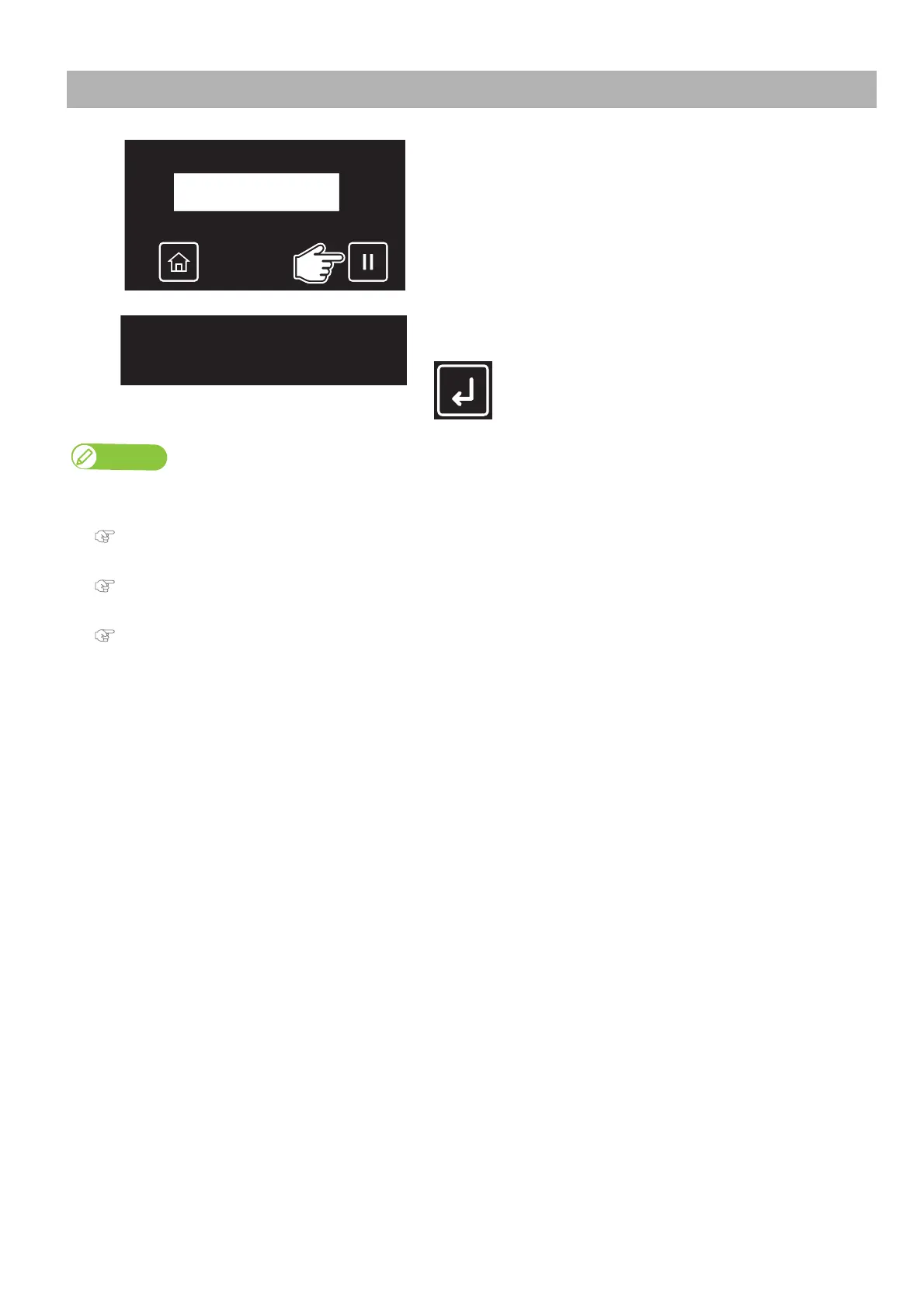
Check that the job has been printed.
•Tap [Cancel].
[2]
Tap [Enter].
• The printer will advance the media for the bottom margin and will cut it.
• If the front edge of a new roll media is not straight, cut it before printing.
• When the media detection is set to “Off”, the printer does not cut the media automatically.
"Setup 4: Media Initial" P. 77
• When the Output mode menu is set to “Auto Cut”, the printer cuts the media automatically after printing.
"Setup 6: Output Mode" P. 78
• The cutter blade is consumable parts. Replace it when needed.
"Replacing Cutter" P. 132



 To Next Page