128 Cleaning the color sensor
[5]
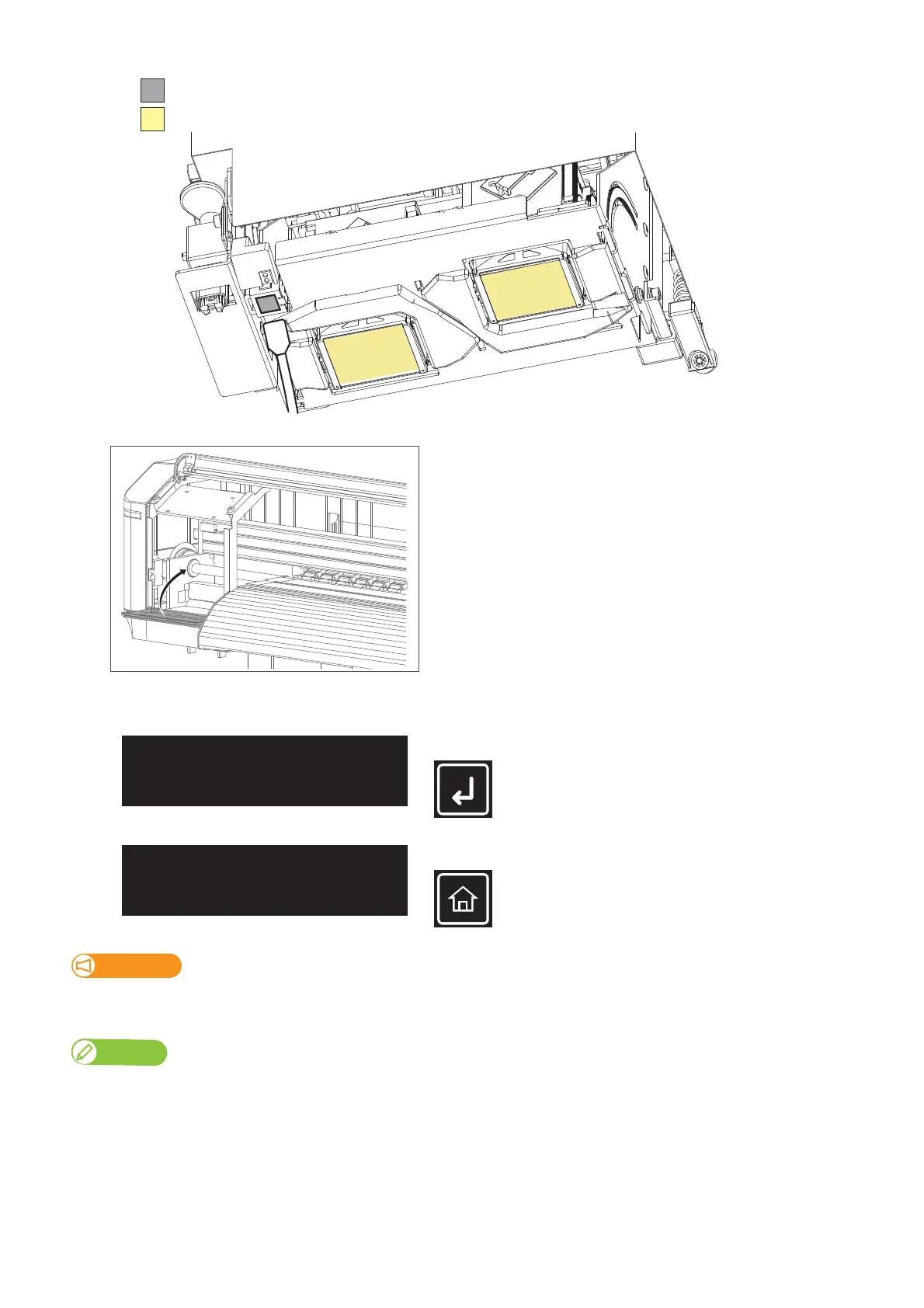
Close the maintenance cover.
[6]
Close the front cover.
[7]
Tap [Enter].
[8]
Tap[Home]toendthecleaningprocess.
Important!
If the problem still persists, contact your local MUTOH dealer or MUTOH customer support.
Used cleaning stick should be put in a plastic bag, etc, and dispose of it in compliance with local ordinance and instructions of local authorities.
XPJ-1682SR
DO NOT touch the surface of a print head (yellow)
(Do not push the glass too hard.)Clean this part
CR Maintenance
End -> Enter
CR Maintenance
Start -> Enter



 To Next Page