Connecting to a Computer 13
[3]
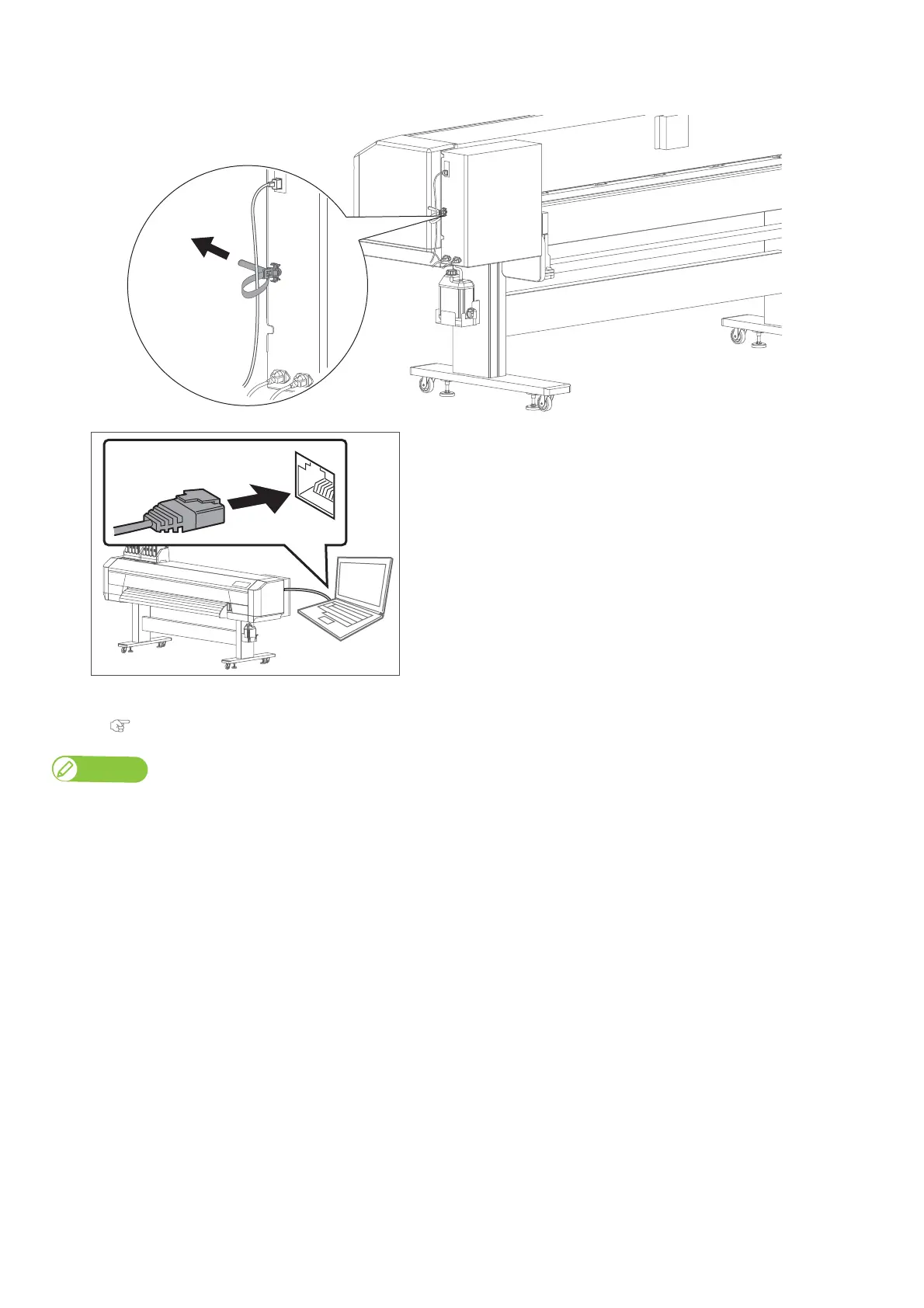
Use the cable tie to secure the Ethernet cable to the printer.
[4]
Connect the Gigabit Ethernet cable to the computer.
[5]
Use the front panel on the printer to assign the IP address, subnet mask and gateway.
"Setup 23: IP Address" P. 89, "Setup 24: Subnet Mask" P. 89, "Setup 25: Gateway" P. 89
Note
• The illustration above shows the peer-to-peer connection between this product and computer.
• If you are using the LAN connection, make sure that your printer and computer are on the same subnet.



 To Next Page