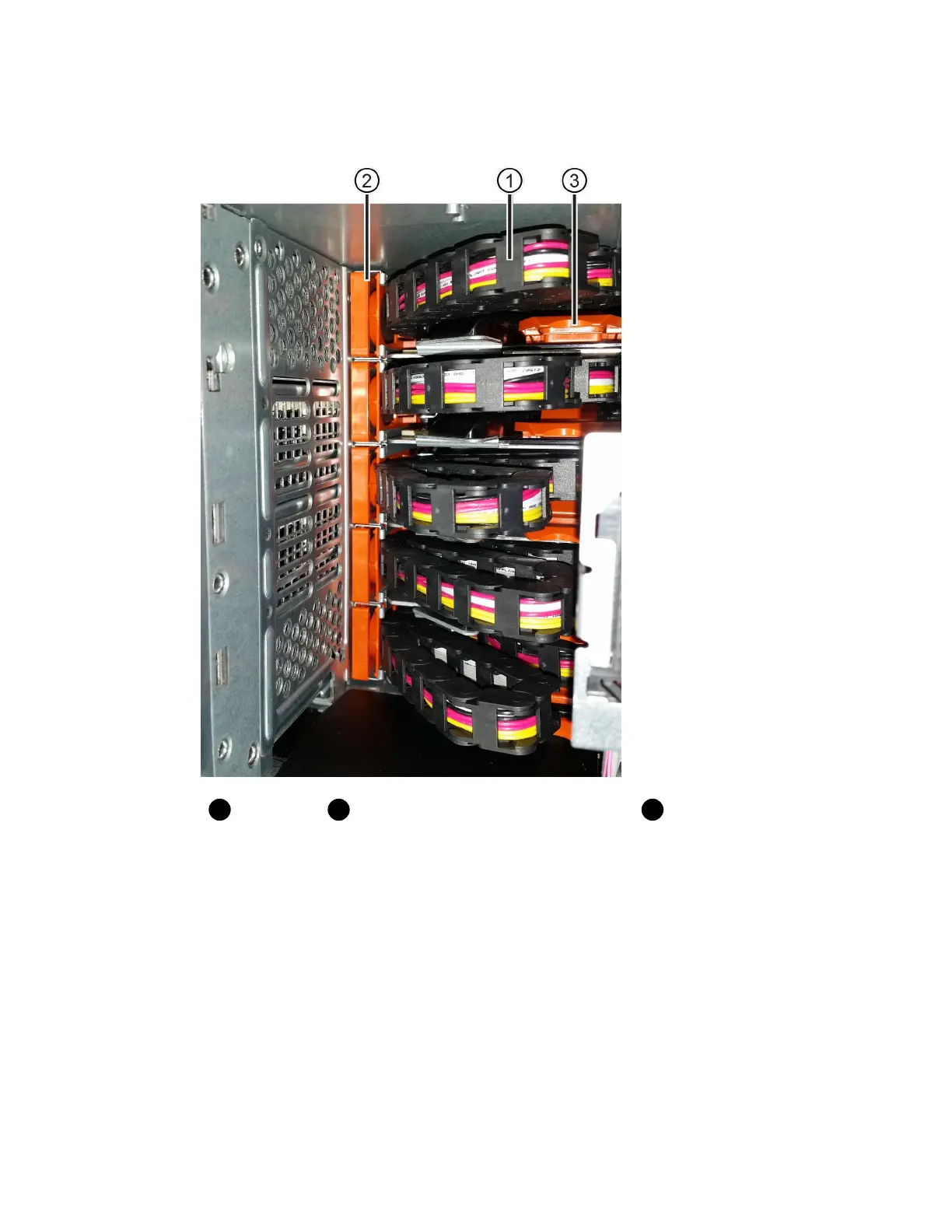
The top cable chain is attached to drive drawer 1. The bottom cable chain is attached to drive
drawer 5. The callouts for drive drawer 1 are provided.
Cable chain
Vertical connector (connected to midplane)
Horizontal connector
(connected to drawer)
3. For easy access, use your finger to move the cable chain on the right side to the left.
4. Disconnect any of the right cable chains from their corresponding vertical guide rail.
a. Using a flashlight, locate the orange ring on the end of the cable chain that is connected to the
vertical guide rail in the enclosure.
68 | Maintaining E5700 Hardware



 To Next Page