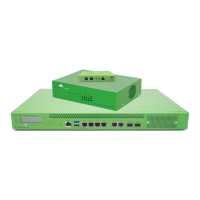
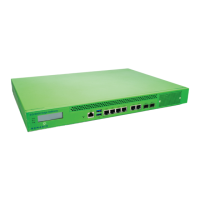
ACCESS GATEWAY
System Administration 97
• Once the LAG is populated all configuration is done to the LAG, not the individual ports. The LAGs
look and behave and are configured exactly like individual WAN and Sub ports.
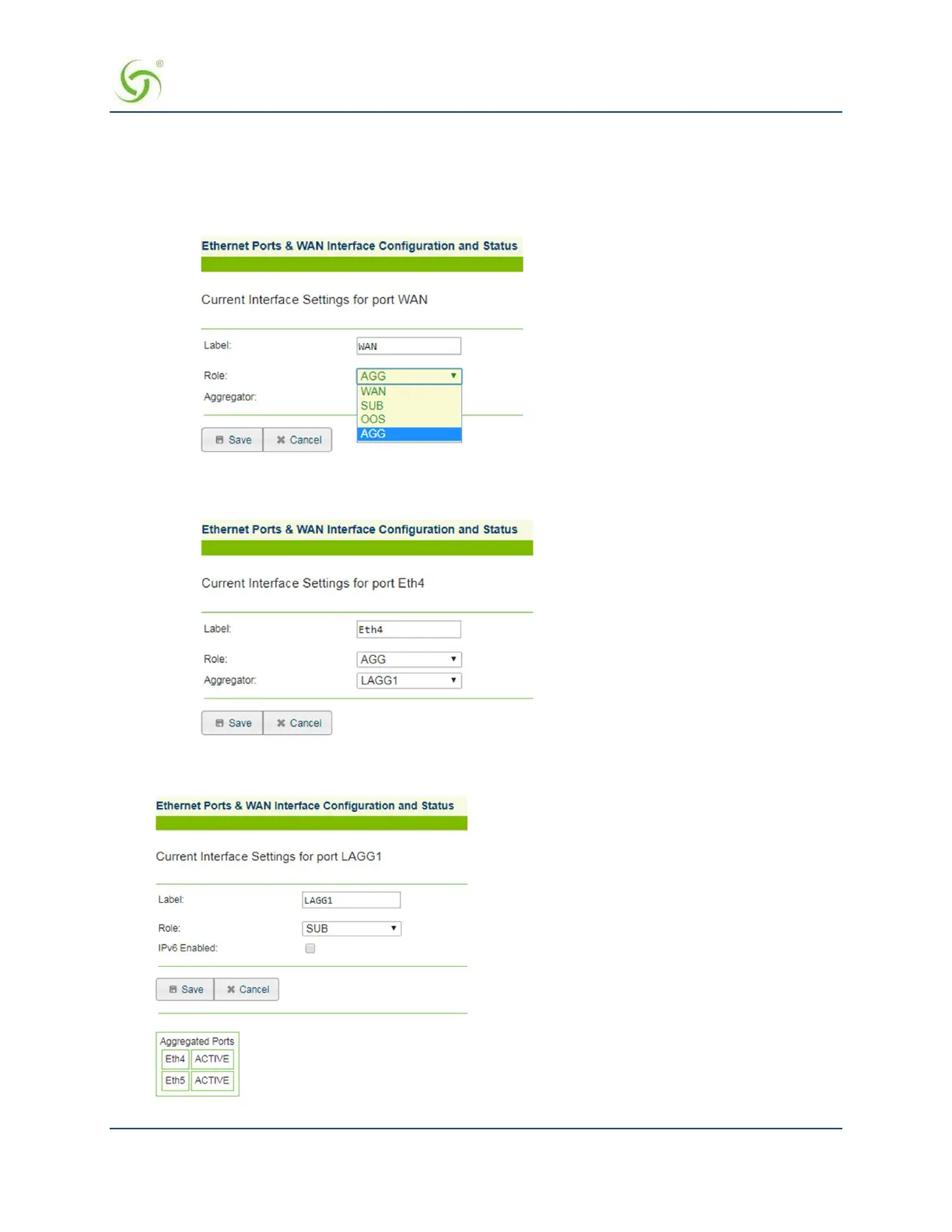
Use the following steps to set up a LAG:
1. Set the desired port to AGG mode.
2. Assign the aggregated port to a particular LAG.
A running and connected LAG port will show the ports aggregated to that LAG and their status:


 To Next Page