ACCESS GATEWAY
98 System Administration
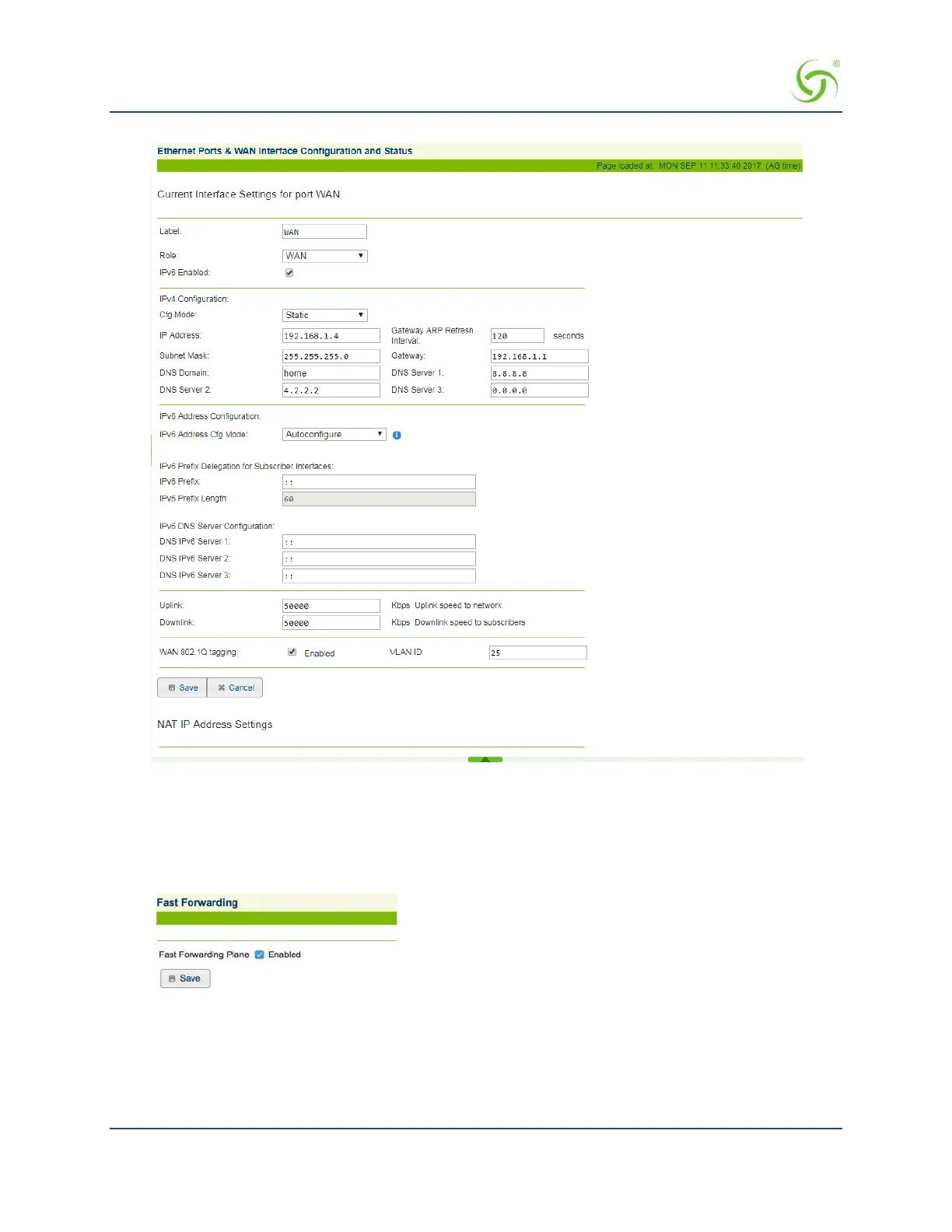
Enabling Fast Forwarding
NSE version 8.8 provides a Fast Forwarding mode. This mode enhances overall system throughput, and
provides as much as double previously-achievable bandwidth.
To enable Fast Forwarding mode, choose Configuration > Fast Forwarding. Check Enabled.
If you enable Fast Forwarding, some counting statistics (e.g., bytes sent / received) are updated somewhat less
frequently than when the feature is disabled. Normally such counts should update approximately every 5
seconds, but at high throughput levels, this can make the difference between successive values larger.



 To Next Page