ACCESS GATEWAY
196 System Administration
2.
Enable or disable the Fail Over feature, as required.
3.
If you enabled Fail Over, define the Sibling Status (Primary or Secondary).
4.
Enter an IP address in the Sibling IP Address field.
5.
Define the port in the Fail Over Port field.
6.
Select the Secondary To Primary Fail Over Time. The time set here is how long the Secondary will wait
while not receiving messages from the Primary before it takes over.
If you are using RADIUS, it is recommended to add both Nomadix gateways to the
RADIUS server.
7.
Click on the Save button to save your changes, Save then Reboot to make the changes take effect
immediately, or click on the
Restore button to reset all values to their previous state.
Viewing the History Log {History}
You can view a history log of the system’s Access, Reboot, and Uptime activities. The history log contains up
to 500 entries. Over 500 entries and each new log item removes the oldest entry in the list. The latest entry is
always at the top of the list.
To view the history log, go to the Web Management Interface and click on
System, then
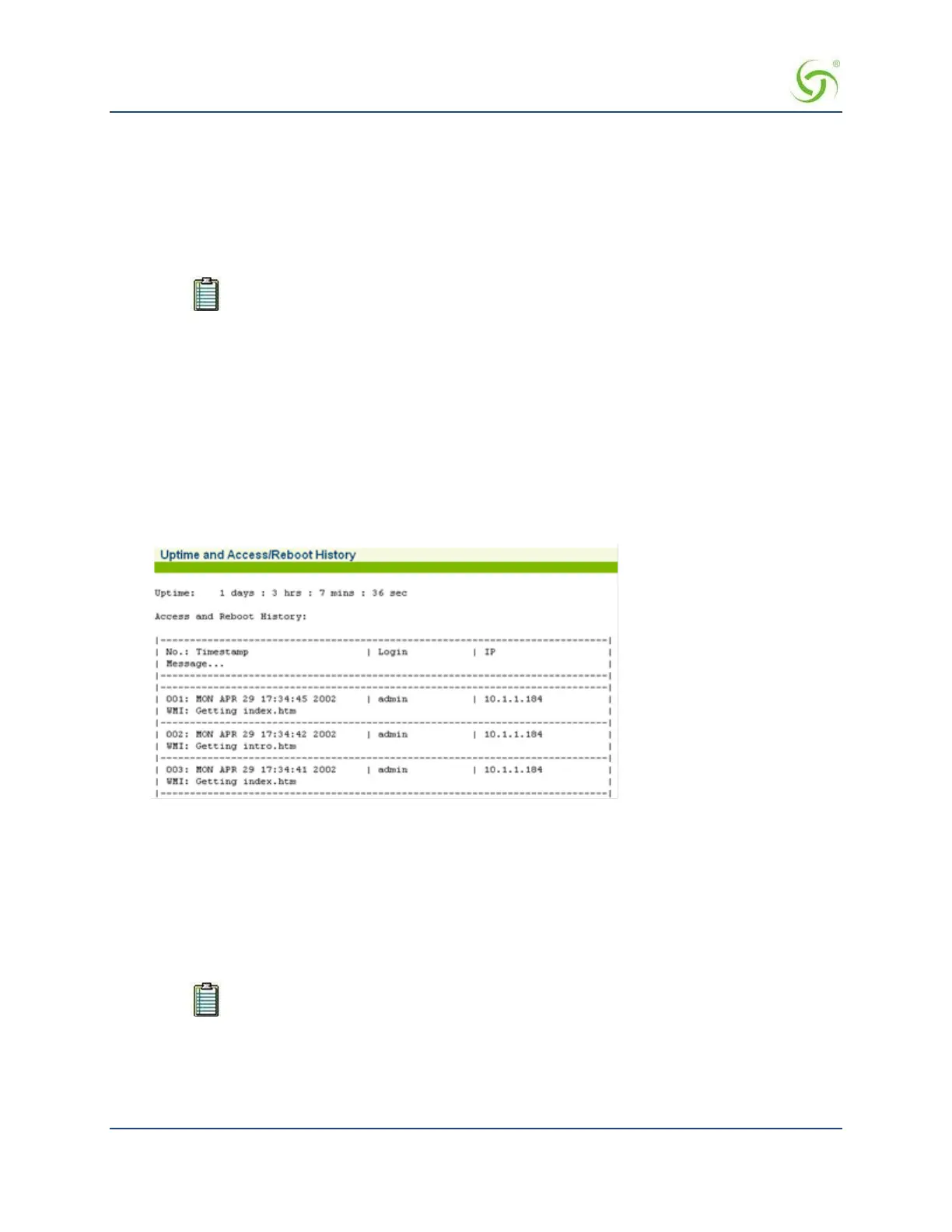
History. The Uptime and Access/Reboot History screen appears:
The “Uptime” field displays the time (in days, hours, minutes, and seconds) that the system has been up and
running.
The “Access and reboot History” log fields include:
Message – Administrator/Operator action.
Login – User name of the Administrator/Operator.
IP – Source IP address (see note).
The source IP displayed may be the source IP of a NAT router instead of the client of the
person accessing the Access Gateway.
Establishing ICMP Blocking Parameters {ICMP}
The Access Gateway includes the option to block all ICMP traffic from “pending” or “non-authenticated”
users that are destined to addresses other than those defined in the pass-through (walled garden) list. The


 To Next Page