ACCESS GATEWAY
80 System Administration
The Nomadix device will automatically initiate one reboot to enable the new settings. Configuration updates
for network maintenance can be accomplished by simply enabling the Auto-Configuration option and
rebooting the device (for example, using SNMP). See also Defining Automatic Configuration Settings {Auto
Configuration}.
Setting Up Bandwidth Management {Bandwidth Management}
The Access Gateway allows system administrators to manage the bandwidth for subscribers, defined in Kbps
(Kilobits per seconds) for both upstream and downstream data transmissions. With the ICC feature enabled,
subscribers can increase or decrease their own bandwidth dynamically, and also adjust the pricing plan for
their service.
You can enable or disable bandwidth policies for bandwidth management and group bandwidth management
policies. You can specify settings for each individual WAN. The NSE supports setting default maximum up
and downstream bandwidths for subscribers who do not have a specified bandwidth.
1.
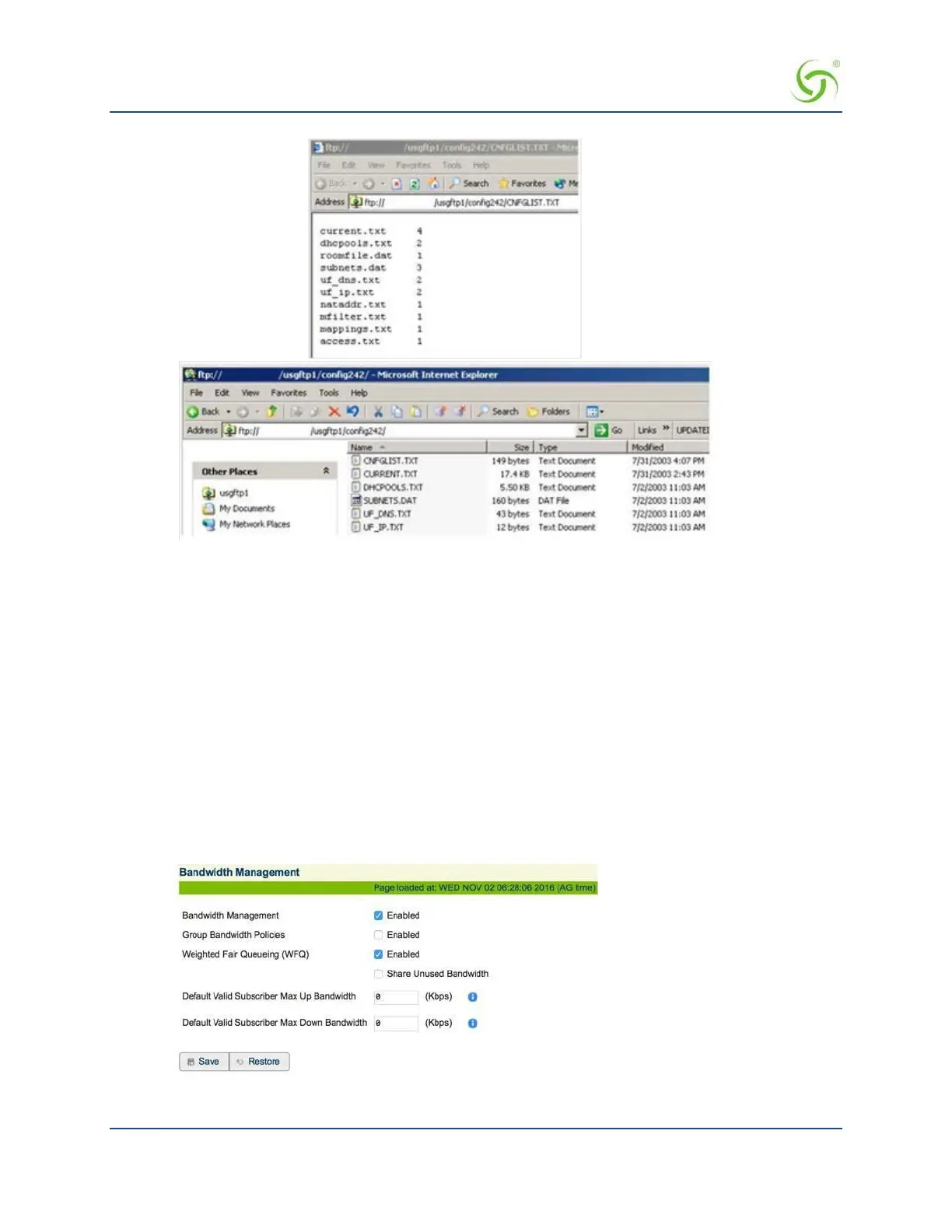
From the Web Management Interface, click on Configuration, then Bandwidth Management. The
Bandwidth Management screen appears:
2.
If required, click the check box for Bandwidth Management Enabled.



 To Next Page