ACCESS GATEWAY
Installing the Access Gateway 37
Powering Up the System
Use this procedure to establish a direct cable connection between the Access Gateway and your laptop
computer, and to power up the system.
1.
Place the Access Gateway on a flat and stable work surface.
2.
Connect the power cord.
3.
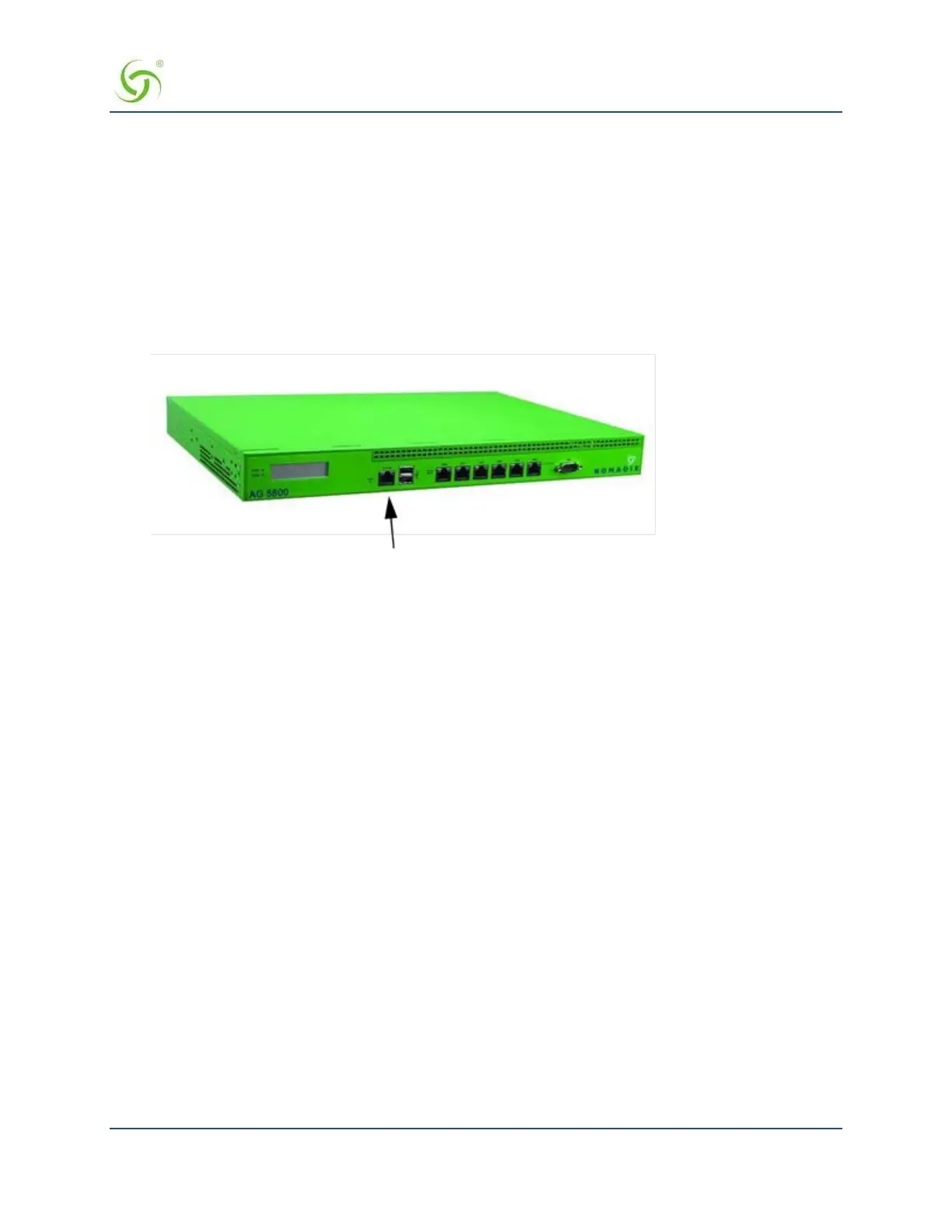
Connect the RJ45 console cable between the Access Gateway’s Console port and the female DB9
to the serial port or USB to serial adapter of your computer.
4.
Turn on your computer and allow it to boot up.
5.
Turn on the Access Gateway.
Connect the RJ45 console cable here



 To Next Page