ACCESS GATEWAY
System Administration 145
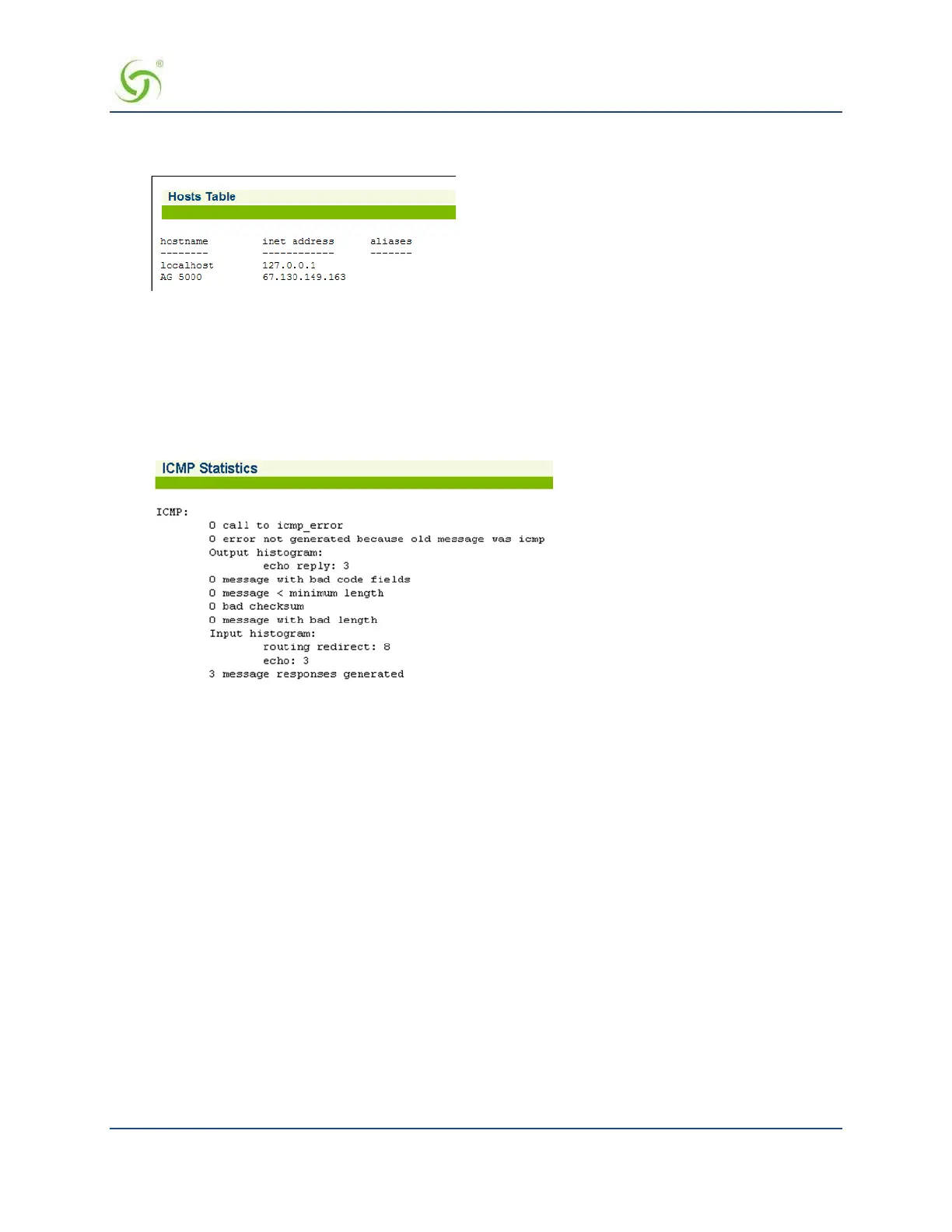
To view the Host Table, go to the Web Management Interface, click on Network Info, then click on Hosts.
The Host Table screen appears:
Displaying ICMP Statistics {ICMP}
You can display the current ICMP (Internet Control Message Protocol) statistics. ICMP is a standard Internet
protocol that delivers error and control messages from hosts to message requesters. These statistics are
presented as a listing that details the current status of each ICMP transmission element.
To view the ICMP Statistics, go to the Web Management Interface, click on Network Info, then click on
ICMP. The ICMP Statistics screen appears:
Displaying the Network Interfaces {Interfaces}
You can display the network interfaces which are presented as a detailed listing of all interface
communication elements and their current status.
To view the Network Interfaces, go to the Web Management Interface, click on Network Info, then click on
Interfaces. The Network Interfaces screen appears:



 To Next Page