ACCESS GATEWAY
128 System Administration
Defining the RADIUS Proxy Settings {RADIUS Proxy}
A RADIUS Proxy allows the NSE to relay authentication and accounting packets between the parties
performing the authentication process. Different realms can be set up to directly channel RADIUS messages to
the various RADIUS servers.
For additional RADIUS information, see also:
Setting up Quality of Service {QoS} on page 122
Defining the Realm-Based Routing Settings {Realm-Based Routing} on page 130
RADIUS Attributes on page 245
1.
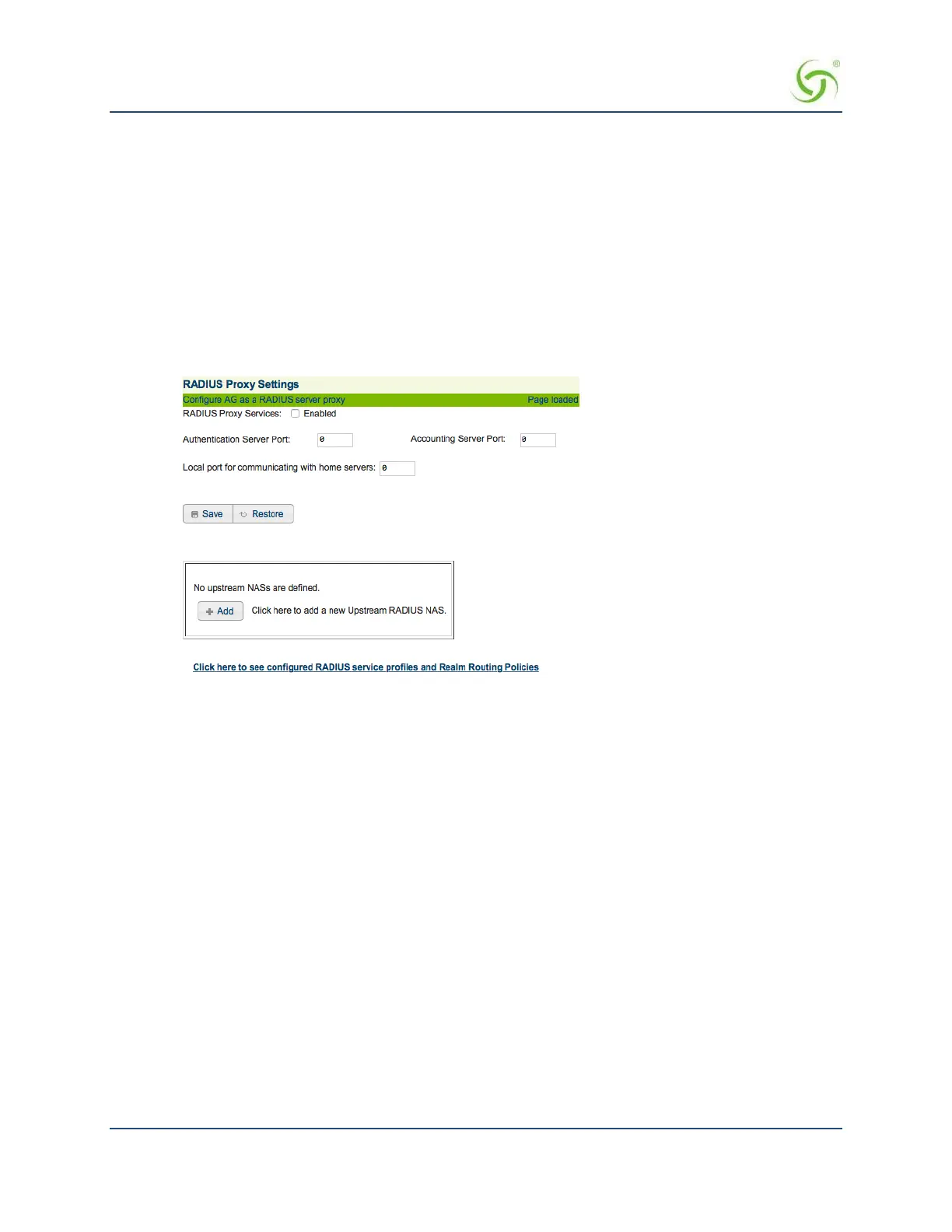
From the Web Management Interface, click on Configuration, then RADIUS Proxy. The RADIUS
Proxy Settings screen appears:
2.
Enable or disable RADIUS Proxy Services, as required, by clicking on the appropriate check box.
3.
If you enabled RADIUS Proxy Services, you must provide the Authentication Server Port and the
Accounting Server Port references.
4.
Click on the Save button to save your changes, or click on the Restore button if you want to reset all the
values to their previous state.
See Adding an Upstream RADIUS NAS.
Adding an Upstream RADIUS NAS
1.
If you want to add a new Upstream RADIUS NAS (for example, an 802.11 Access Point on the
subscriber side of the Access Gateway), click on the Add button. The Add Upstream RADIUS NAS screen
appears:



 To Next Page