ACCESS GATEWAY
System Administration 155
2.
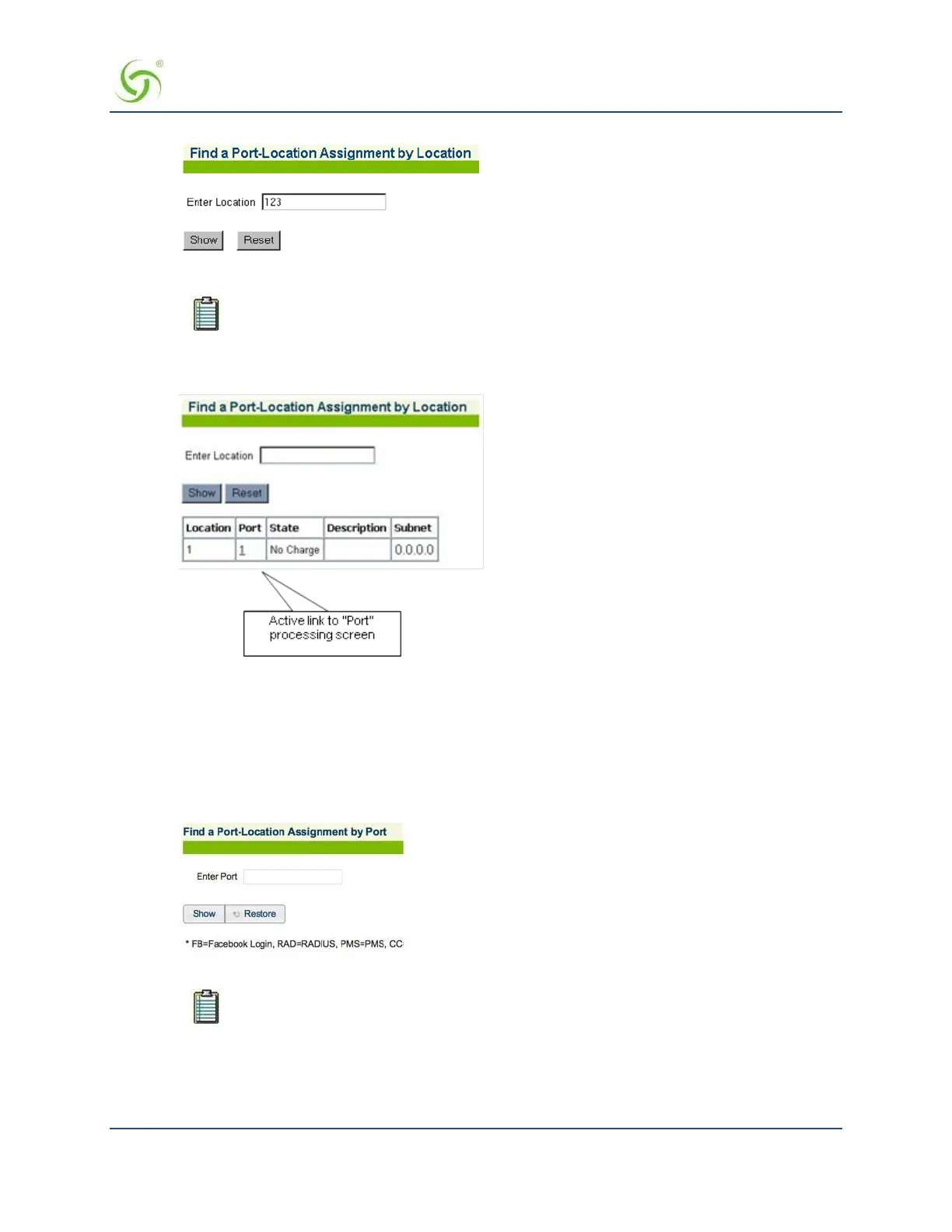
In the Enter Location field, enter the location of the assignment you want to find.
The system ignores the case (upper or lower) of the characters you enter.
3.
Click on the Show button to view the specified port-location assignment, or click on the Restore button if
you want to reset the “location” value to its blank state. The requested port-location is displayed:
Finding Port-Location Assignments by Port {Find by Port}
This procedure shows you how to find a port-location assignment, based on its port. This procedure is useful
if you want to review the details of a specific port-location. You can also find port-locations based on their
description or location.
1.
From the Web Management Interface, click on Port-Location, then Find by Port. The Find a Port-
Location Assignment by Port screen appears:
2.
In the Enter Port field, enter the port you want to find.
The “port” is the VLAN ID (when using 802.1Q 2-way).
3.
Click Show to view the Process Port-Location Assignments screen, or click Restore if you want to reset
the “port” value to its blank state. From this screen you can click the port number to modify the port
configuration, or click Delete to delete the port.



 To Next Page