ACCESS GATEWAY
68 System Administration
Configuration Menu
Defining the AAA Services {AAA}
This procedure shows you how to set up the AAA (Authentication, Authorization, and Accounting) service
options. AAA Services are used by the Access Gateway to authenticate, authorize, and subsequently bill
subscribers for their use of the customer’s network. The Access Gateway currently supports several AAA
models that are discussed in Subscriber Management on page 213.
1.
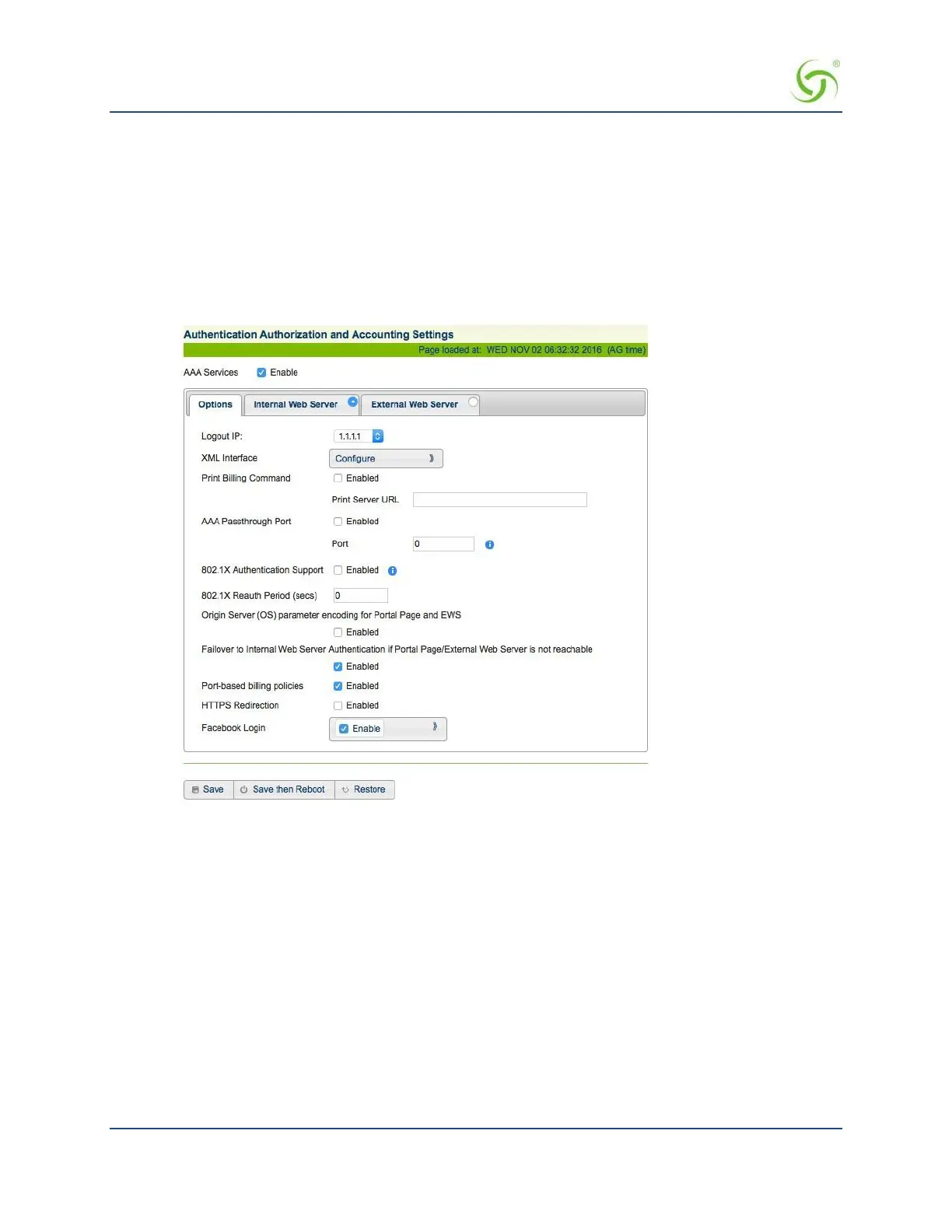
From the Web Management Interface, click on Configuration, then AAA. The Authentication
Authorization and Accounting Settings screen appears:
2.
Enable or disable AAA Services. If you enable AAA Services, go to Step 3; otherwise this feature is
disabled and you can exit the procedure.
3.
Select a Logout IP address from the drop-down list. The list contains IP address that can be used as the
logout IP address. The default IP address is 1.1.1.1.
4.
Click Configure to configure the XML Interface, as required.



 To Next Page