ACCESS GATEWAY
138 System Administration
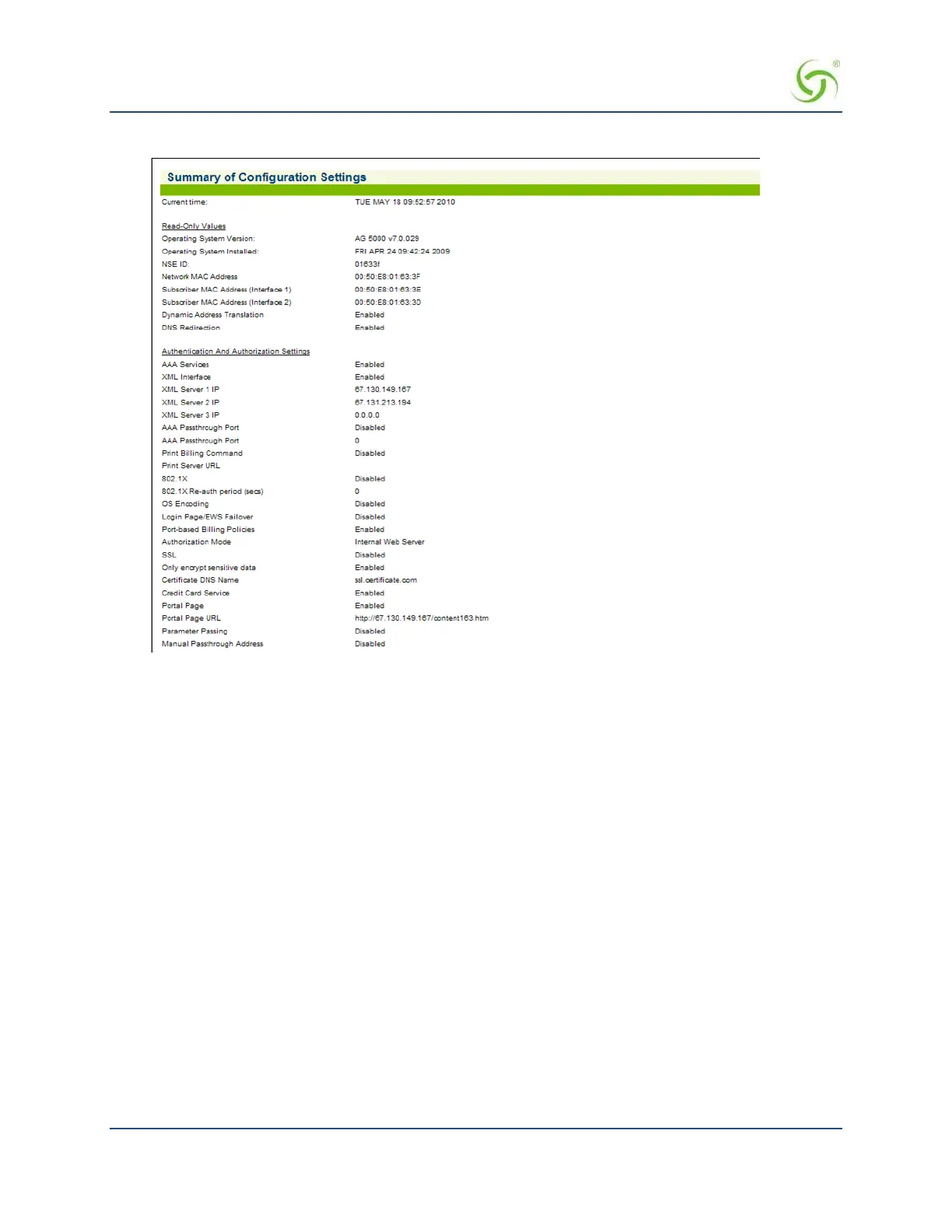
The Summary of Configuration Settings screen appears (partial screen shown here):
Setting the System Date and Time {Time}
You can set the system time from local hardware or your choice of NTP server(s).
The NSE supports automatic daylight Savings Time adjustment and official IANA (iana.org) time zones. You
may also specify a UTC offset.
1.
From the Web Management Interface, click on Configuration, then Time. The Set Date and Time screen
appears:



 To Next Page