ACCESS GATEWAY
System Administration 117
6.
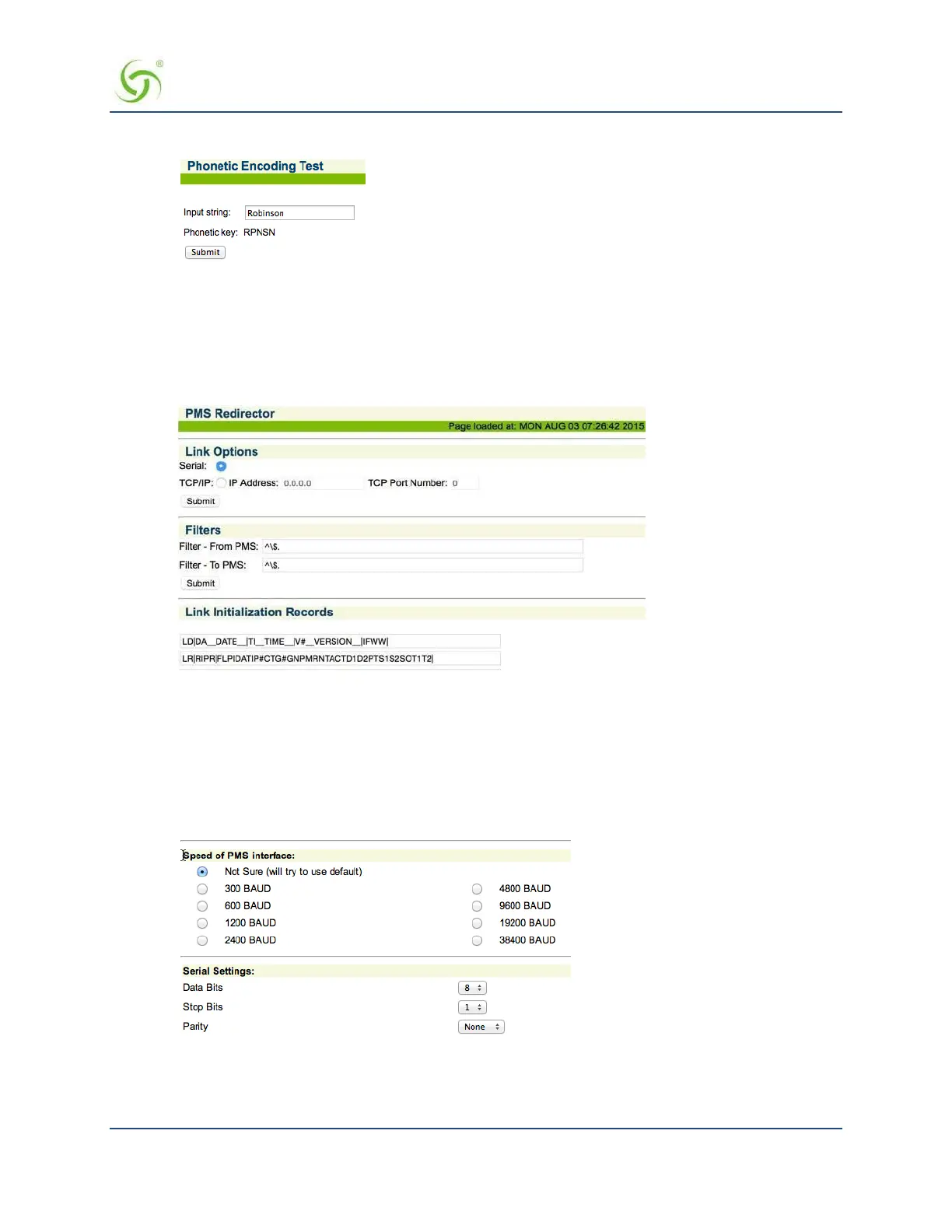
Click Phonetic test to test the feature. Enter a string; the NSE will return a phonetic key.
7.
Click Post to folio with CA or SC to enable cash and signed charge payments (Marriott).
8.
Check the Suppress Posting of Zero Payment Amount if XML Charges of $0.00 should only do a
lookup for the name and room to the Micros Fidelio and MICROS PMS types.
9.
To view or modify PMS Redirector Service parameters, click the Configure link next to the PMS
Redirector selector option. The PMS Redirector page appears:
10.
Post-paid PMS only: If you selected a Post-paid PMS option, you can define an Idle
Timeout
(in
minutes) and an
Idle Data Threshold (in bytes). These selections determine the thresholds when a
“post-paid” hotel guest will be automatically disconnected from the service.
11.
Property Management Systems generally operate at different baud rates. You must now select an
appropriate baud rate for your chosen PMS.
Select the
Speed of PMS Interface and Serial Settings from
the available list. If you are
not sure which baud rate to choose, select
Not Sure and the system will
attempt to use the default.
12.
You must now select the Type of Service Post Mappings you require relative to the billing plans you
established in Defining the Billing Options {Billing Options} on page 170. Because some Property
Management Systems do not allow you to enter characters, you must enter these service descriptions as a


 To Next Page