ACCESS GATEWAY
System Administration 125
The Access Gateway's RADIUS implementation also handles vendor specific attributes (VSAs),
required by WISPs that want to enable more advanced services and billing schemes, such as a per
device/per month connectivity fee.
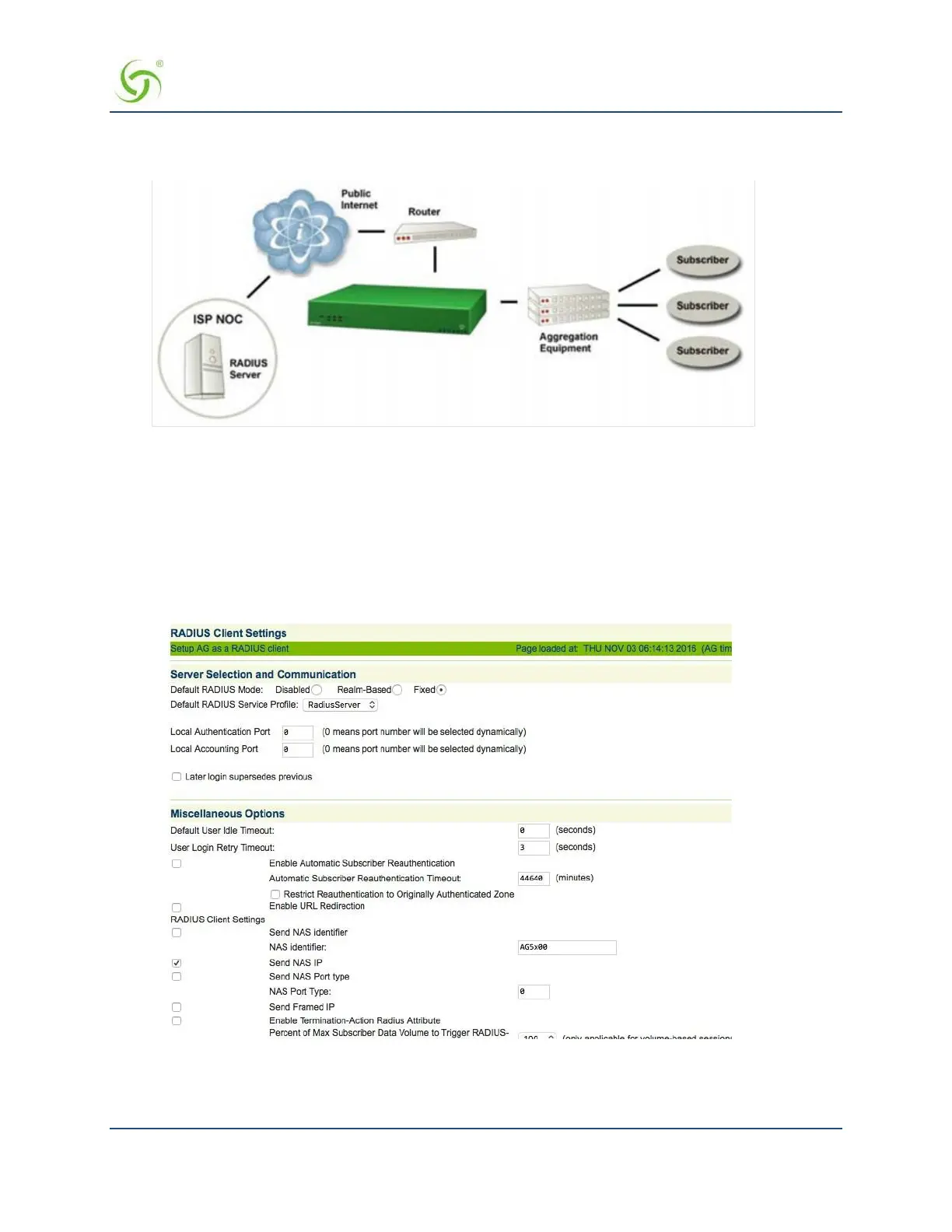
All subscribers attempting to gain access to the network are validated by RADIUS.
For additional RADIUS information, see also:
Defining the RADIUS Proxy Settings {RADIUS Proxy} on page 128
Defining the Realm-Based Routing Settings {Realm-Based Routing} on page 130
RADIUS Attributes on page 245
1.
From the Web Management Interface, click on Configuration, then RADIUS Client. The RADIUS Client
Settings screen appears:
2.
Under the Server Selection and Communication options, choose the Default RADIUS Mode:
Disabled (to disable RADIUS authentication)



 To Next Page