Page 162 of 206 Appendix A: WLAN Application Gateway 2246
553-3001-304 Standard 3.00 September 2004
Procedure 18
Connecting to the WLAN Application Gateway 2246 through a serial
port
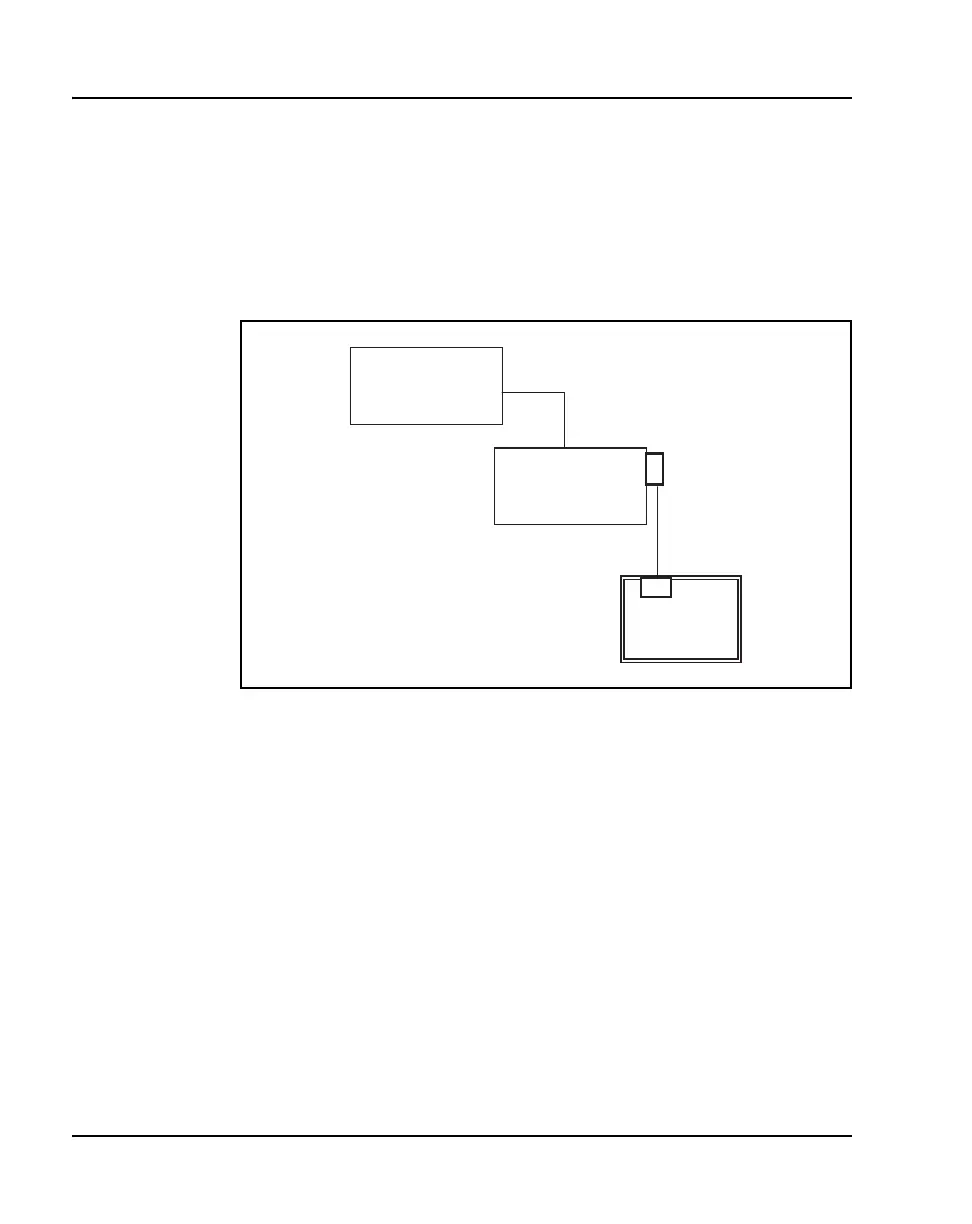
1 Using a DB-9 female, null-modem cable, connect the WLAN Application
Gateway 2246 to the serial port of a terminal or PC. See Figure 22.
Figure 22
Cable to port connection
2 Run a terminal emulation program (such as HyperTerminal™) or use a
VT-100 terminal with the following configuration:
— Bits per second: 9600
— Data bits: 8
— Parity: None
— Stop bits: 1
— Flow control: None
Note: If using Windows 2000, Service Pack 2 must be installed to enable
the use of HyperTerminal™.
RS-232
ort
LAN
Ethernet
switch
RS-232
port
WLAN Application
Gateway 2246
Terminal or PC



 To Next Page