Page 180 of 206 Appendix A: WLAN Application Gateway 2246
553-3001-304 Standard 3.00 September 2004
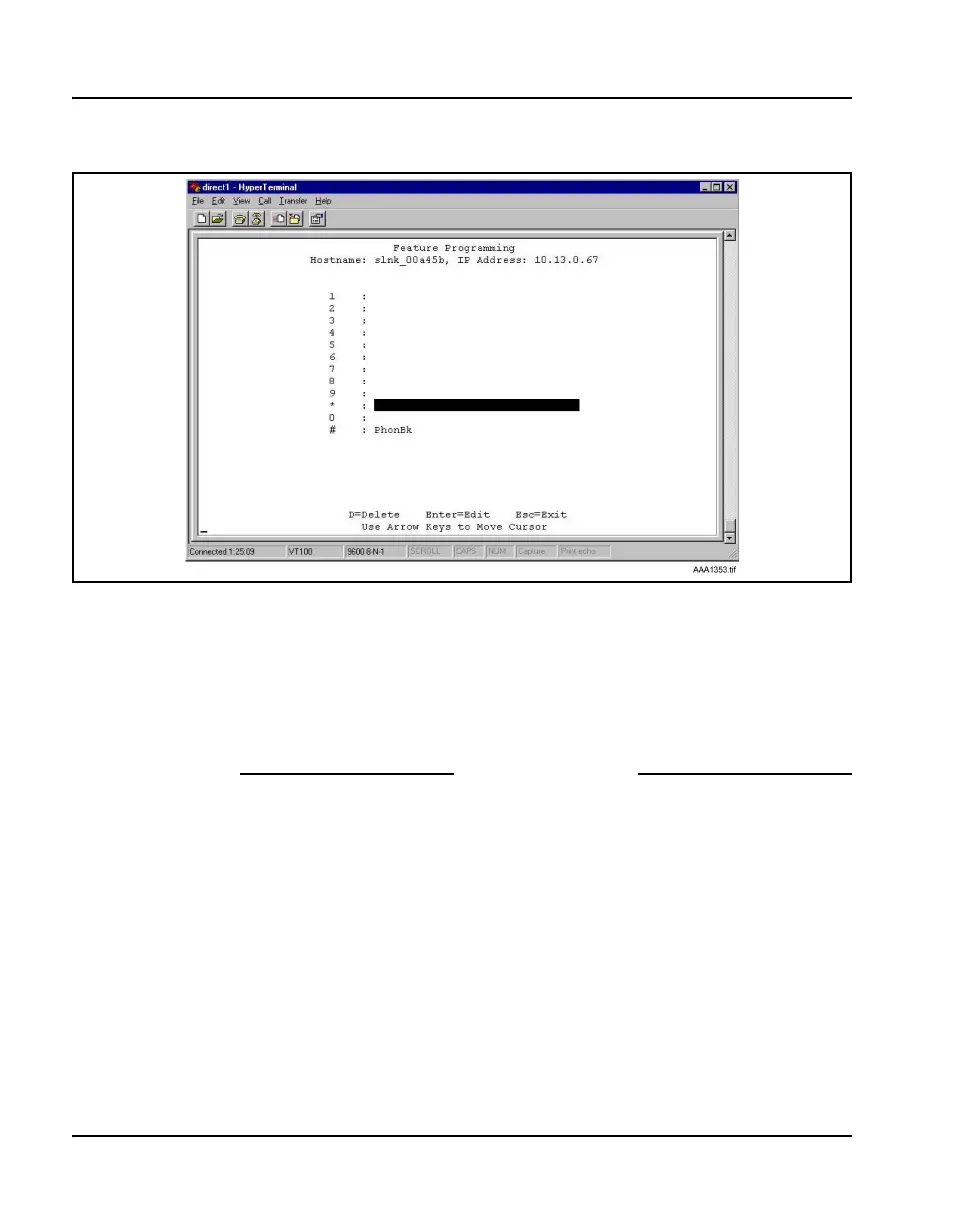
Figure 31
Feature programming screen
2 Use the arrow keys to select the function number 7, 8, or 9 to associate
with the application.
3 Type any label up to six characters.
What is typed here is displayed on the WLAN Handset 2210/2211
telephone display screen next to the assigned number on the FCN menu.
End of Procedure
In Figure 31, the FCN + # key sequence displays PhonBk on the WLAN
Handset 2210/2211
function menu. Figure 31 displays an application; in this
case, a phone book enabling speed dialing to those listed.



 To Next Page