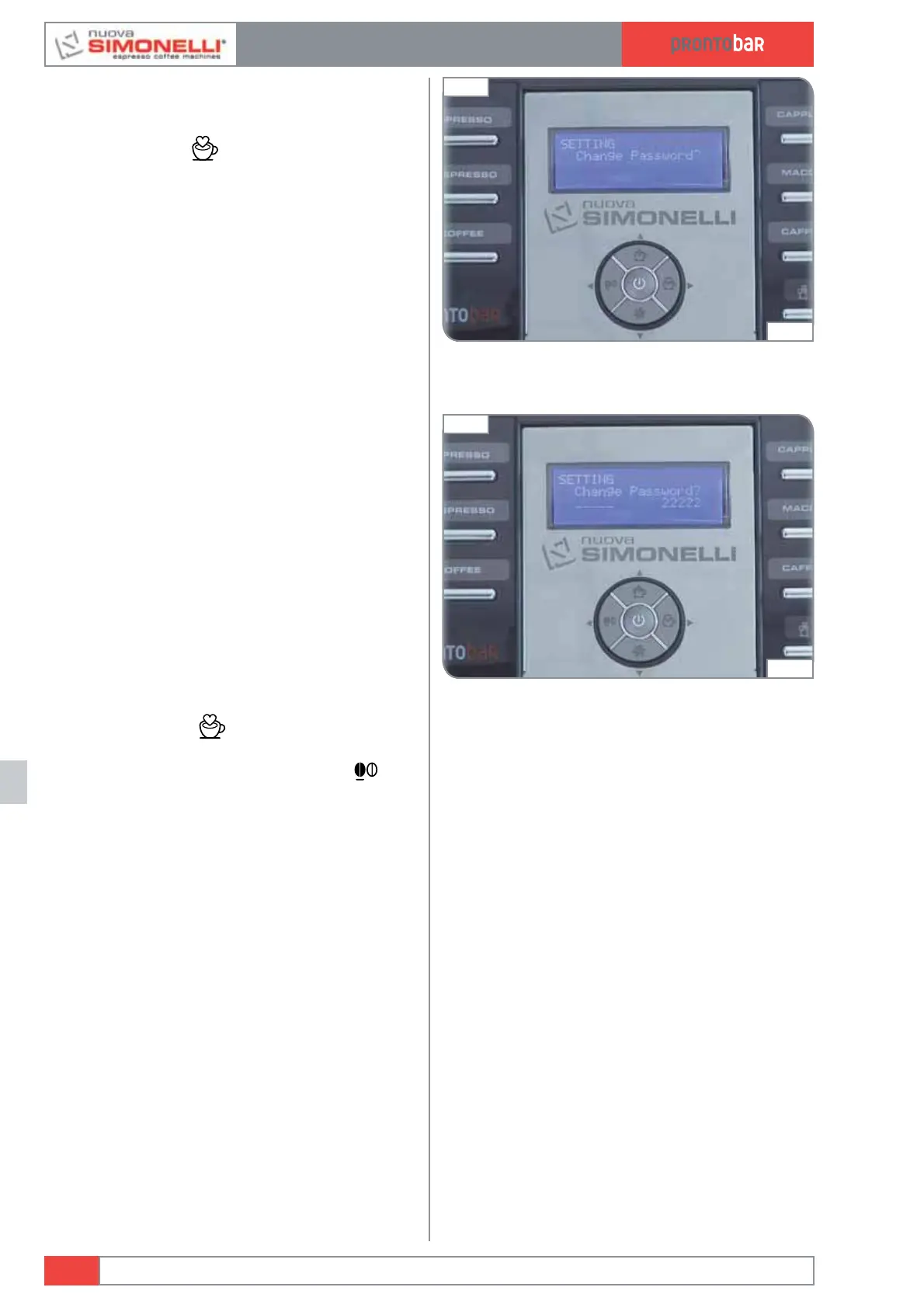
CHANGE PASSWORD?
It is possible to set a new password to access
the programmable functions in technical mode.
Pressing
ENTER
it is possible to enter the
sub menu.
Enter the old password
:
OLD PASSWORD XXXX
Enter the new password using a combination of
4 keys:
NEW PASSWORD XXXX
Confirm the password set previously:
CONFIRM PASSWORD XXXX
EXIT
Pressing ENTER is possible to store all
data set during the programming stage in the
machine’s memory. Pressing RESET
it is
possible to quit the programming mode without
saving.
Edition 02 to 02/2014
12.20
SERVICE MANUAL
Fig. 303
05:18
Fig. 302
05:16













 To Next Page