Basic Operation
3-14 OPERATION GUIDE
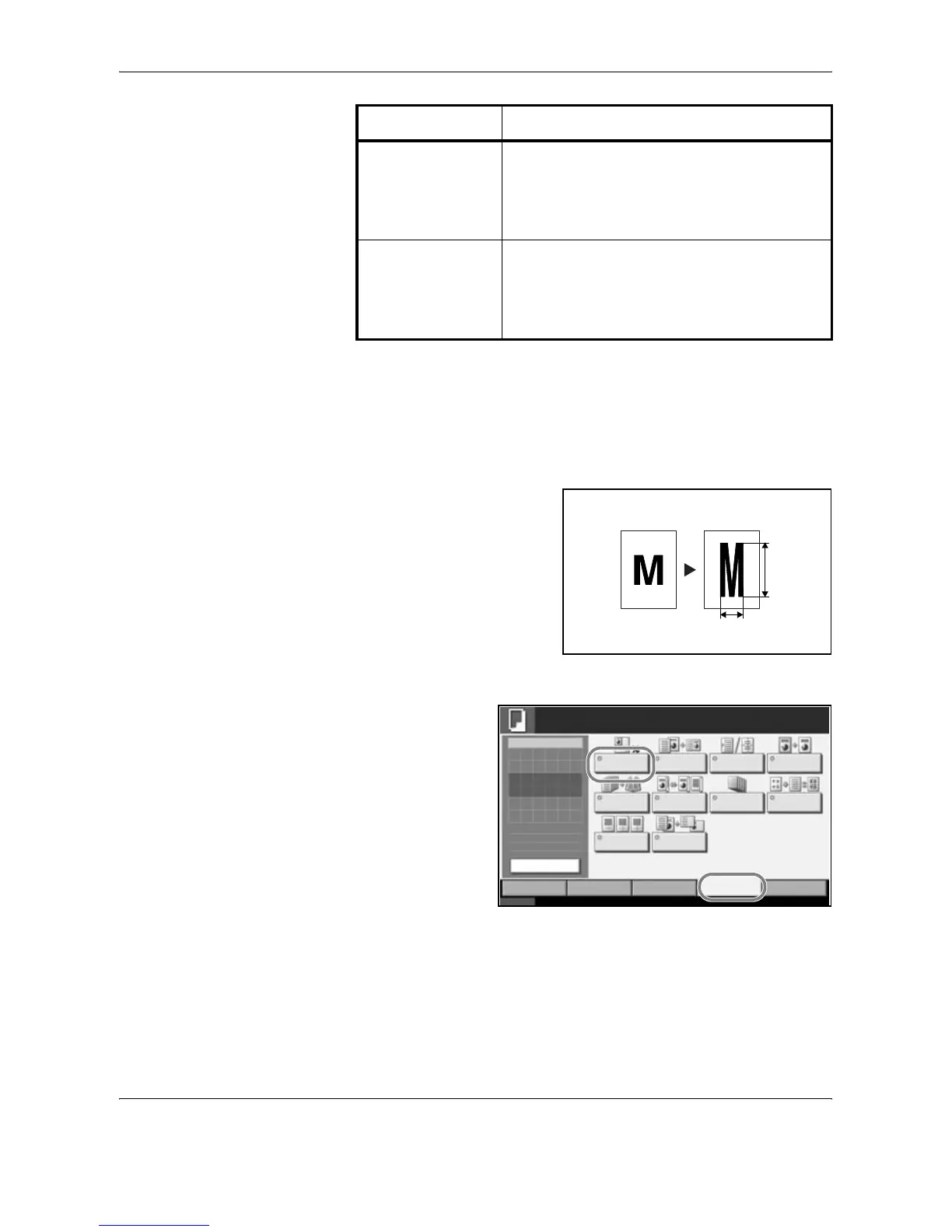
XY Zoom
Select vertical and horizontal magnifications individually. Reduce or
enlarge original images in 1% increments between 25% and 400%.
The procedure for using zoom copying is explained below.
1
Set the original on
the platen and press
[Layout/Edit] ->
[Zoom].
Metric Models 100%, Auto, 400% (Max.), 200% (A5 -> A3),
141% (A4 -> A3, A5 -> A4), 127% (Folio -> A3),
106% (11×15" -> A3), 90% (Folio -> A4), 75%
(11×15" -> A4),
70% (A3 -> A4, A4 -> A5), 50%, 25% (Min.)
Metric Models (Asia
Pacific)
100%, Auto, 400% (Max.), 200% (A5 -> A3),
141% (A4 -> A3, B5 -> B4), 122% (A4 -> B4, A5
-> B5), 115% (B4 -> A3, B5 -> A4), 86% (A3 ->
B4, A4 -> B5), 81%(B4 -> A4, B5 -> A5), 70%
(A3 -> A4, B4 -> B5), 50%, 25% (Min.)
Model Zoom Level (OriginalCopy)
Y
X
Status 10/10/2007 10:10
Image
Quality
Set Original.
Copy Image
Org./Paper/
Finishing
Quick Setup Layout/Edit Advanced
Setup
Copies
1
Original
Zoom
Paper
100%
---
:
:
:
---
Zoom Combine Margin/
Centering
Border Erase
Booklet Duplex Cover
Page # Memo Page
Form
Overlay
Ready to copy.
Preview










 To Next Page