Preparation before Use
OPERATION GUIDE 2-47
2
Loading Originals
Follow the steps below to load originals for copying, sending or storing.
Placing Originals on the Platen
You may place books or magazines on the platen in addition to ordinary
sheet originals.
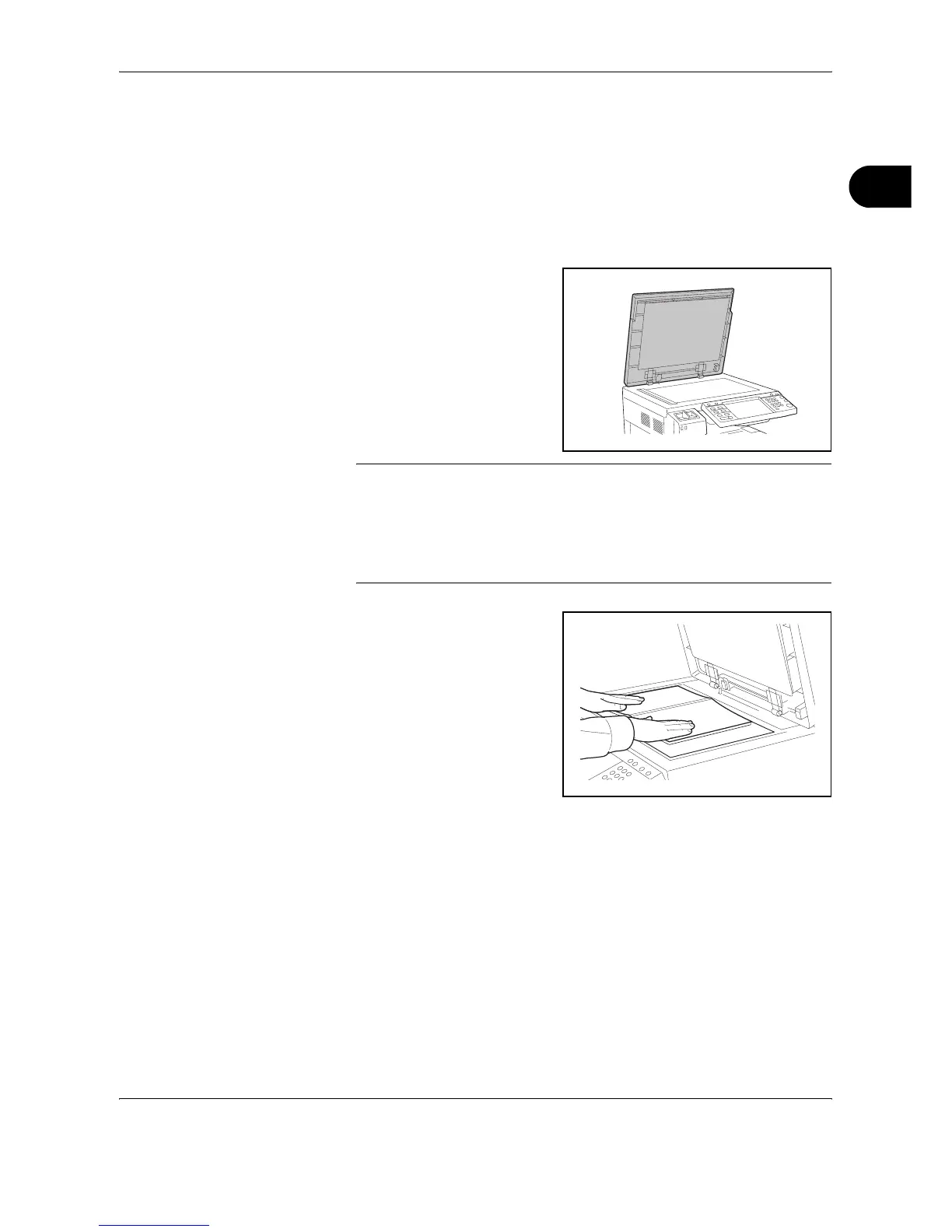
1
Open the original cover.
NOTE: If the optional document processor is installed, open the
document processor. Before opening the document processor, be sure
that there are no originals left on the original table or on the original eject
table. Originals left on the original table or on the original eject table may
fall off when the document processor is opened.
Keep the document processor open if the original is 40 mm or thicker.
2
Place the original. Put the
scanning side facedown and
align it flush against the
original size indicator plates
with the back left corner as the
reference point.










 To Next Page