Preparation before Use
2-38 OPERATION GUIDE
7
Select the media type (plain, recycled, etc.) loaded in the cassette. (Refer
to Specifying Paper Size and Media Type for the Cassettes on page 2-41.)
Loading Paper in the Multi Purpose Tray
Up to 200 sheets of plain paper (80 g/m
2
) may be loaded in the Multi
Purpose Tray.
The Multi Purpose Tray accepts paper sizes from A3 to A6-R and Hagaki
and from Ledger to Statement-R, 8K, 16K and 16K-R. Be sure to use the
Multi Purpose Tray when you print on any special paper.
IMPORTANT:
• When using media types other than plain paper (such as recycled or
colored paper), always specify the media type setting. (Refer to
Specifying Paper Size and Media Type for the Cassettes on page 2-41
• If the optional fax kit is installed and you are using the Multi Purpose
Tray to print received faxes, the available media types are as shown
below.
Plain, Rough, Recycled, Bond, Color, High Quality, Custom 1 ~ 8
The capacity of the Multi Purpose Tray is as follows.
• Thick paper (120 g/m
2
): 130 sheets
• Thick paper (160 g/m
2
), Japanese noshi paper: 100 sheets
• Thick paper (200 g/m
2
): 50 sheets
• Hagaki: 80 sheets
• OHP film: 25 sheets
• Envelope DL, Envelope C5, Envelope #10 (Commercial #10),
Monarch, Youkei 4, Youkei 2: 20 sheets
NOTE: When you load custom size paper, enter the paper size by
referring to Specifying Paper Size and Media Type for the Multi Purpose
Tray on page 2-44.
When you use special paper such as transparencies or thick paper, select
the media type by referring to Specifying Paper Size and Media Type for
the Multi Purpose Tray on page 2-44.
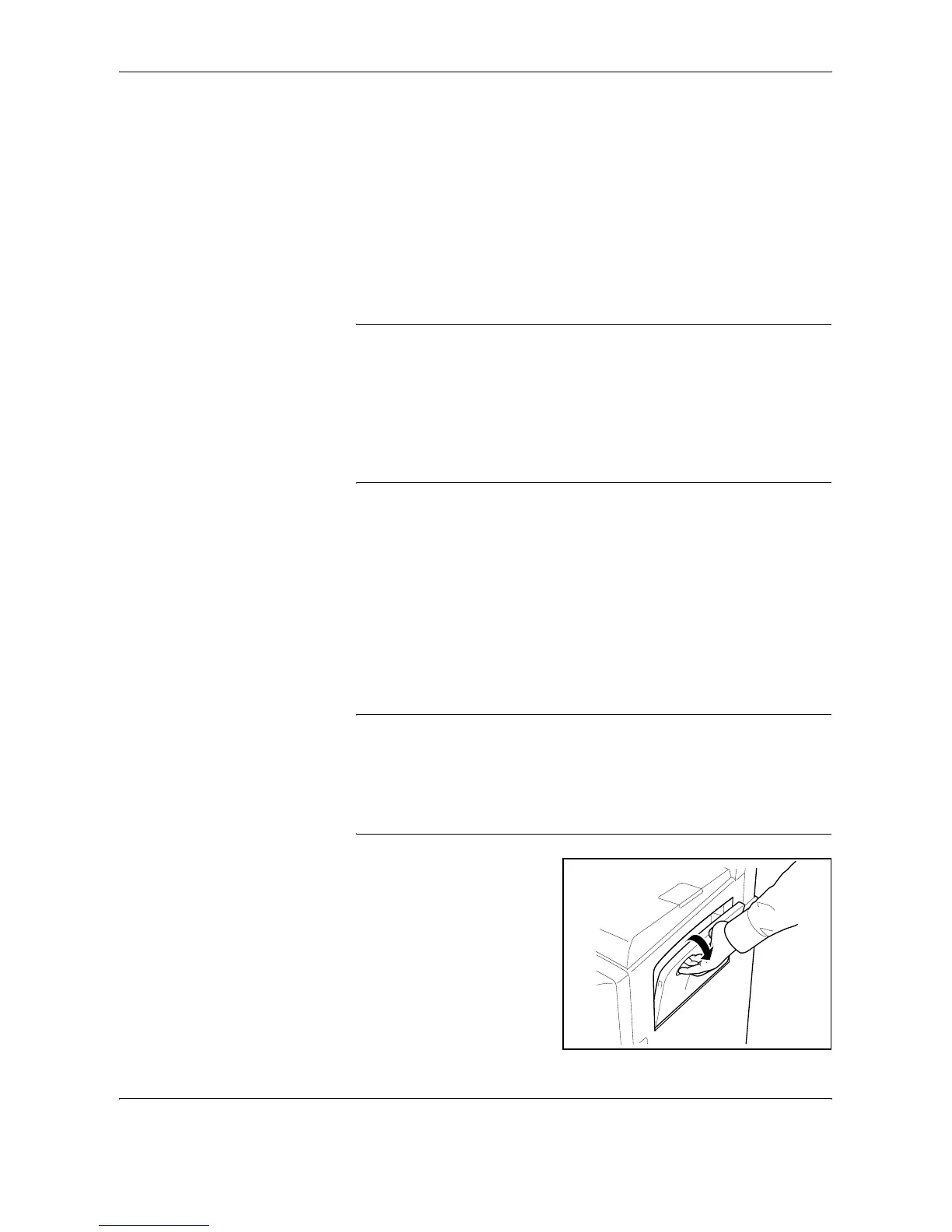
1
Open the Multi Purpose Tray.










 To Next Page