Preparation before Use
OPERATION GUIDE 2-33
2
Changing Language (Optional)
Follow the steps below to change the language to appear on the touch
panel.
1
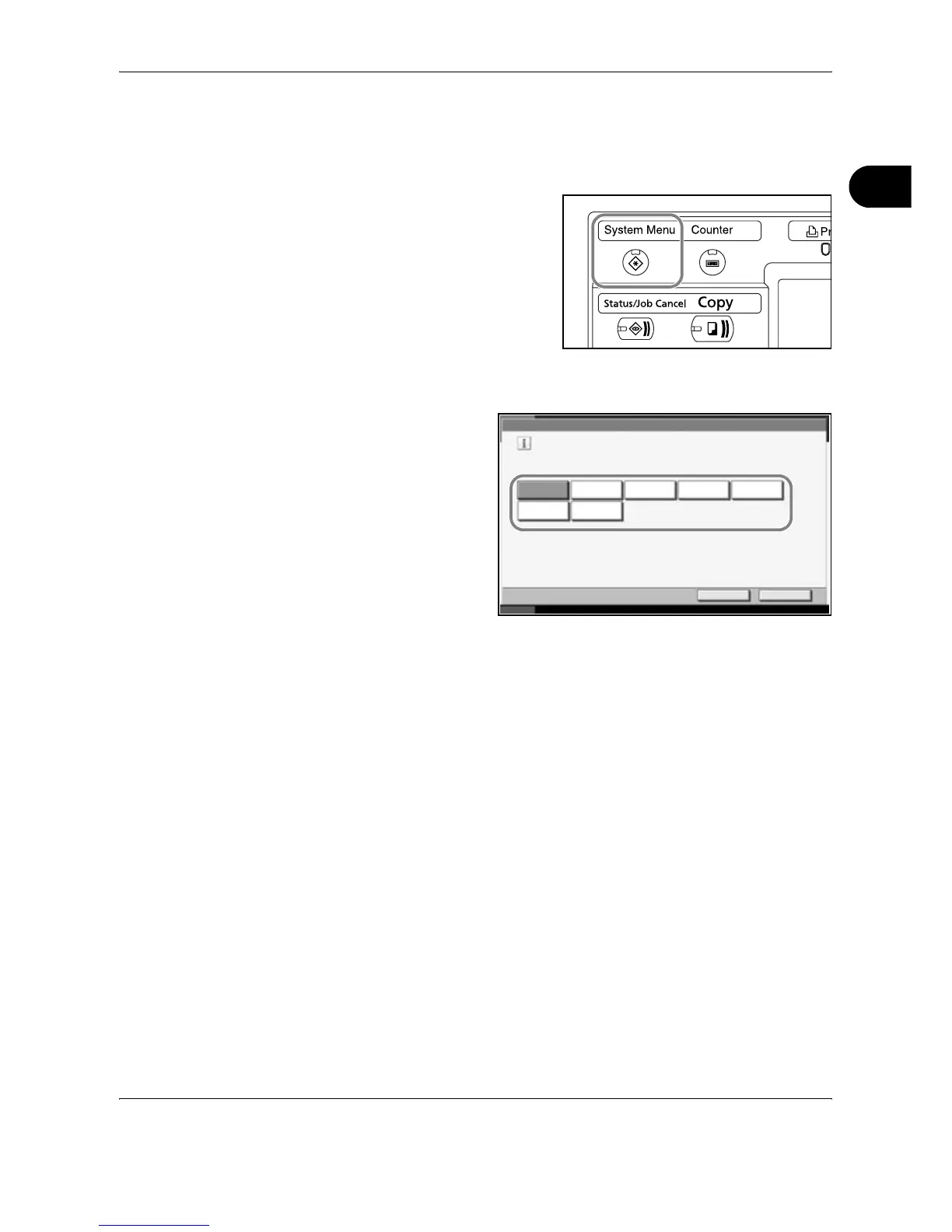
Press the System Menu key.
2
Press [Common Settings] and then [Change] of Language.
3
Press the key for the
language you wish
to use.
4
Press [OK].
5
A message instructing you to turn the power off and on appears. Press
[OK].
6
Press the Power key on the operation panel. Check that the Power key
and the memory indicator are off. After this, turn on the main power switch
again.
The touch panel language will be changed.
Common Settings - Language
Set the language to use for the touch panel display.
English
FrançaisDeutsch Italiano
NederlandsPortuguês
Español
Cancel OK
Status 10/10/2007 10:10










 To Next Page