Preparation before Use
OPERATION GUIDE 2-15
2
Sending E-mail
Specifying the SMTP settings allows you to send images loaded onto this
machine as E-mail attachments.
To use this function, this machine must be connected to a mail server using
the SMTP protocol.
Before sending images loaded onto this machine as E-mail attachments,
check the following:
• The network environment used to connect this machine to the mail
server
A full-time connection via a LAN is recommended.
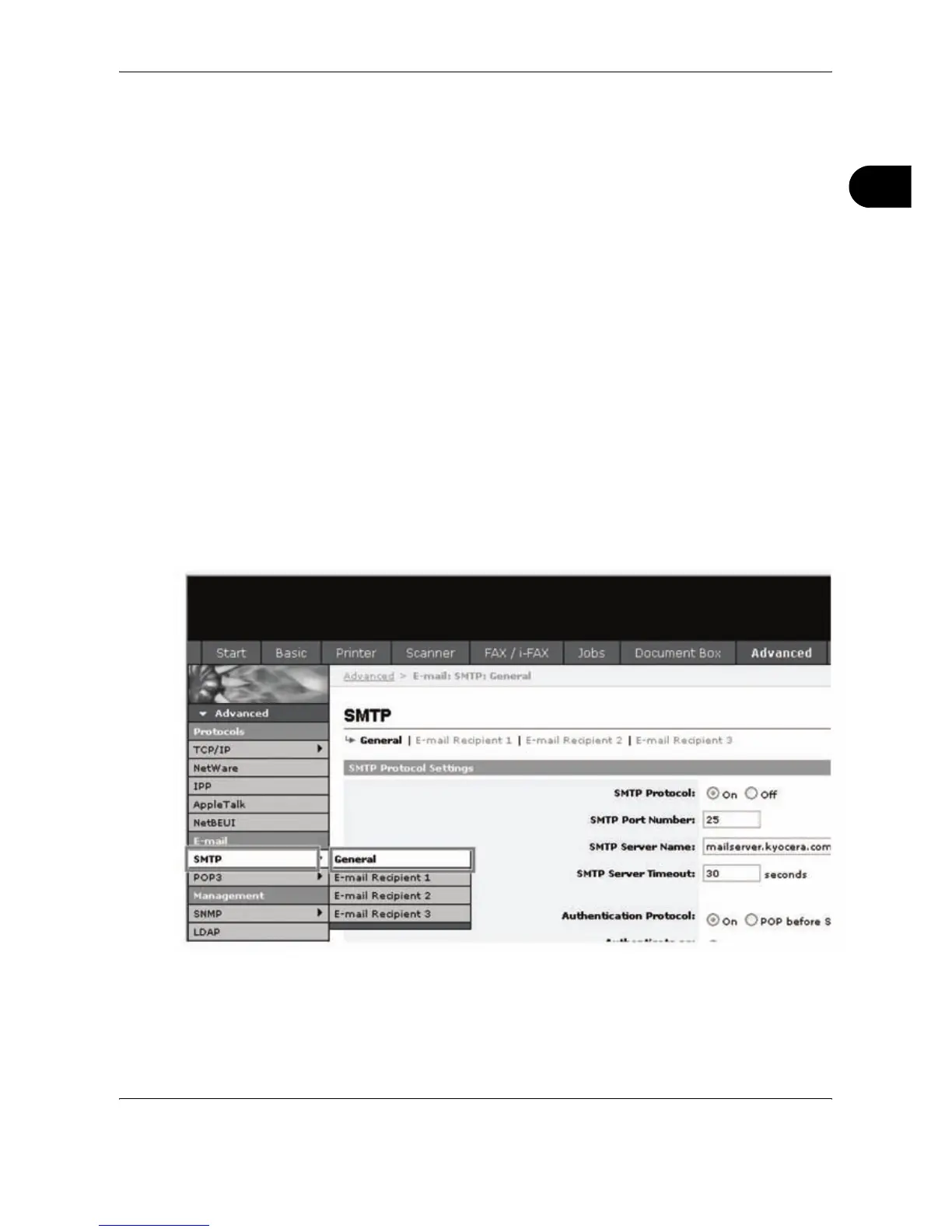
• SMTP Settings
Use EWS (Embedded Web Server) to register the IP address and
host name of the SMTP server.
• If limits have been set on the size of E-mail messages, it may not be
possible to send very large E-mails.
The procedure for specifying the SMTP settings is explained below.
1
Click Advanced -> SMTP -> General.










 To Next Page