Preparation before Use
OPERATION GUIDE 2-51
2
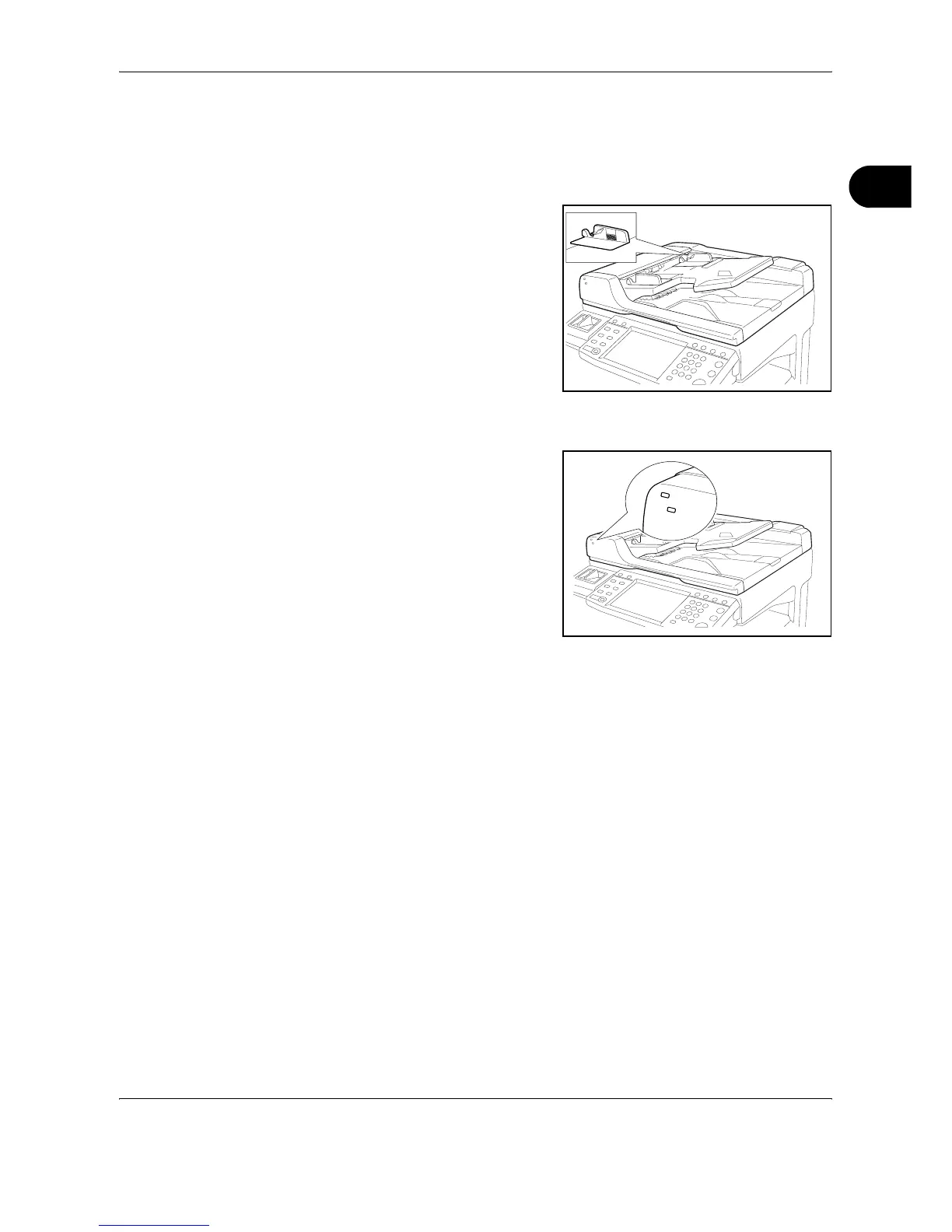
Ensure that loaded originals do not exceed the level indicator. Exceeding
the maximum level may cause the originals to jam (see the figure below).
Originals with punched holes or perforated lines should be placed in such
a way that the holes or perforations will be scanned last (not first).
Original placement indicator
The original placement
indicator is lit or unlit
depending on how originals
are placed.
Indications and their status are
as follows.
• Green (upper indicator) lit
: Original is placed
properly.
• Green (upper indicator)
blinking : Original is not placed properly. Remove and place again.
• Red (lower indicator) blinking : Original is jammed. Remove the
jammed original and place it properly.










 To Next Page