Preparation before Use
2-50 OPERATION GUIDE
• Originals with correction fluid which is not dried
• Irregularly shaped (non-rectangular) originals
• Originals with cut-out sections
• Crumpled paper
• Originals with folds (Straighten the folds before loading. Failure to do
so may cause the originals to jam).
• Originals bound with clips or staples (Remove the clips or staples and
straighten curls, wrinkles or creases before loading. Failure to do so
may cause the originals to jam).
How to Load Originals
IMPORTANT: Before loading originals, be sure that there are no originals
left on the original eject table. Originals left on the original eject table may
cause the new originals to jam.
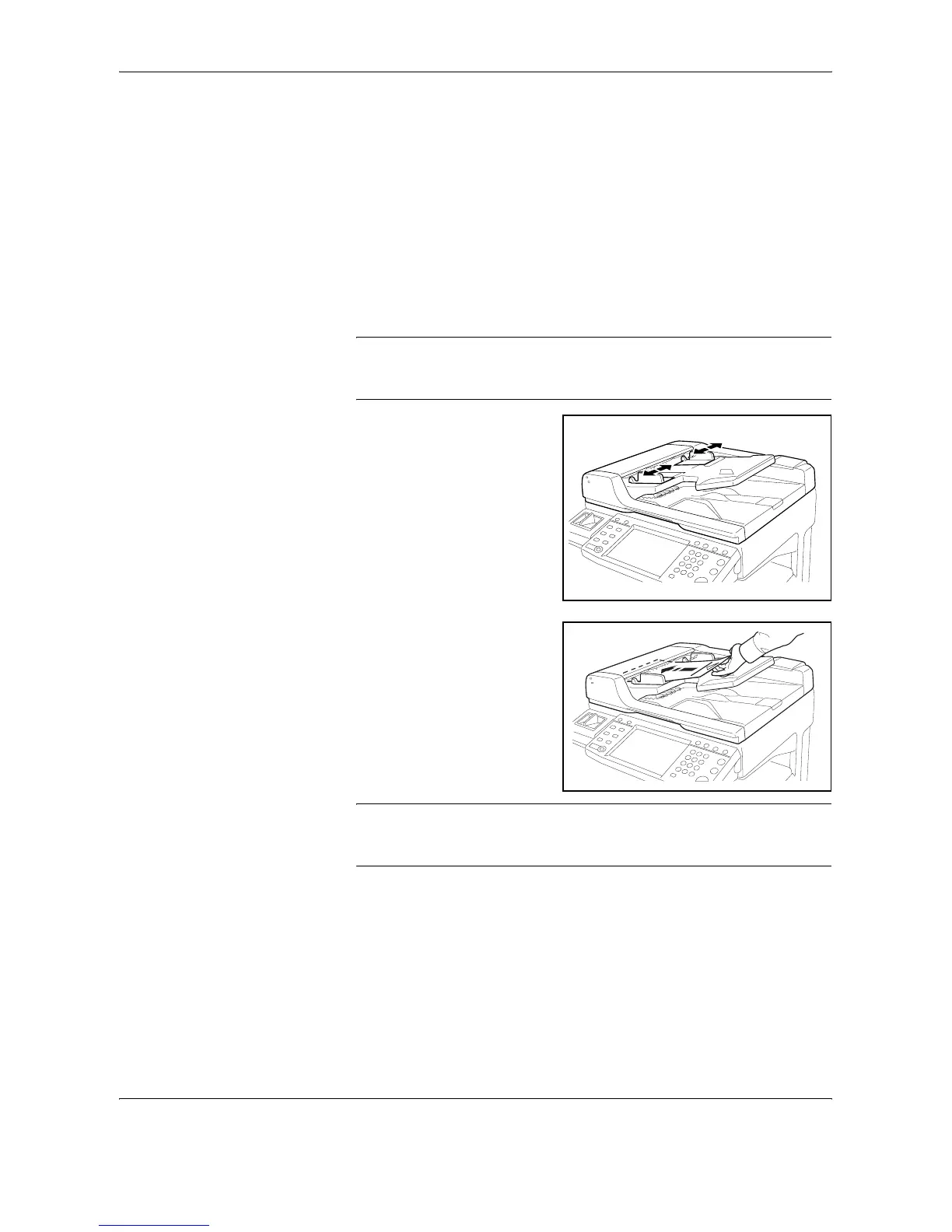
1
Adjust the original width
guides to fit the originals.
2
Place the originals. Put the
side to be scanned (or the first
side of two-sided originals)
face-up. Slide the leading
edge into the document
processor as far as it will go.
The original placement
indicator will be lit.
IMPORTANT: Confirm that the original width guides exactly fit the
originals. If there is a gap, readjust the original width guides. The gap may
cause the originals to jam.










 To Next Page