Optional Equipment
OPERATION GUIDE 4-9
4
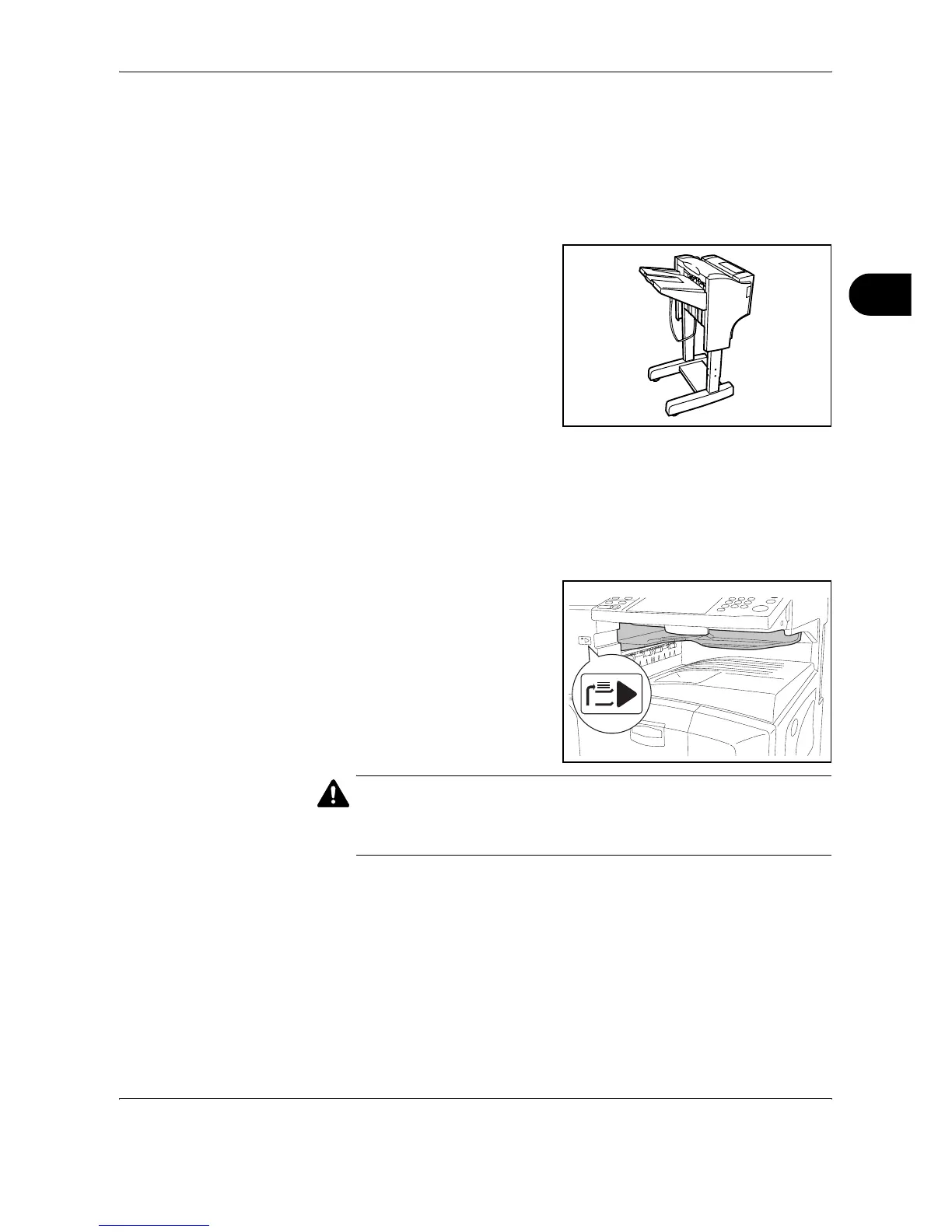
Document Finisher
The document finisher holds a large quantity of finished copies. The
finisher offers a convenient means of sorting. Sorted finished copies may
also be stapled. For further details, refer to the document finisher
Operation Guide.
Job Separator
Separate paper according to output tray for easier sorting. Specify as the
output tray for copy or print jobs. Or, specify as the default output tray for
printing from the copy or Document Box screen, printing from the PC, and
printing of the received fax data.
There is a paper indicator in
the front of the machine that
shows whether there is paper
in the Job Separator.
CAUTION: Note that some paper types have a tendency to curl and may
jam in the paper eject unit.
If the ejected paper slips or stacks unevenly, turn the paper in the cassette
over and try again.










 To Next Page