Optional Equipment
4-8 OPERATION GUIDE
3
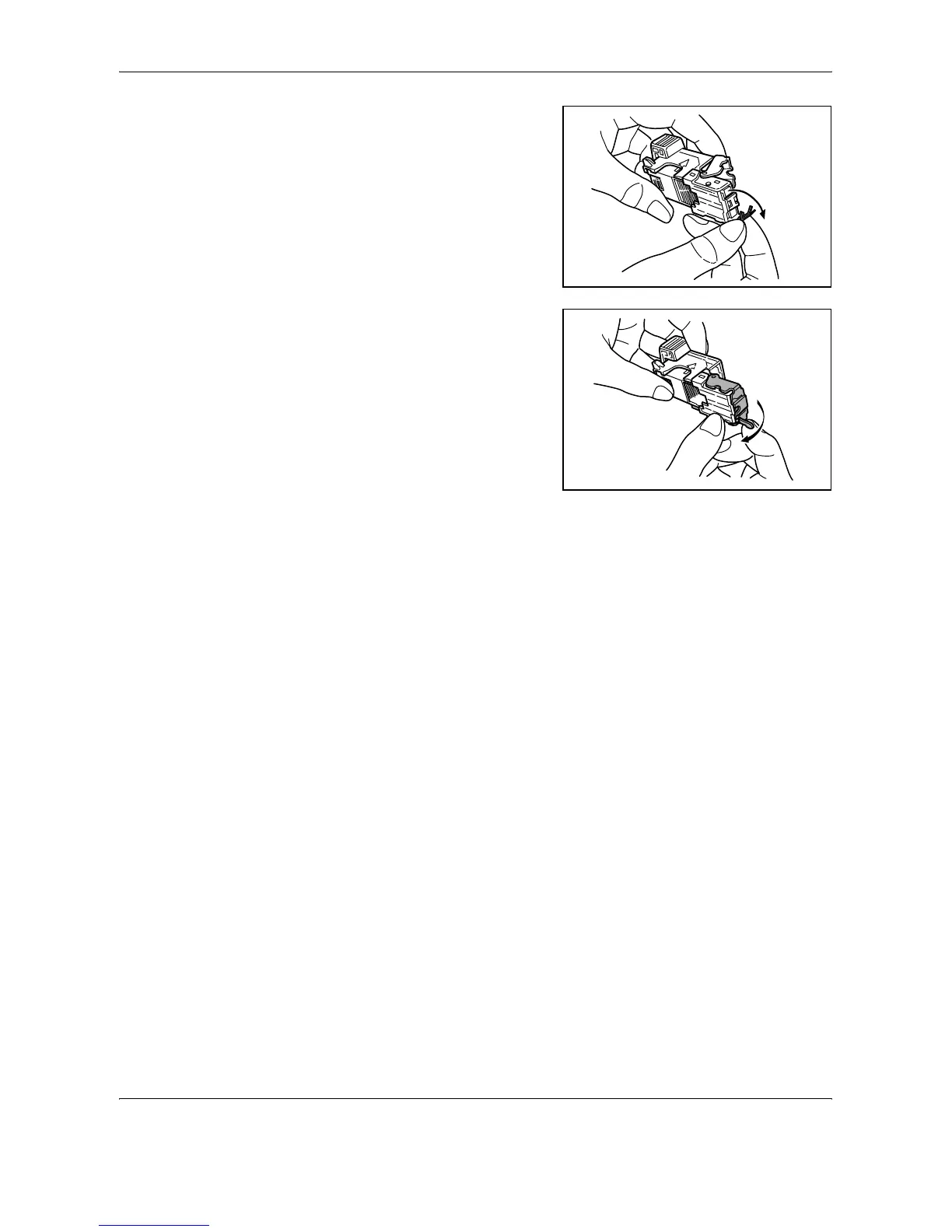
Clear the staple jammed in the
cartridge end (staple-loaded
side).
4
Lower the face plate of the
staple holder.
5
Insert the face plate back in place. When fully inserted, the face plate locks
with a clicking sound.
6
After lifting the staple unit slightly, lower it and insert it again into its place.
7
Close the stapler front cover.










 To Next Page