Appendix-4 OPERATION GUIDE
Entering Characters
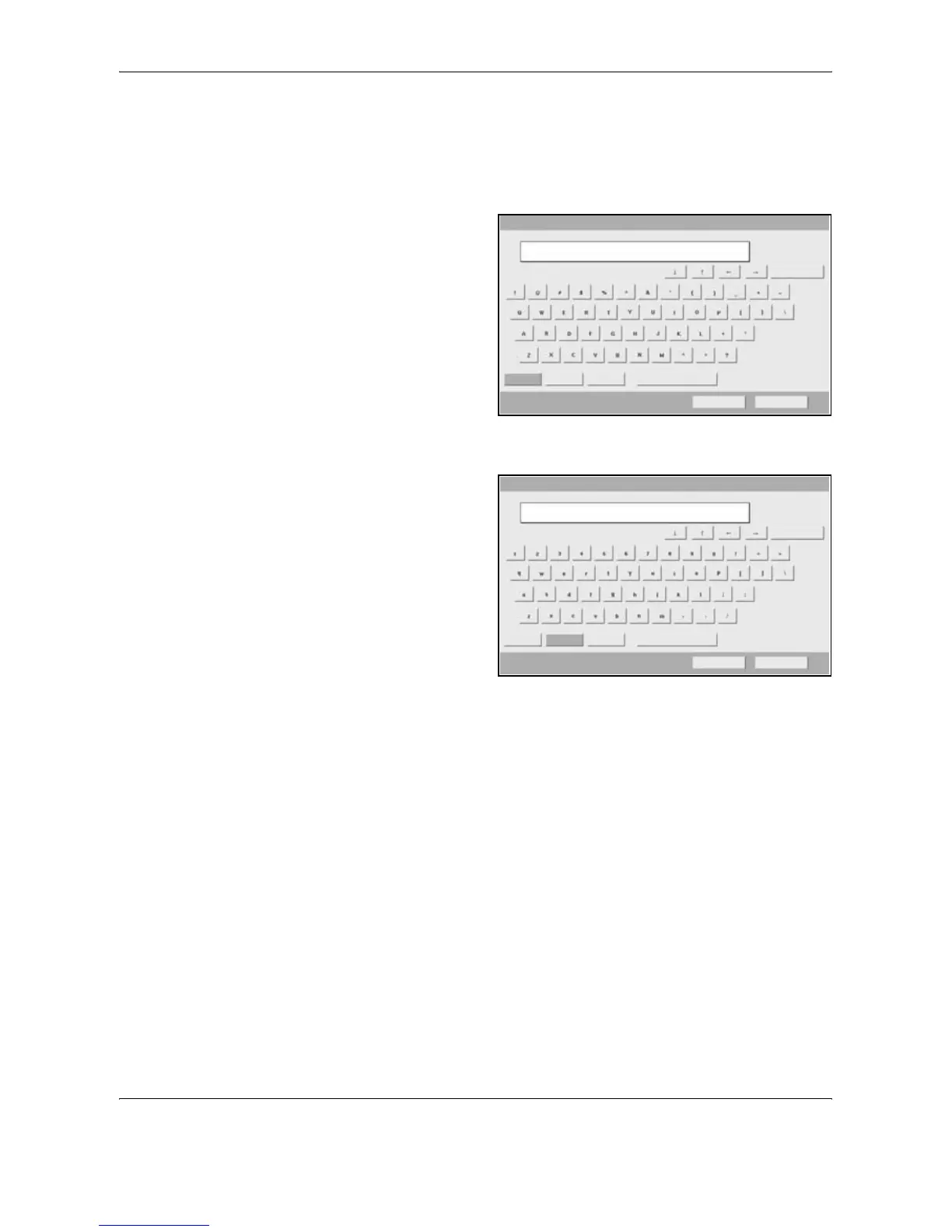
Follow the steps shown below to enter List A-1 for example.
1
Press [Upper-case].
2
Press [L]. The letter
L is shown on the
display.
3
Press [Lower-case].
4
Press [i], [s], [t] and
[Space].
5
Press [Upper-case].
6
Press [A].
7
Press [No./Symbol].
8
Press [S] or [T] repeatedly to view the keyboard containing [-] and [1].
Use the keyboard to enter.
Backspace
Upper -case Lower-case No./Symbol Space
Cancel OK
L
Path
Input : characters
Limit: characters
1
126
Use the keyboard to enter.
Backspace
Upper -case Lower-case No./Symbol Space
Cancel OK
List
Path
Input : characters
Limit: characters
4
126





 To Next Page