Basic Operation
OPERATION GUIDE 3-29
3
10
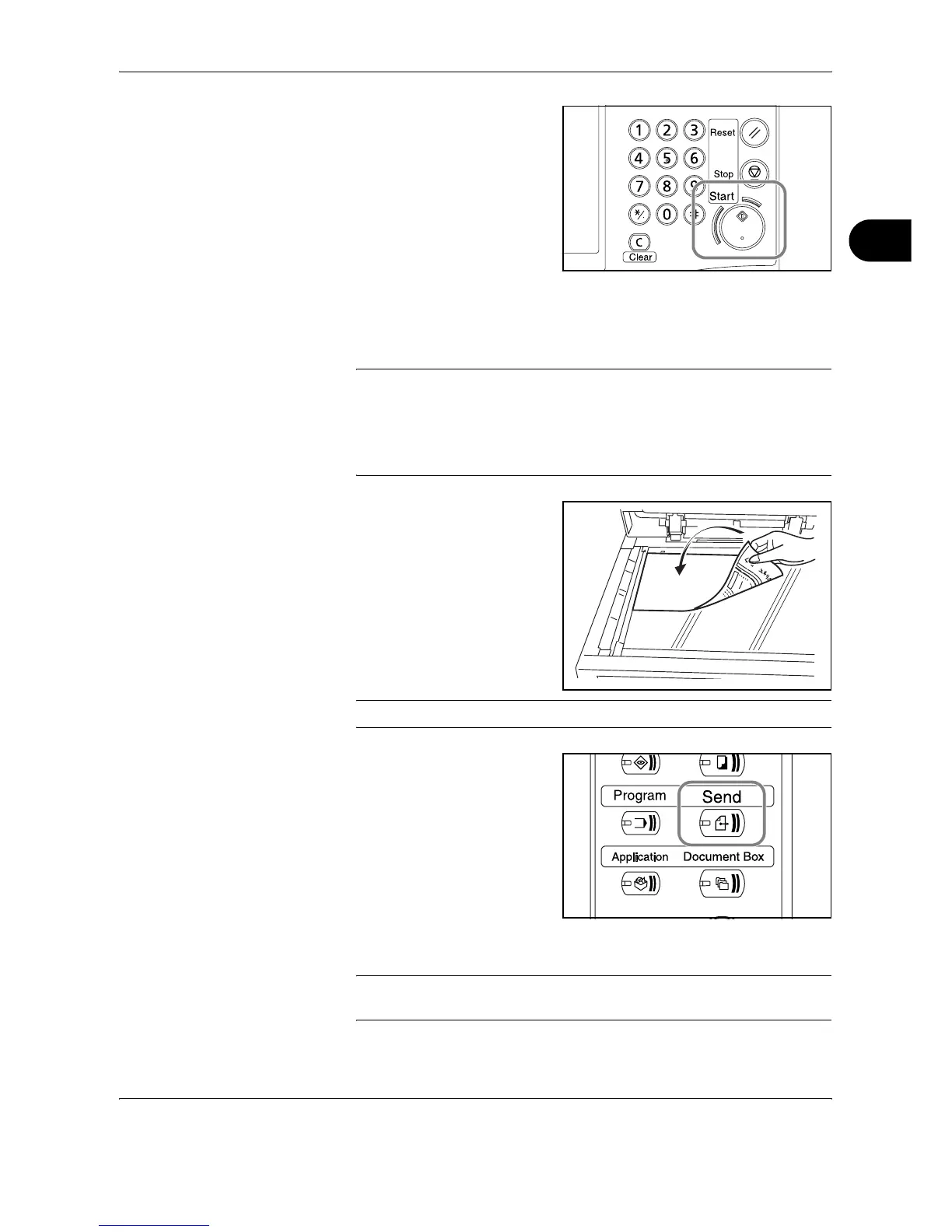
Press the Start key. The
scanned original is sent to the
specified E-mail address.
Send to Folder (SMB)
Stores a scanned original image file in the specified shared folder of any PC.
NOTE:
• Refer to Help of your operating system for details on how to share a
folder.
• Be sure that SMB Protocol of EWS (Embedded Web Server) is On.
Refer to SMB Settings on page 2-18.
1
Place the originals on the
platen or in the optional
document processor.
NOTE: For loading instructions, refer to Loading Originals on page 2-47.
2
Press the Send key.
3
Press [Folder Path Entry] and then [SMB].
NOTE: Destination can be specified using the Address Book or the One-
touch Keys. For details, refer to Specifying Destination on page 3-42.










 To Next Page