Basic Operation
OPERATION GUIDE 3-63
3
Checking Remaining Toner and Paper
Follow the steps below to check remaining toner and paper on the touch
panel.
NOTE: Paper size and media type loaded in each paper source can also
be checked.
1
Press the Status/Job Cancel key.
2
Press [Paper/
Supplies].
3
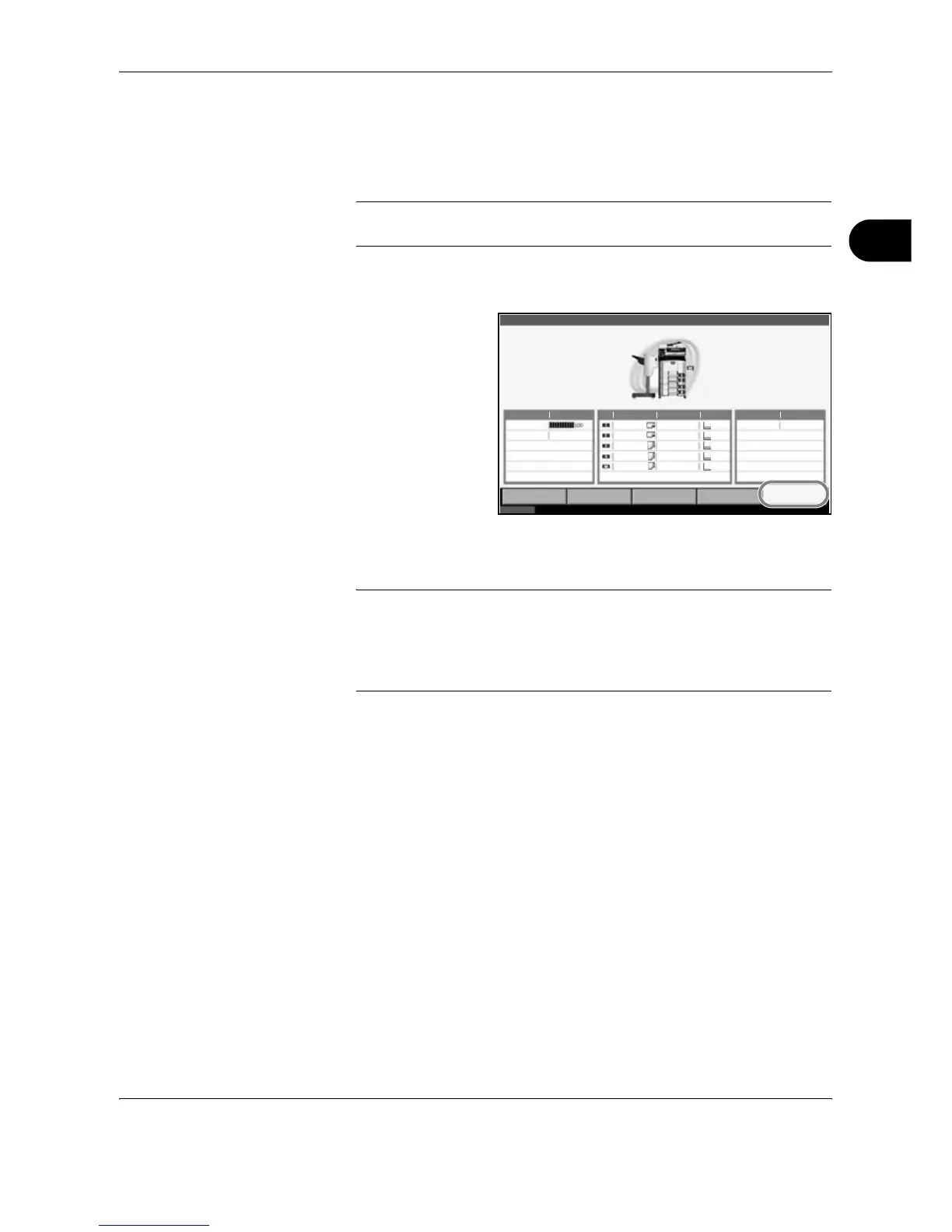
Check the remaining toner of Toner Information and the remaining paper
of each paper source of Paper.
NOTE: Remaining toner level is indicated at one of 11 levels between
100% and 0%. The smaller the number, the smaller the amount of
remaining toner.
Paper remaining in the Multi Purpose Tray is indicated either as 100% or
0%.
Detail
Toner Information Paper Others
Toner Status Size Type Status Type Status
Black(K) Ledger
Ledger
Letter
Letter
Letter
Plain
Plain
Plain
Plain
Plain
30%
30%
30%
30%
0%
Staple A OK
Printing Jobs Sending Jobs Storing Jobs
Device/
Communication
Paper /Supplies
Status 10/10/2007 10:10
%
Waste Toner OK










 To Next Page