Preparation before Use
2-18 OPERATION GUIDE
SMB Settings
The SMB function allows you to store scanned images on a computer
connected to the network.
To use this function, register the following information:
• Login User Name
• Login Password
• SMB Port Number (normally 139)
• The computer’s IP address and host name
• The computer path (to the destination folder to be used for the saved
images)
• Destination folder sharing (Writable shared folder)
The user name and password set using the operation panel are also used
to log on to the computer where the destination folder is located. Set the
access privileges for the folder in Windows on the computer where the
folder is located.
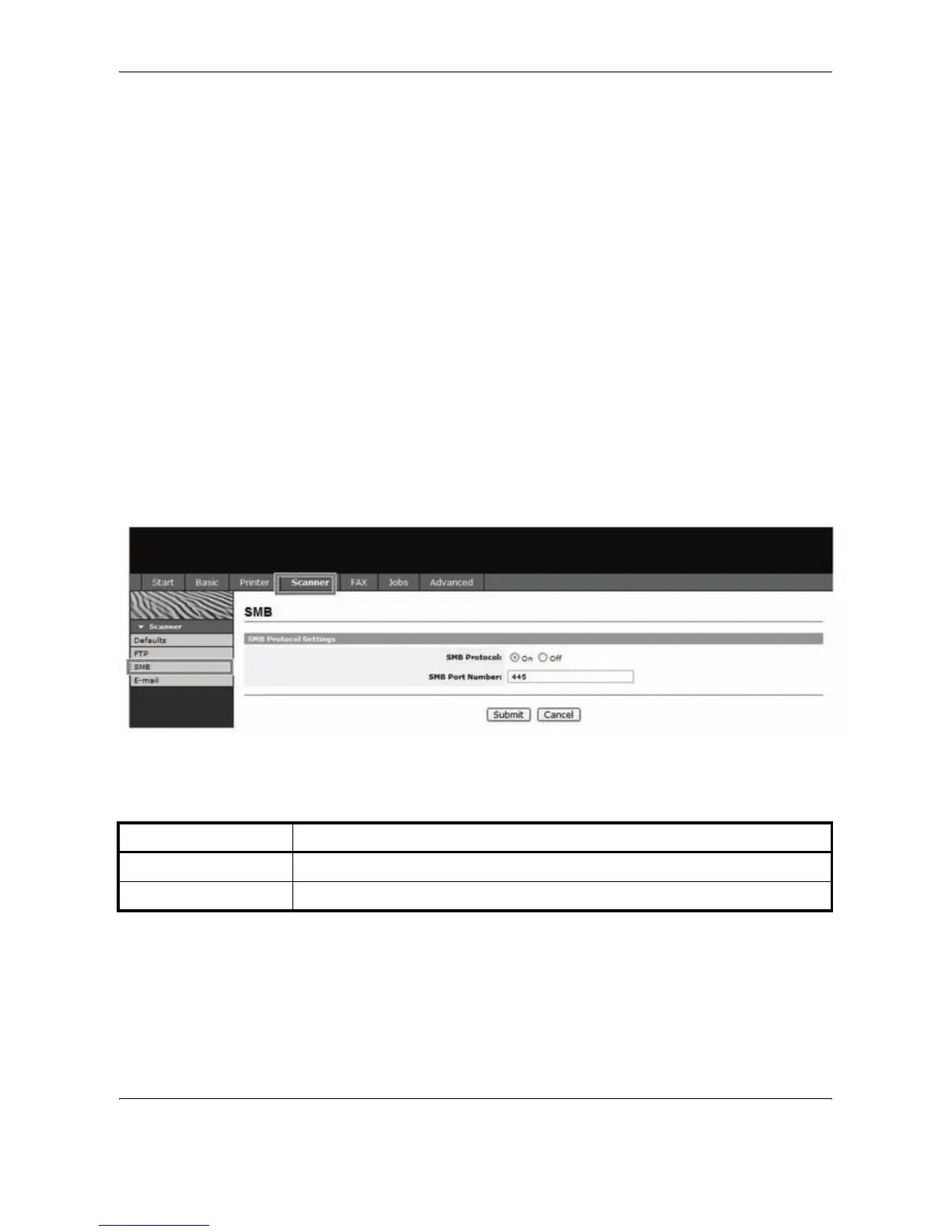
This section explains the procedure for specifying the SMB settings in
EWS (Embedded Web Server).
1
Click Scanner -> SMB.
2
Enter the correct settings in each field.
The settings to be specified in the SMB settings screen are shown below.
3
Click Submit.
Item Description
SMB Protocol Switches the SMB Protocol on or off.
SMB Port Number You can enter the port number to be used by SMB.










 To Next Page