Basic Operation
3-24 OPERATION GUIDE
Printing - Printing from Applications
Follow the steps below to print documents from applications.
NOTE: To print the document from applications, install the printer driver
on your computer from the supplied CD-ROM (Product Library).
1
Create a document using an application.
2
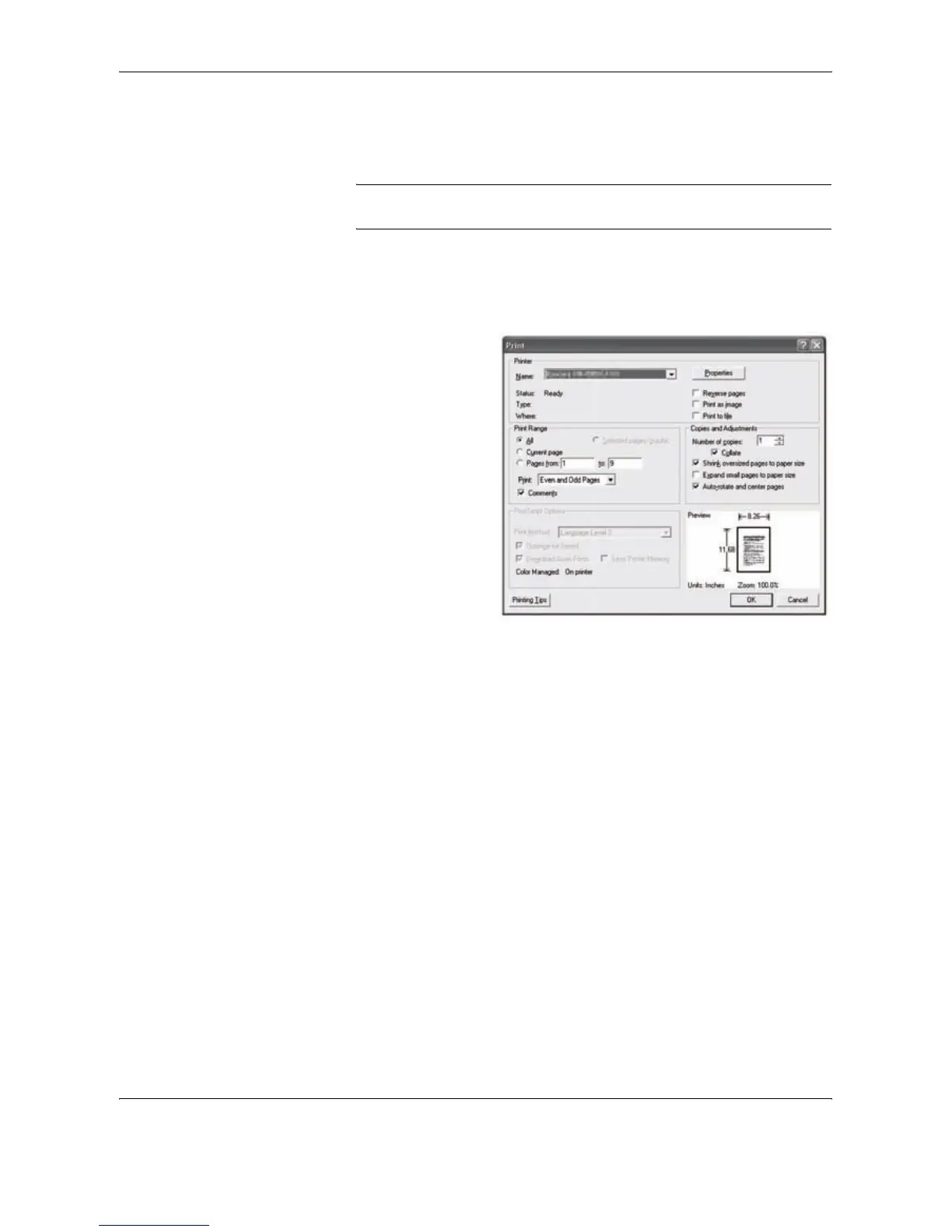
Click File and select Print in the application. The Print dialog box appears.
3
Click the T button
next to the Name
field and select this
machine from the
list.
4
Enter the desired print quantity in the Number of copies box. Enter any
number up to 999.
When there is more than one document, select Collate to print out one by
one in the sequence of the page numbers.
5
Click Properties button. The Properties dialog box appears.
6
Select the Basic tab and click Page Size button to select the paper size.




 To Next Page