Optional Equipment
OPERATION GUIDE 4-11
4
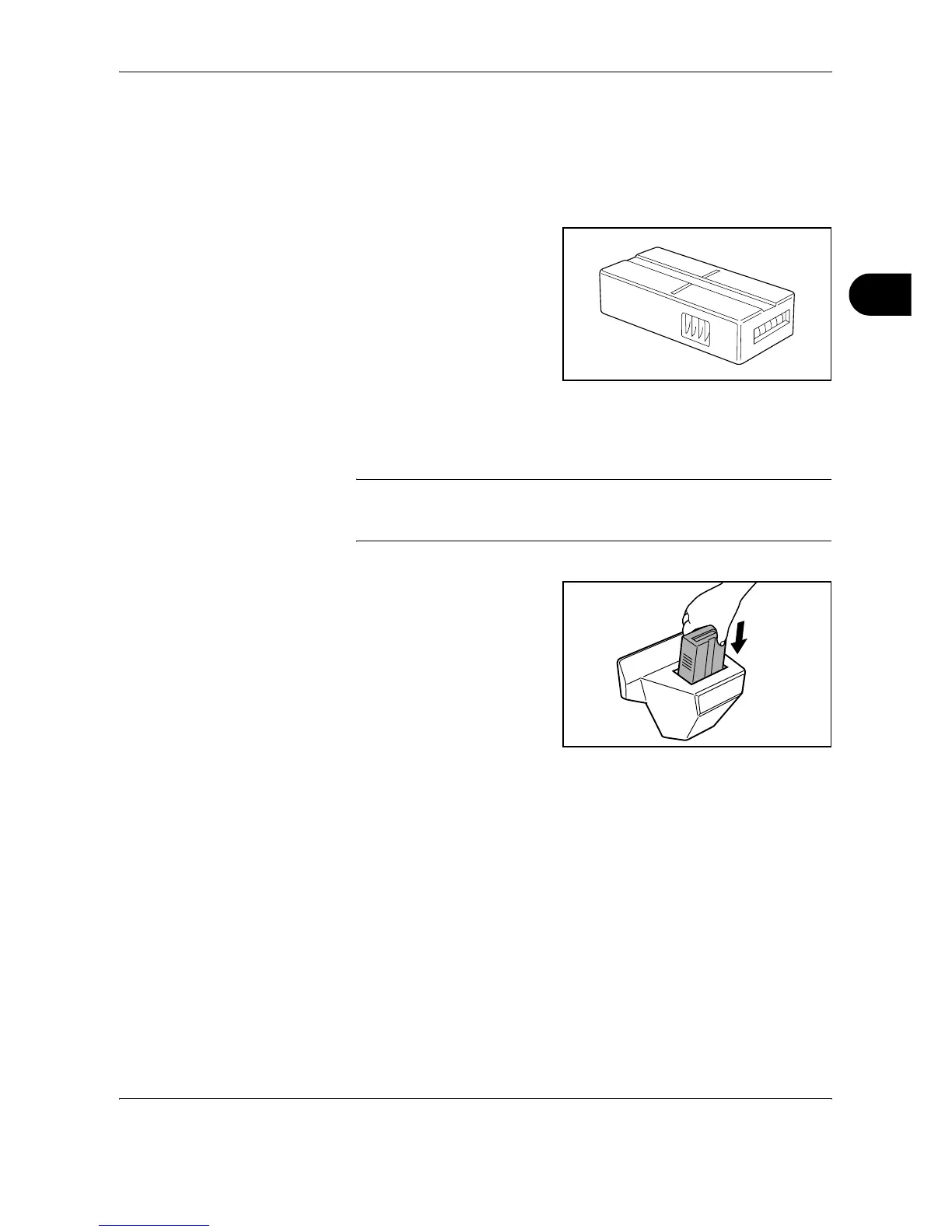
Key Counter
Use the key counter to monitor machine usage. The key counter offers a
convenient solution for centralized management of copy volume for
different departments in a large company.
Inserting the Key Counter
Insert the key counter securely into the key counter slot.
NOTE: When the key counter function is activated, copies can only be
made when a key counter is inserted. If the key counter is not inserted,
Insert key counter. will be displayed.
FAX Kit
By installing the FAX kit, fax send/receive is enabled. Also, it is possible to
use it as a network fax, by using it with a computer. When two FAX kits are
installed, the units can be connected to two different telephone lines which
will enable quicker message transmission to a number of recipients. If one
of the lines is dedicated to receiving, the busy line time can be reduced.
For further details, refer to Fax Kit Operation Guide.





 To Next Page