Basic Operation
3-64 OPERATION GUIDE
Quick Setup Screen
In the initial screen for copying and sending (the screen which appears
immediately after the Copy or Send key is first pressed after power-on),
important and generally often used functions are registered from among
the versatile functions of this machine. This initial screen is called Quick
Setup Screen. Registration of functions in the Quick Setup Screen can be
adjusted to suit your work environment for better efficiency.
Functions Available for Registration in the Quick Setup Screen
Default registrations and the functions available for registration are as
follows.
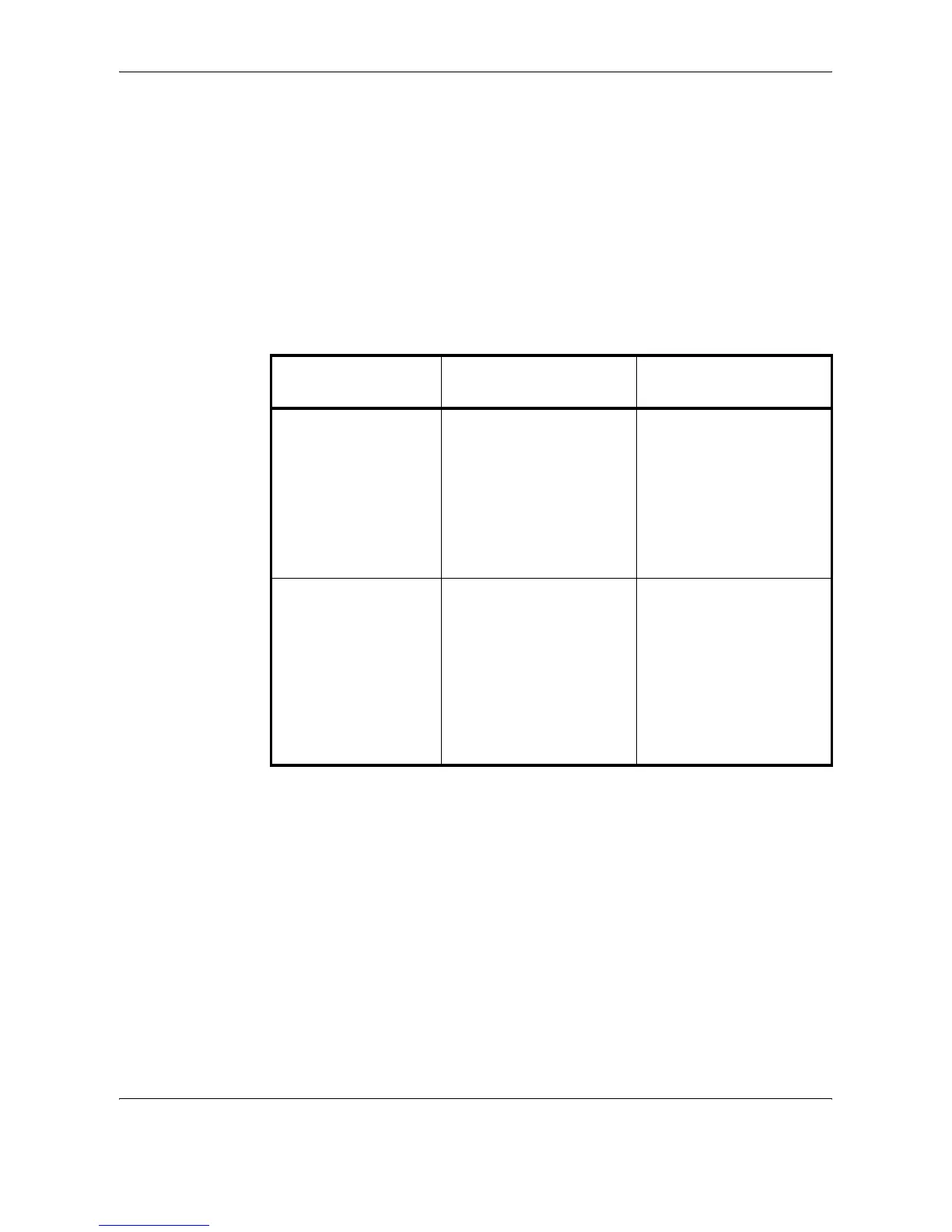
Function Default Registration
Functions Available for
Registration
Copying 1: Zoom
2: Density
3: Staple
4: Duplex
5: Original Image
6: Collate/Offset
• Zoom
•Density
•Staple
•Duplex
• Original Image
• Collate/Offset
•Original Size
• Paper Selection
• Combine
Sending 1: Zoom
2: Density
3: Scan Resolution
4: 2-sided/Book Original
5: Original Image
6: Color Selection
• Zoom
•Density
• Scan Resolution
• 2-sided/Book Original
• Original Image
• Color Selection
•Original Size
• Sending Size
• File Format
• Original Orientation










 To Next Page