Preparation before Use
OPERATION GUIDE 2-5
2
Connecting Cables
Connecting LAN Cable (Optional)
Follow the steps below to connect a LAN cable to the machine.
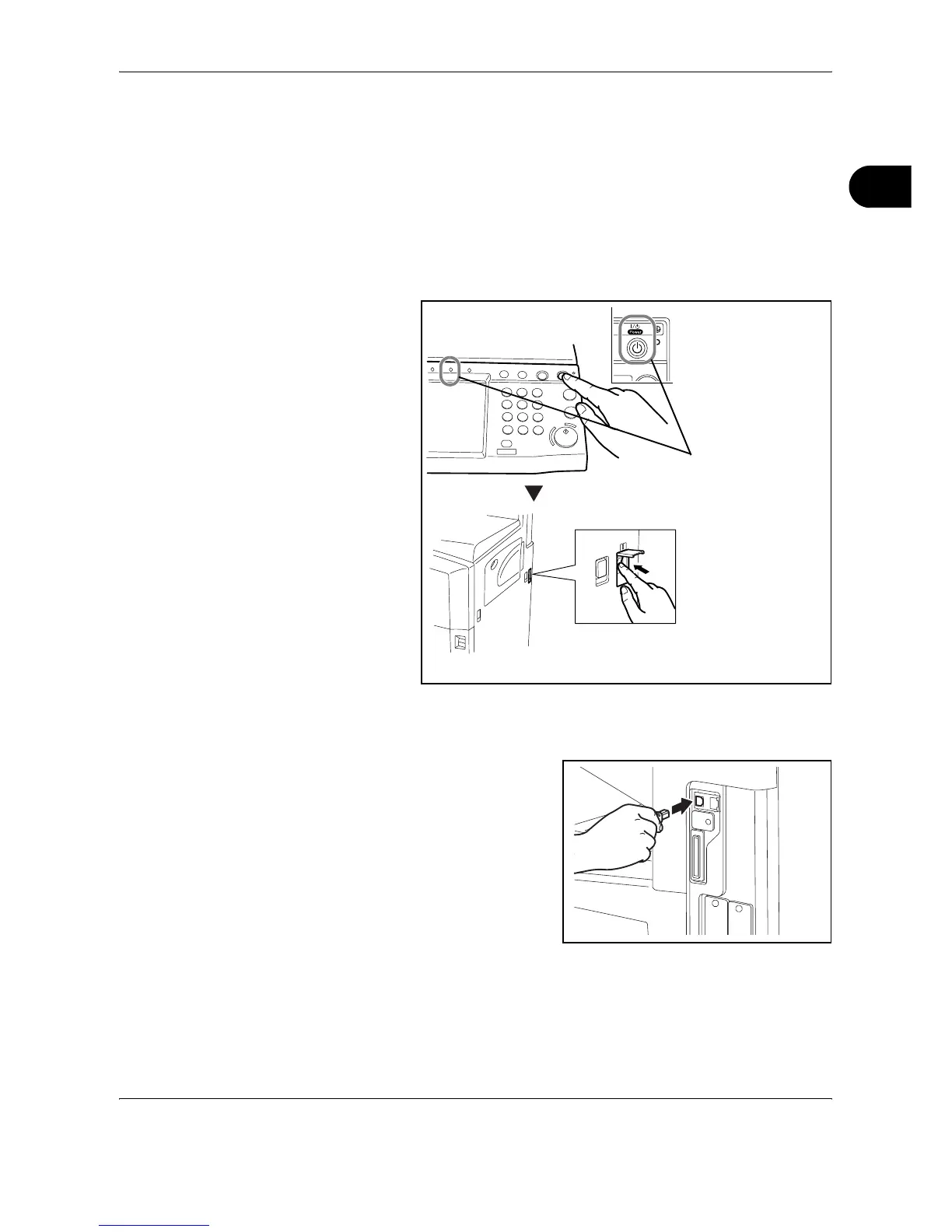
1
When the machine is powered up, first press the Power key on the
operation panel. Check that the Power indicator and the memory indicator
are off. After this, turn off the main power switch.
2
Connect the LAN cable to the network interface located on right side of the
body.
3
Connect the other end of the cable to the hub.
4
Configure the network. For details, refer to Configuring a Network (LAN
Cable Connection) on page 2-10.
Check that the
indicators are off.










 To Next Page