Preparation before Use
2-12 OPERATION GUIDE
Accessing EWS (Embedded Web Server) (Settings for Network and Transmission)
EWS (Embedded Web Server) is a tool used for tasks such as verifying
the operating status of the machine and changing the settings for security,
network printing, E-mail transmission and advanced networking.
NOTE: Here, information on the FAX settings has been omitted. For
more information on using the FAX, refer to the Fax Kit Operation Guide.
The procedure for accessing EWS (Embedded Web Server) is explained below.
1
Launch your Web browser.
2
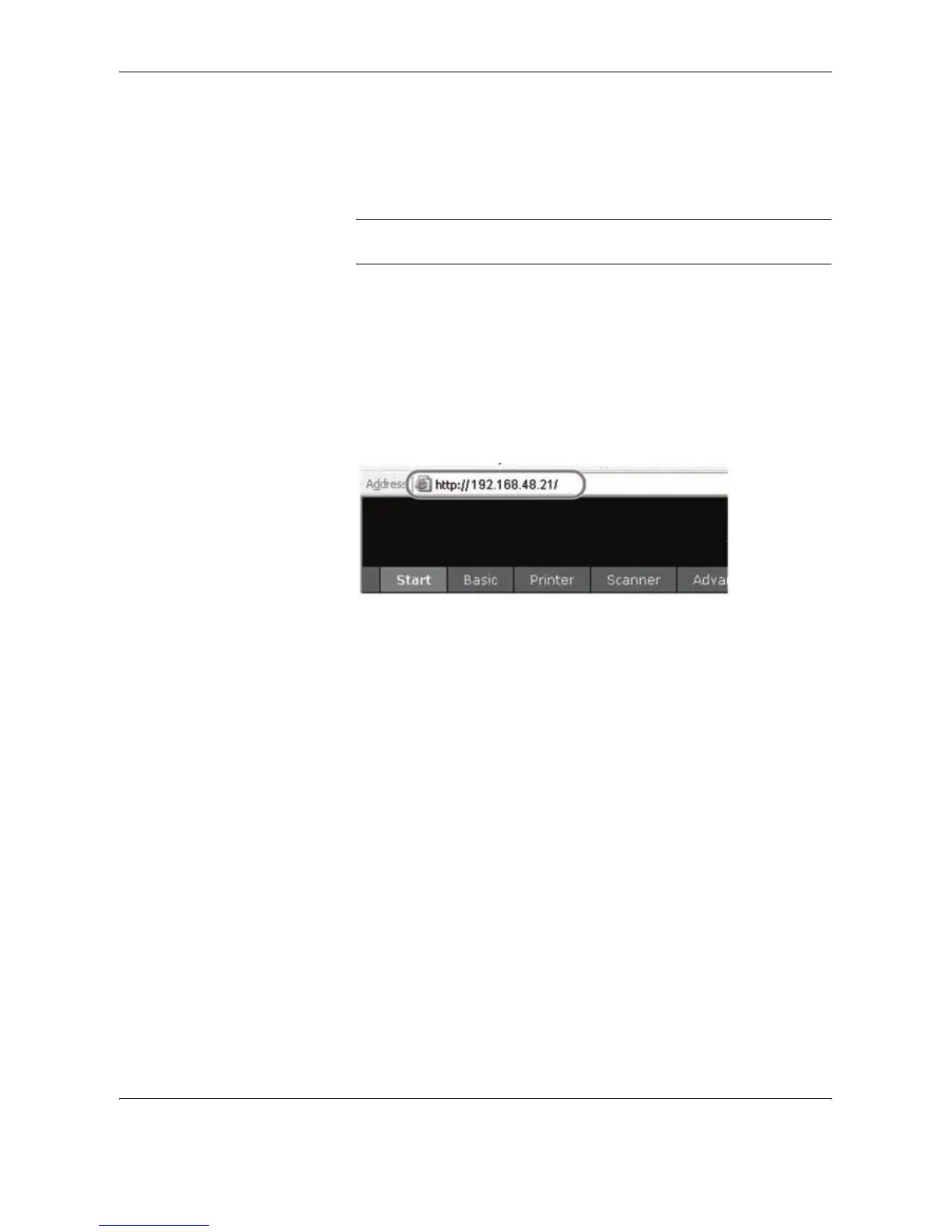
In the Address or Location bar, enter the machine’s IP address.
E.g.) http://192.168.48.21/
The web page displays basic information about the machine and
EWS (Embedded Web Server) as well as their current status.
3
Select a category from the navigation bar on the left of the screen. The
values for each category must be set separately.
If restrictions have been set for EWS (Embedded Web Server), enter the
correct user name and password to access pages other than the
startup page.










 To Next Page