Preparation before Use
OPERATION GUIDE 2-11
2
6
Press [Subnet Mask] and enter the address using the numeric keys.
7
Press [Default Gateway] and enter the address using the numeric keys.
8
Check that all addresses are entered correctly, and press [OK].
9
Press the Power key, and after confirming that the Power key/indicator
and memory indicator have turned off, turn the main power switch off and
on.
Setting TCP/IP (When Using DHCP)
Follow the steps below to set TCP/IP when a DHCP server is available.
1
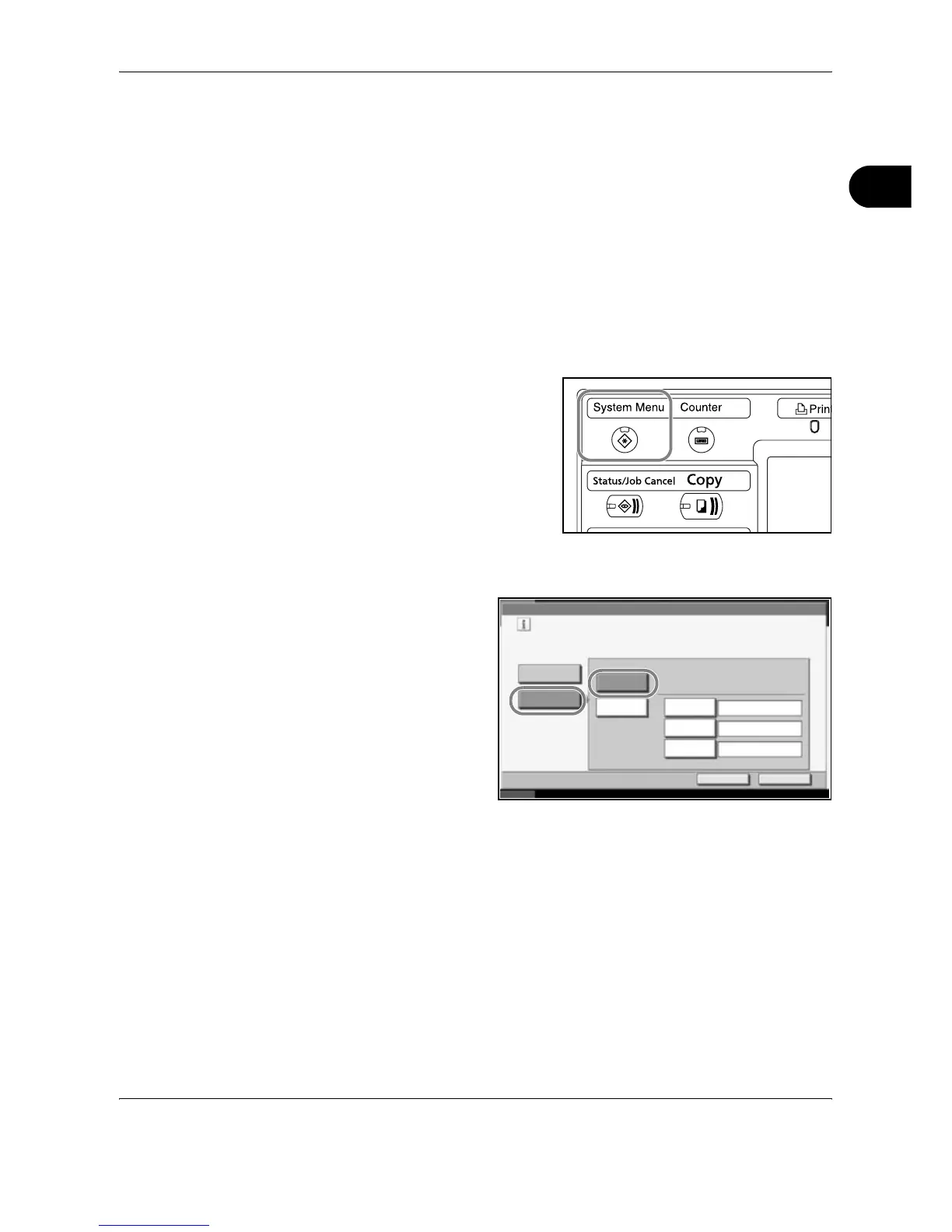
Press the System Menu key.
2
Press [System], [Next] of Network and then [Change] of TCP/IP.
3
Press [On] of TCP/
IP and [On] of
DHCP.
4
Press [OK].
5
Press the Power key, and after confirming that the Power key/indicator
and memory indicator have turned off, turn the main power switch off and
on.
System - TCP/IP
Use TCP/IP.
On
Off
Cancel OK
Status 10/10/2007 10:10
DHCP
On
Off
IP Address
Subnet Mask
Default
Gateway
0.0.0.0
0.0.0.0
0.0.0.0










 To Next Page