Basic Operation
OPERATION GUIDE 3-23
3
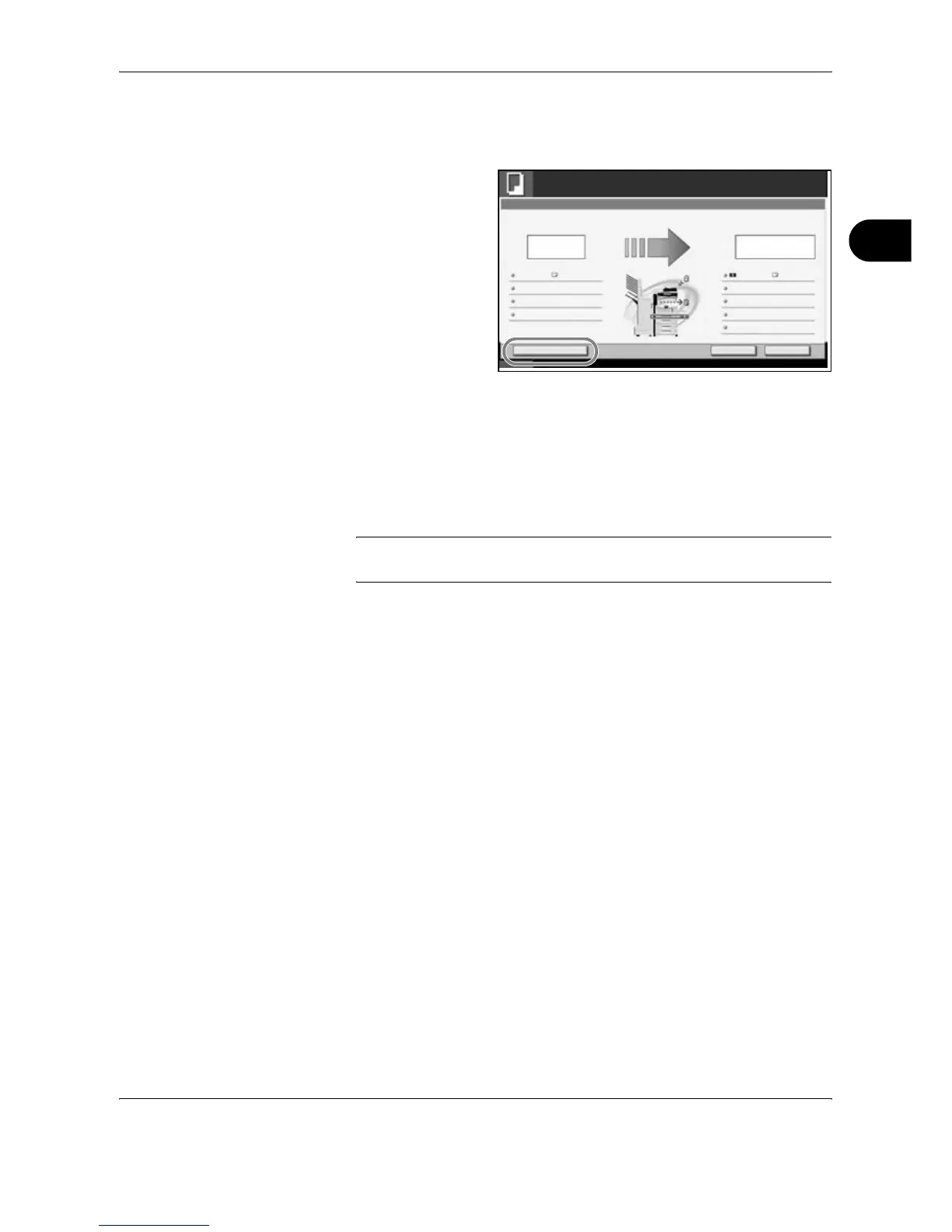
If Reserve Next Priority Setting is set to Off
The Copying screen appears on the touch panel during printing.
1
Press [Interrupt].
The current print job
is temporarily
interrupted.
2
Place the originals onto the machine for interrupt copy, and configure the
copy settings.
3
Press the Start key to start interrupt copying.
4
When interrupt copying ends, press [Interrupt].
The machine resumes the paused print jobs.
NOTE: If the machine is left for 60 seconds, interrupt copying is
automatically cancelled and printing resumes.
Cancel Reserve NextInterrupt
Status
10/10/2006 10:10
Copying...
Copies
Scanner Setting
24
Copies
Printer Setting
Collate
Top Tray
Top Edge Top
100%
Original Pages
Job No.: Job Name: User Name:000021 doc 20060505113414 -----
2-sided
2-sided
2
A4 PlainA4
242/




 To Next Page