Troubleshooting
OPERATION GUIDE 6-11
6
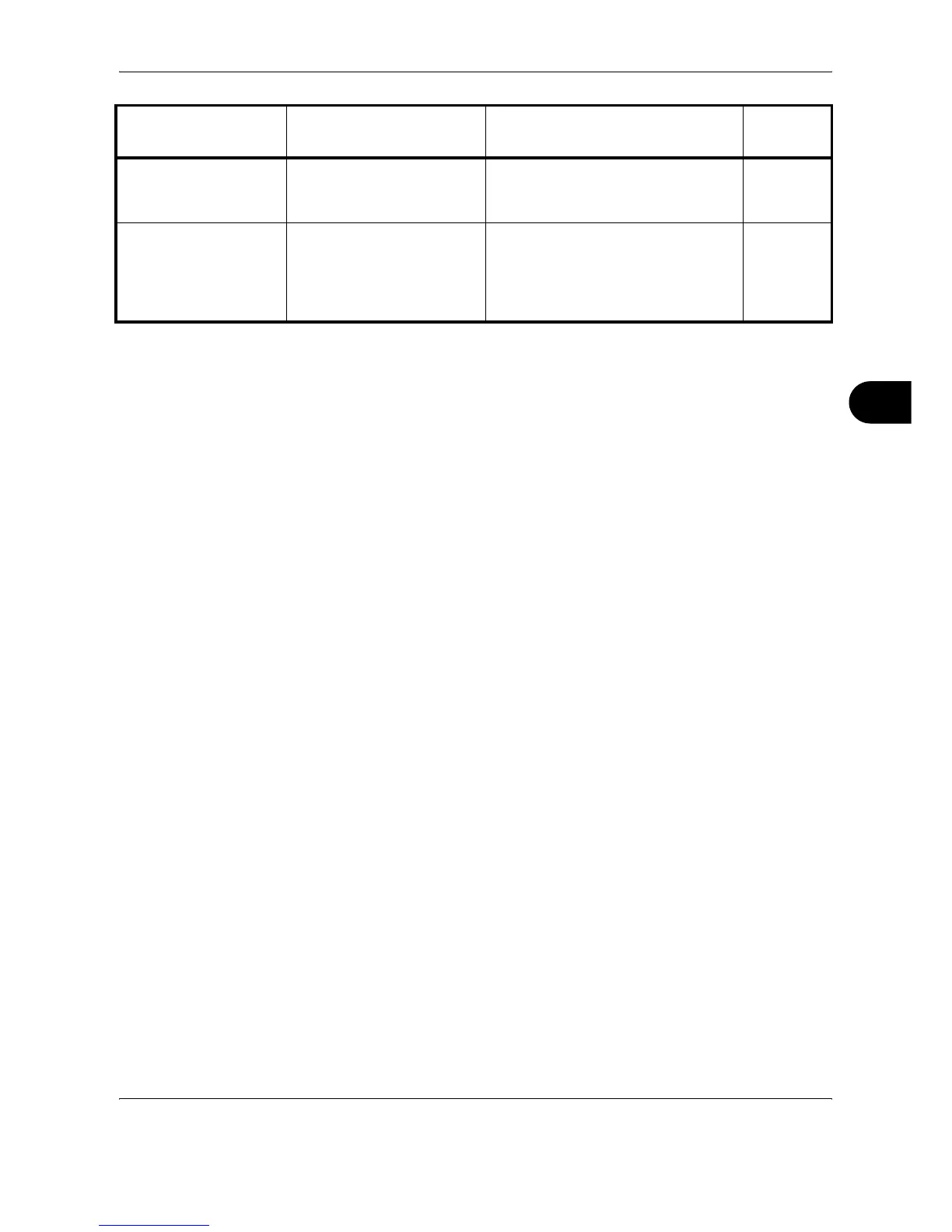
Top tray of the
machine is full of
paper.
– Remove paper from the top tray, and
press [Continue] to resume the job.
—
Warning low memory. – Further scanning cannot be
performed due to insufficient memory.
Press [Continue] to print the scanned
pages. Press [Cancel] to cancel the
printing job.
—
Error Message Checkpoints Corrective Actions
Reference
Page





 To Next Page