Troubleshooting
6-20 OPERATION GUIDE
2
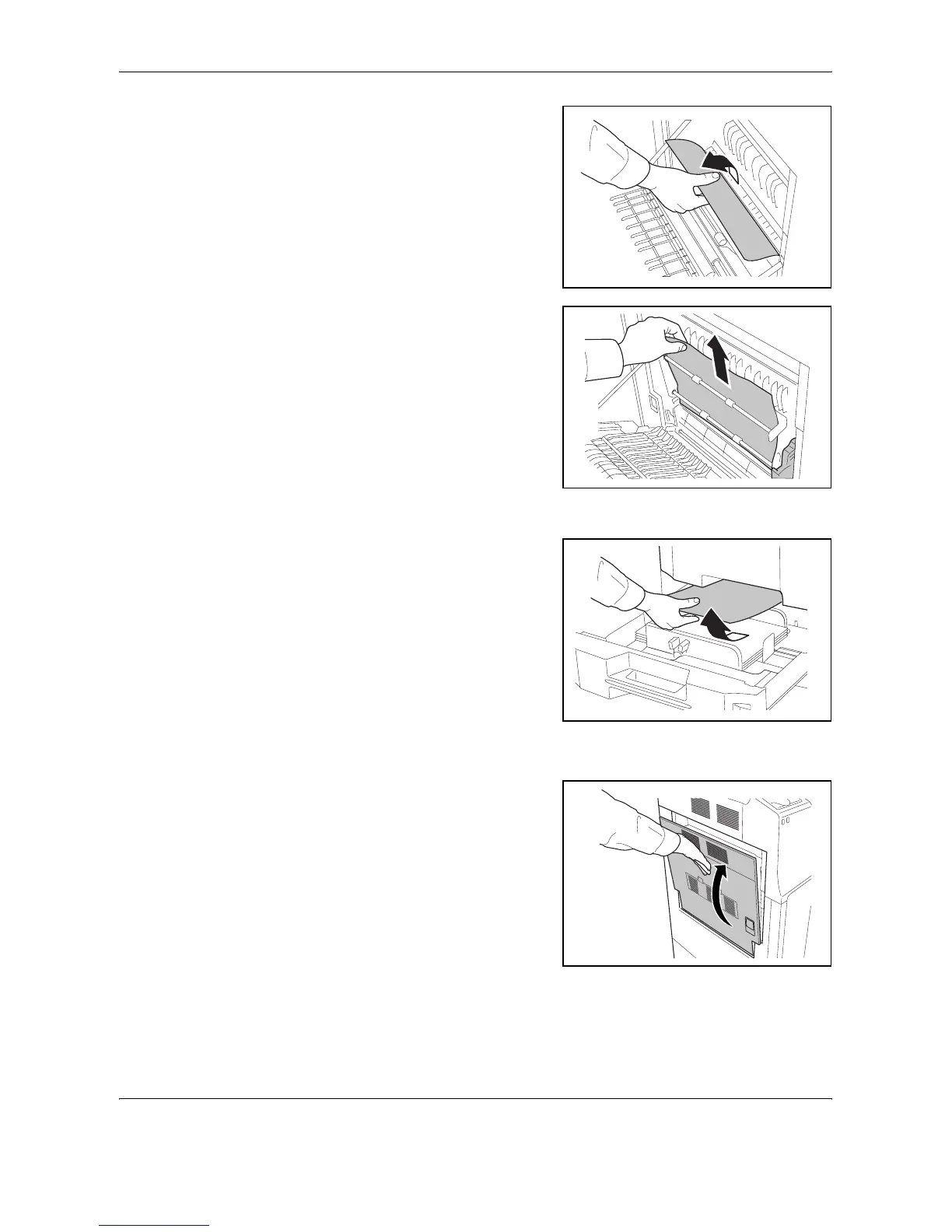
Remove the jammed paper.
3
Lift up duplex unit and remove
the jammed paper.
4
Pull out cassette 1 and remove the jammed paper.
If the paper tears, remove
every loose scrap from inside
the machine.
5
Push cassette 1 back in place securely.
6
Press the specified position to
close left cover 1.










 To Next Page