Preparation before Use
OPERATION GUIDE 2-45
2
1
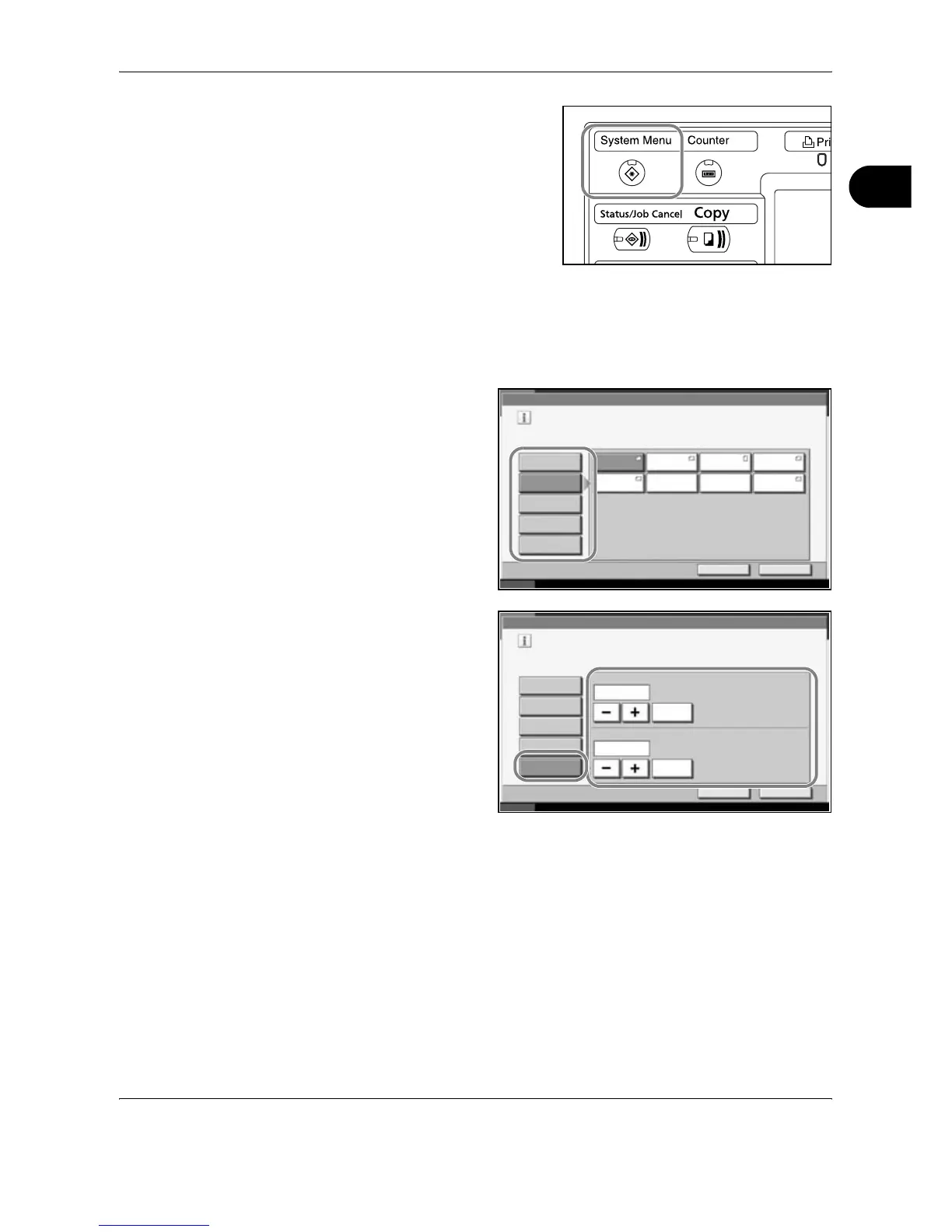
Press the System Menu key.
2
Press [Common Settings], [Next] of Original / Paper Setup, [Next] of Multi
Purpose Tray Setting, and then [Change] of Paper Size.
3
For automatic detection of the paper size, press [Auto] and select [Metric]
or [Inch] as the unit.
To select the paper
size, press any of
[Standard Sizes 1],
[Standard Sizes 2],
[Others] or [Size
Entry] and select the
paper size.
If you have chosen
[Size Entry], press
[+] or [–] to enter X
(horizontal) and Y
(vertical) sizes. You
may enter the size
directly using the
numeric keys by
pressing [# Keys].
4
Press [OK]. The previous screen reappears.
Common Settings - Multi Purpose Tray Setting
Set the multi-purpose tray paper size.
Standard
Sizes 1
Auto
Cancel OK
Status 10/10/2007 10:10Paper is remaining in Document Processor.
Standard
Sizes 2
Others
Size Entry
Ledger Letter Letter Legal
Statement Executive 8.5x13.5" OficioII
Common Settings - Multi Purpose Tray Setting
Set the multi-purpose tray paper size.
Standard
Sizes 1
X(5.83 - 17.00)
17.00
Auto
Cancel OK
Status 10/10/2007 10:10
# Keys
Y(3.86 - 11.69)
11.69
# Keys
Paper is remaining in Document Processor.
"
"
Standard
Sizes 2
Others
Size Entry










 To Next Page