11 EtherNet/IP Coupler Unit Functions
11 - 28
NX-series EtherNet/IP Coupler Unit User’s Manual (W536)
The following errors are examples of the errors to which fail-soft operation applies.
• Unit Configuration Verification Error
*1
• NX Unit Communications Timeout
• NX Unit Initialization Error
• NX Unit Startup Error
*1. Even if you enable fail-soft operation, the EtherNet/IP Coupler Unit may not start refreshing I/O for any of the
NX Units when the EtherNet/IP Slave Terminal is started, depending on the cause of the error. Refer to
Causes of Unit Configuration Verification Errors and Error Operation on page 11-28 for details on the opera-
tion for different error causes.
Refer to Error Descriptions on page 12-26 for the errors to which fail-soft operation applies. If an error
occurs to which fail-soft operation does not apply, the EtherNet/IP Coupler Unit will stop I/O refreshing
for all of the NX Units even if you enable fail-soft operation.
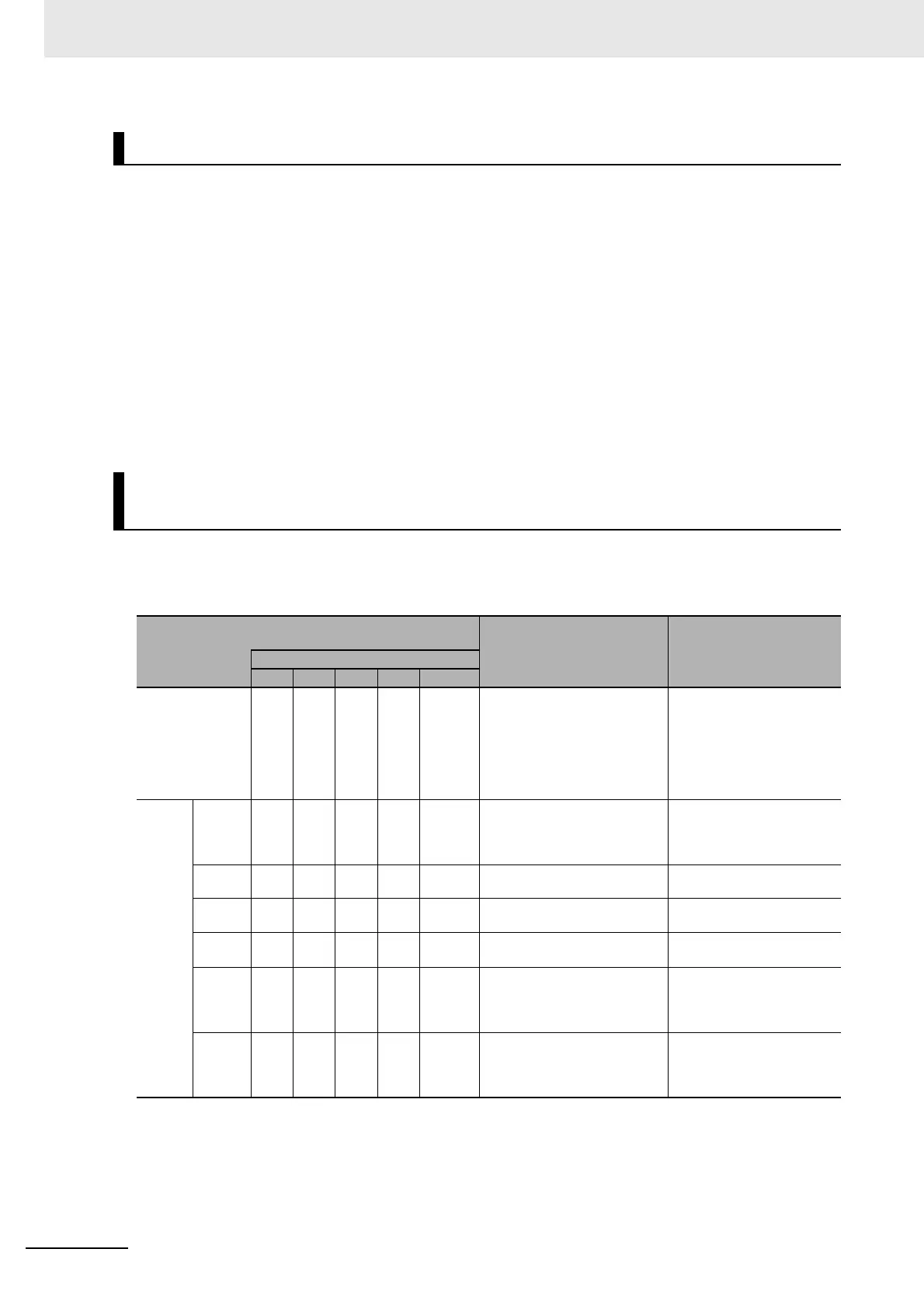
Depending on the cause of a Unit Configuration Verification Error, I/O refreshing may not start when the
EtherNet/IP Slave Terminal starts even if fail-soft operation is enabled.
Examples are provided below.
Errors to Which Fail-soft Operation Applies
Causes of Unit Configuration Verification Errors and Error Opera-
tion
Example of Unit configuration information and actual
configuration
Description of configuration
Operation when Ether-
Net/IP Slave Terminal
starts
NX Unit numbers
1 2 3 4 5
Unit configuration
information
ABCDE
(unmounted)
The following models of Units
are mounted after the Ether-
Net/IP Coupler Unit in the order
given on the left: A, B, C, D, and
E. Unit E, however, has the NX
Unit Mounting Setting set to
Disable.
---
Actual
config-
uration
Case 1 A B C --- --- Unit D is not mounted. I/O refreshing is started for
NX Unit numbers 1, 2, and 3
because fail-soft operation is
enabled.
Case 2 A C D --- --- Unit B is not mounted. I/O refreshing does not start
for any of the NX Units.
Case 3 A B D C --- Units C and D are mounted in
reverse order.
I/O refreshing does not start
for any of the NX Units.
Case 4 A B C D D An extra Unit D is mounted for
NX Unit number 5.
I/O refreshing does not start
for any of the NX Units.
Case 5 A B C F --- Unit F is mounted for NX Unit
number 4, but it does not exist
in the Unit configuration infor-
mation.
I/O refreshing does not start
for any of the NX Units.
Case 6 A B C D E Unit E is mounted for NX Unit
number 5 even though its NX
Unit Mounting Setting is set to
Disable.
I/O refreshing does not start
for any of the NX Units.



 To Next Page