108
It is recommended that you use your engraver in a climate-controlled area with a
set target temperature. If using your engraver in other conditions is unavoidable,
use laser-safe antifreeze.
The device address should not be changed. If it ever accidentally is reset, return it
to its default setting of “1”. To remove all changes and restore all factory default
settings, wait at least 30 seconds after the chiller has been turned on and then
hold
⯅
and
⯆
simultaneously until the display reads “rE” and then automatically
resets.
1) Applicable only to the constant temperature mode (F3=1).
2) Applicable only to the intelligent mode (F3=0).
3) 0=constant temperature mode; 1=intelligent mode.
Case 1: The chiller is in intelligent control mode and requires the water to be between 77–88
℉
(25–31
℃
). With the ambient room temperature kept constant, the water temperature
will remain 5
℉
(3
℃
) lower than the room temperature with a deviation of
±
0.9
℉
(
±
0.5
℃
).
An alarm will sound if the water temperature is 18
℉
(10
℃
) higher or lower than this
target.
Case 2: The chiller is in constant temperature mode and requires the water to be at 82
℉
(28
℃
)
with a deviation of
±
3.6
℉
(
±
2
℃
). An alarm will sound if the water temperature is 9.6
℉
(5
℃
) higher than this target or if the water is 18
℉
(10
℃
) lower than this target.
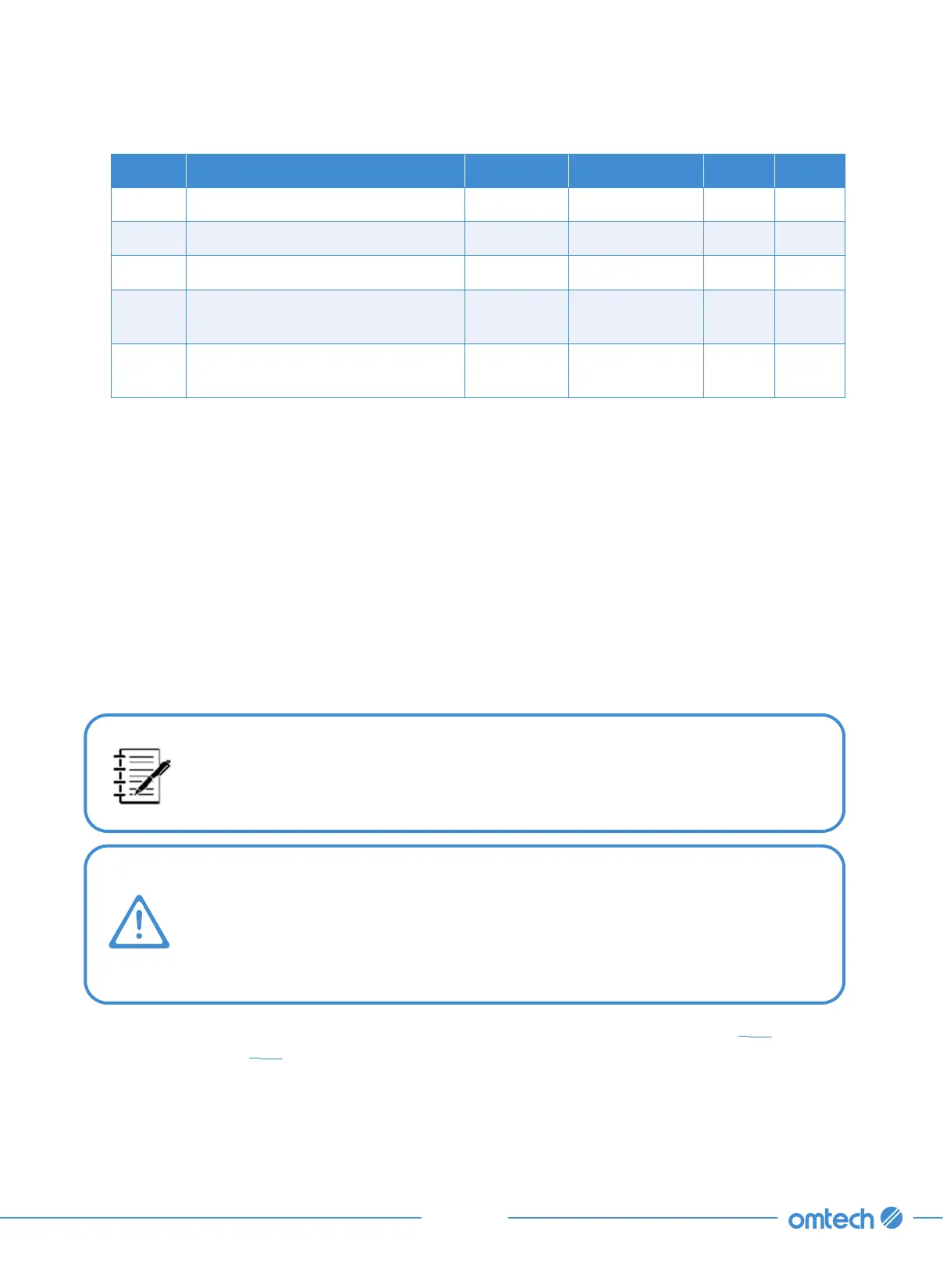
Params Meaning Range Default Values Case 1 Case 2
F5 Overchilled Water Alarm 1–20 15 10 10
F6 Overheated Room Alarm 40–50 45 45 45
F7 Password 00–99 8 8 8
F8
Highest Allowed Water Tem-
perature
F0–40 30 31 30
F9
Lowest Allowed Water Tempera-
ture
1–F0 20 25 5
If any alarms activate after all air has been cleared from the lines during initial setup (
§
3.5), find the
specific error code in
§
8.5 below and make the necessary adjustments to handle it.



 To Next Page