115
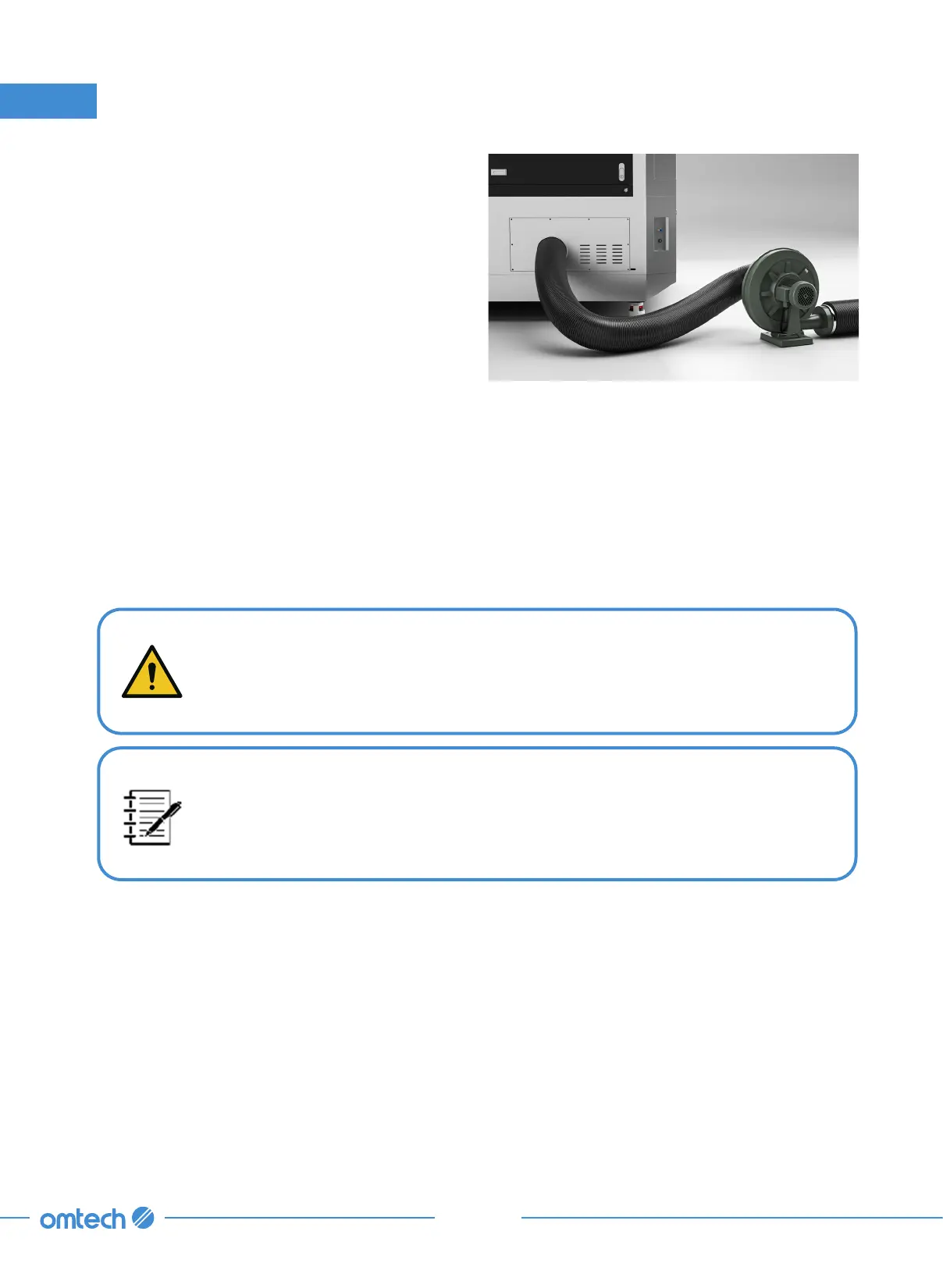
Step 3. Check the main fan and surrounding
ducts for excessive accumulation of
dust and debris.
a. Use a brush, vacuum, or compressed
air to remove large accumulation of
dust and debris
b. Use mild cleansers and soft rags or
paper towels to fully clean the fan
and its blades.
8. Maintenance
Step 4. Check the seams and joints of the ducts for any damage or leaks. If any found,
immediately repair them. Caulk or special-purpose aluminum foil tape generally works
best if available; standard duct tape can deteriorate over time, especially near heated
components.
8.2.5 Cleaning the Water Chiller
Cooling System Cleaning
Disconnect the engraver from power before cleaning.
If the chiller has antifreeze in it, DO NOT add citric acids/mild detergent or
bleach into the liquid. ONLY do so if the chiller has distilled water in it.
Under normal circumstances, the coolant should stay clear for a long time.
Despite that, we recommend keeping a close eye on the cleanness of the coolant.
If it ever becomes visibly dirty, clean the system and refill with a new identical
coolant.
Tools Needed:
Funnel
Citric acid/Mild detergent and bleach
Distilled water/laser-safe coolant
Clean Water



 To Next Page