83
6. Touch Screen Operations
6.3 Setting Speed Levels
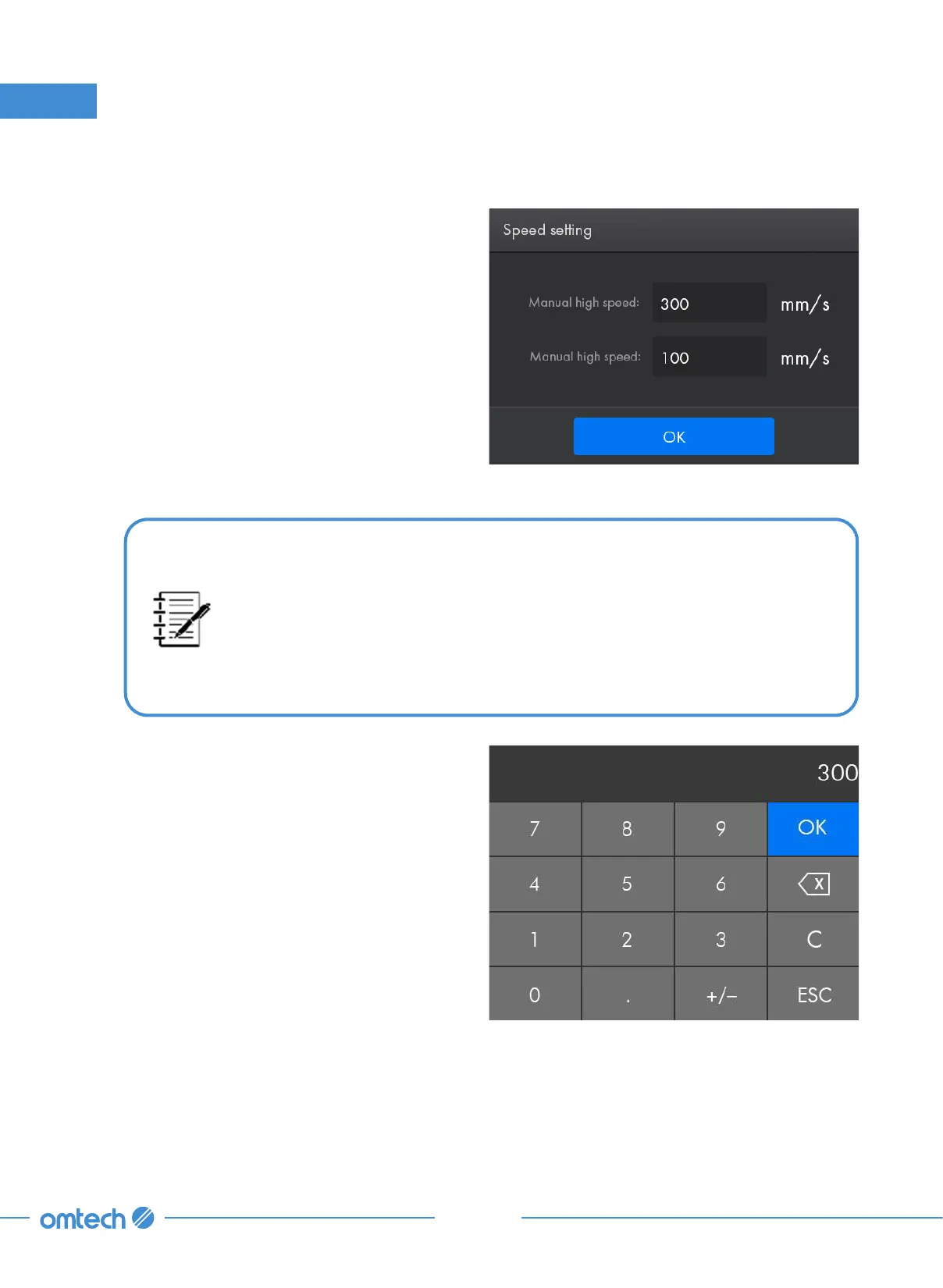
1. Tap Speed in Parameter Display Area from
the home menu, and the following menu
shows up.
•
When the system is idle, the speed parameters controls the manual high
speed and manual low speed. That is, the speed range that the laser
head can be manually moved to reach, which is convenient for debugging
and calibrating.
•
When the system is running or paused, those speed parameters control
the processing speed of the laser head.
2. Tap the parameter box to show the numeric
keyboard as shown.
3. Set the value to that you desire.
4. Tap OK to confirm the modification and exit
the current menu or tap ESC to cancel the
modification and exit the current menu.



 To Next Page