77
5. Typical Operation Sequence
Plastics
Plastics for engraving are available in many different colors and thicknesses and with many
different coatings and surfaces. The majority of available plastics can be well engraved and cut with
the laser. Plastics with a microporous surface seem to give the best result, because less surface
material needs to be removed. When engraving plastics, generally use low power and highspeed
settings. Marking and engraving with too much power or at too low a speed can concentrate too
much energy at the point of contact, causing the plastic to melt. Among other problems, this may
produce poor engraving quality, noxious fumes, and even fires. High resolution engraving can cause
the same problem, so medium to low resolution designs should be preferred for most plastics.
Description
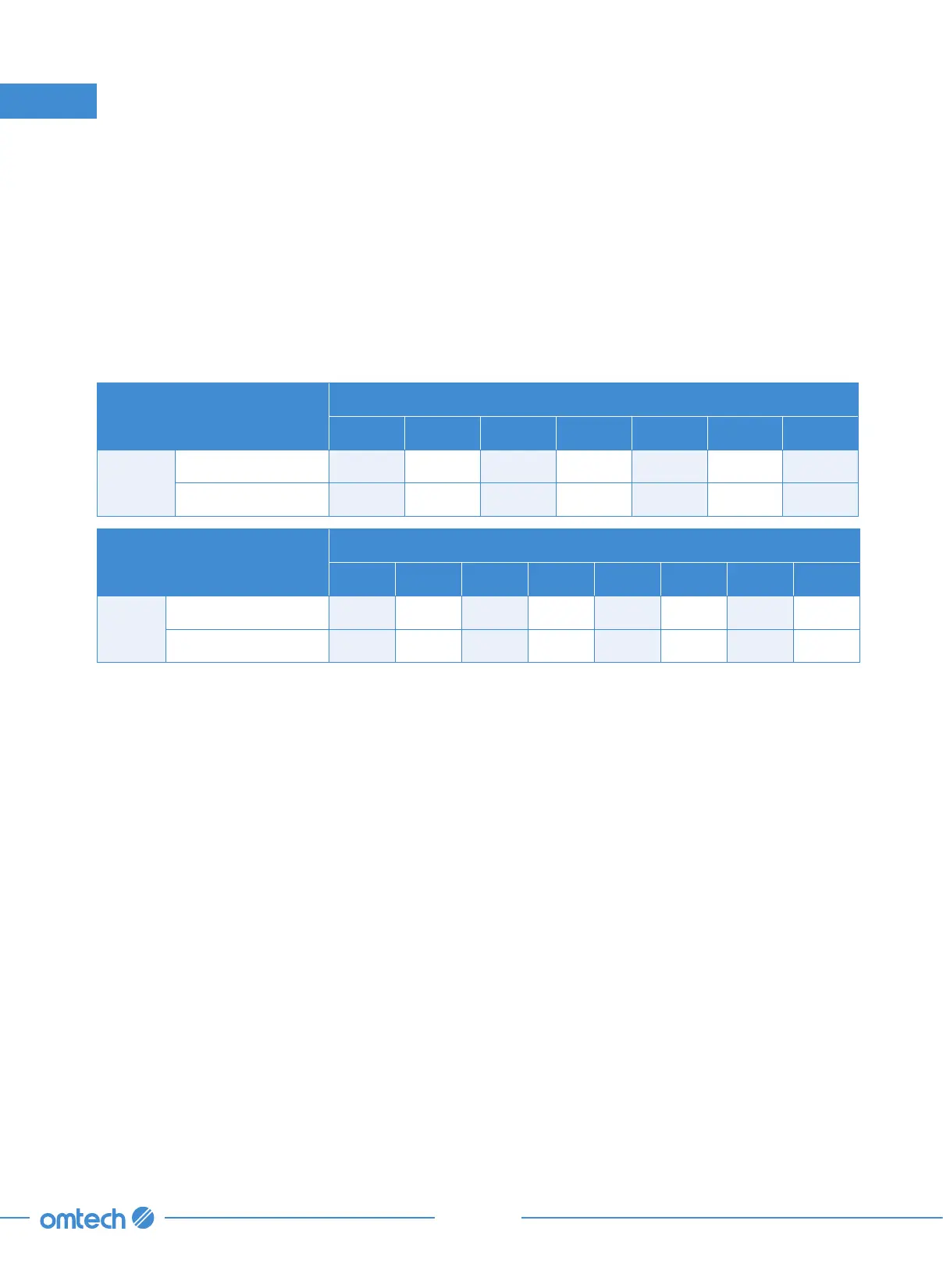
Thickness of Acrylic
¹/ ₁₆
in.
⅛
in.
¼
in.
½
in.
¾
in. 1 in. 1
⅕
in. 1
⅖
in.
150W
Speed (mm/s) 35 16 8 7 6 3 2 1
Power (%) 16 24 30 35 40 53 55 58
Description
Thickness of Acrylic
¹/ ₁₆
in.
⅛
in.
¼
in.
½
in.
¾
in. 1 in. 1
⅛
in.
130W
Speed (mm/s) 30 15 7 6 5 2 1
Power (%) 17 25 30 37 42 55 58
Rubber
The various compositions and densities of rubber cause slightly varying engraving depth. Testing
various settings on sample pieces of your specific rubber is highly recommended for best results.
When engraving rubber, generally use a consistent high-power setting and create your effects by
varying the laser’s speed. Microporous rubber materials require a significantly higher speed than
standard rubber. Engraving any kind of rubber produces a considerable amount of dust and gas.
Depending on the amount of work, breathing PPE and/or a full ventilation system may be required
to address the problem.
Stone
When engraving various kinds of stone, generally use moderate power and moderate to fast speed.
As with ceramics and glass, be mindful of the dust created (especially for repetitive industrial
applications) and take similar measures to ensure the safety of users and others in the work area.



 To Next Page