29
3.3 Unpacking Your Engraver
Your engraver arrives in a wooden crate with its accessories (including this manual) packaged
inside. You should have placed the crate in a spacious flat area for unpacking, ideally near where
you plan to operate the machine permanently. If you have not already done so, finish removing the
crate from around your engraver.
1. Roll the engraver slowly and carefully into place. Position the clamps to lock the engraver firmly
in place.
2. Retrieve the access keys from the main bay of the machine, along with the accessory’s toolbox.
Check that you have received all listed in the package list. (See
§
2.3.1 Package List on Page 13)
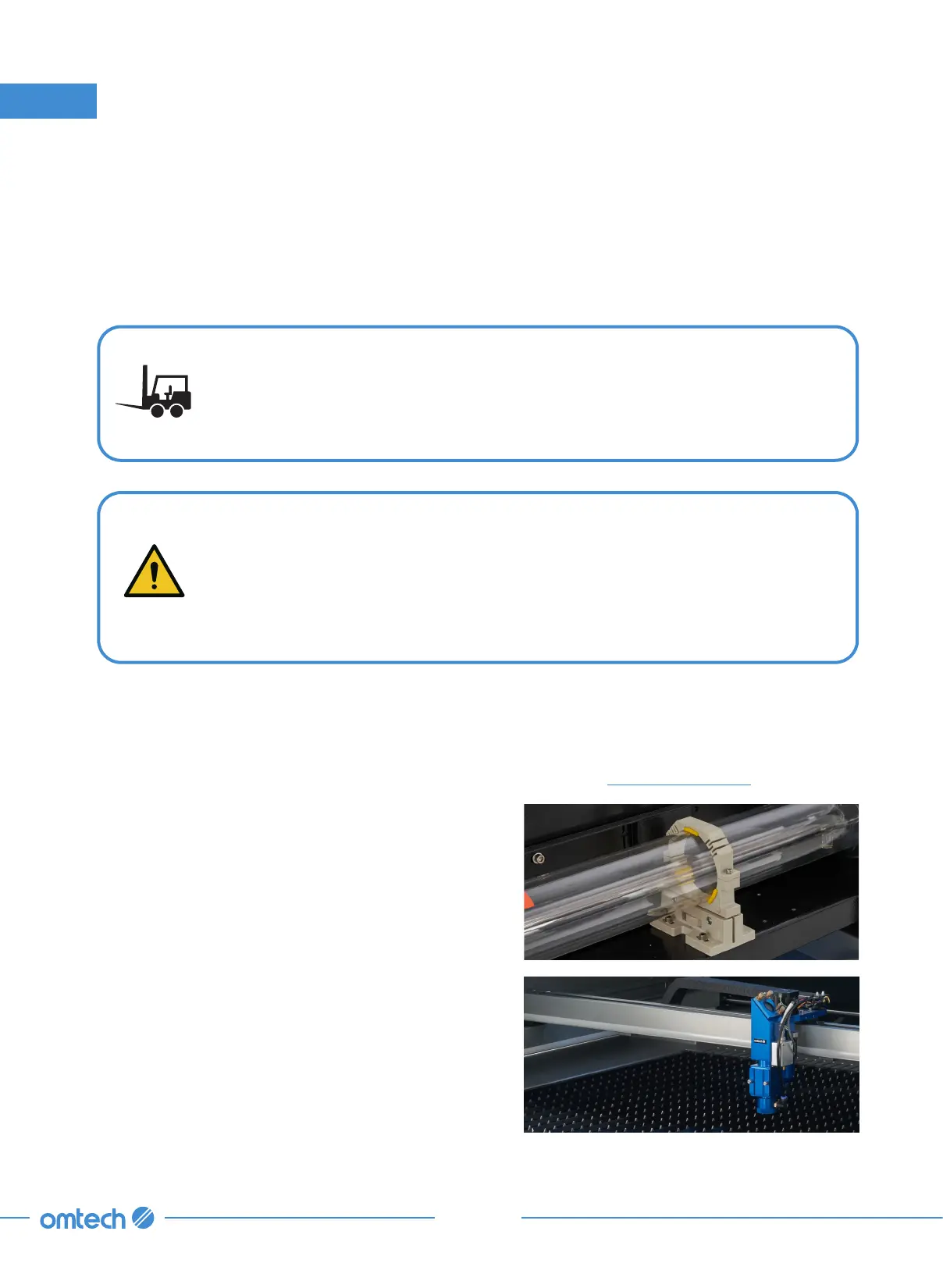
3. CAREFULLY remove the rest of the foam
packaging material from around the laser tube,
the viewing window, and the rest of the machine.
The laser tube is a highly fragile object and should
be handled delicately and as little as possible.
4. Inside the main bay, remove the nylon cable ties
from the X axis and the steel blade table.
HEAVY LIFT!
Straining or crushing injury may occur from improperly lifting the machine or some
of its parts. To reduce this risk, use a forklift (or other Iifting equipment rated for
the weight of this machine.
When your new engraver is delivered, the chiller is not filled with fresh laser-safe
omtech antifreeze for safety during shipping. Users must fill the chiller with laser-
safe antifreeze before operation.
Any leak during or after unpacking should be carefully cleaned to avoid direct
contact or inhalation of the fumes.
3. Installation



 To Next Page