57
4. Initial Testing
4.4 Water Shutoff
Because of the danger posed by an uncooled laser tube, this engraver also shuts off the laser
automatically when the water cooling system malfunctions.
After ensuring that the emergency stop button and cover protection both work, test that the water
shutoff works properly before conducting any other work on your machine.
1. Follow the procedure above(
§
4.1 Emergency Shutoff) for testing the emergency stop to start
up your machine and fire a low-strength test beam into any piece of laserable scrap material.
2. Turn off the water chiller using its separate power switch.
3. Attempt to fire the laser again.
4. If the laser does not fire, the automatic shutoff is working fine; simply restore power to the
water chiller and continue setting up your engraver.
If the laser fires, the automatic shutoff is not working and must be repaired
before the engraver can be used. Turn off the machine and contact customer
service.
Take care not to damage the hose itself in this procedure.
4.5 Air Assist Shutoff
Because of the danger posed by sparks
during engraving and the risk of damage to
the laser nozzle and focus lenses from fumes
and debris, this engraver also shuts off the
laser automatically when the air assist system
malfunctions.
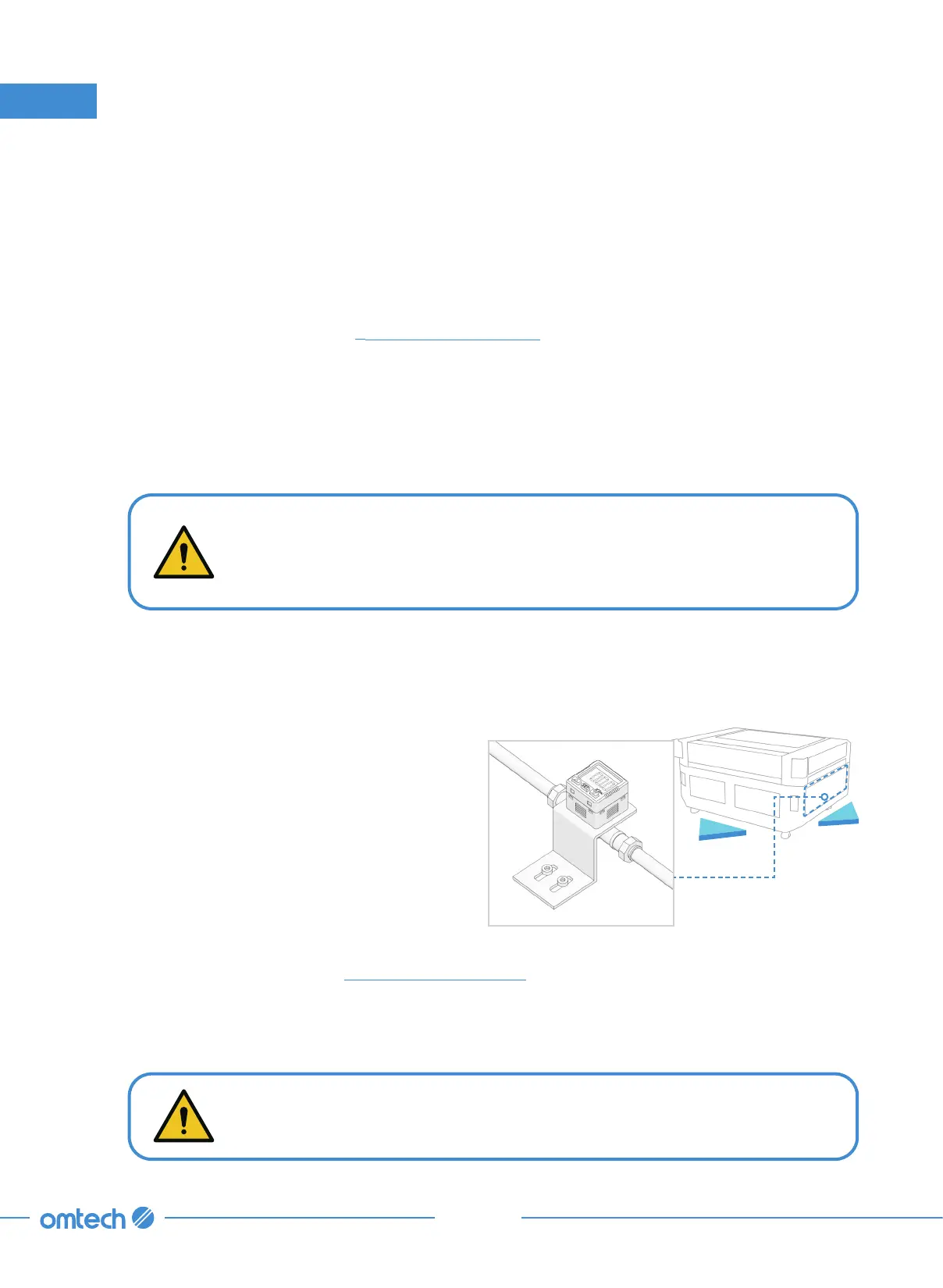
Test that the air assist shutoff works properly
before conducting any other work on your
machine.
Back
Left
1. Follow the procedure above(
§
4.1 Emergency Shutoff) for testing the emergency stop to start up
your machine and fire a low-strength test beam into any piece of laserable scrap material.
2. Cut off the flow of air by crimping or tying the air hose between the rear of the machine and the
air assist’s digital controller behind the lower left access door.



 To Next Page